SI 300 Wall mounting / Desk type DIGITAL WEIGHT INDICATOR
Max Decimal point will be 0.001, and digit can be selectable among
1, 2, 5, 10, 20, 50.
Digit and Decimal point must be fulfill the below condition.
(Division value /Max capacity value) cannot be less than 1/20,000.
If the division is so small compare with max capacity,
Error message “ Err 01 “ will be displayed and move back to “CAPA” step again.
5-2 Test Weight Calibration Mode (Using test weight)
5-2-1. Starting Test Weight Calibration Mode
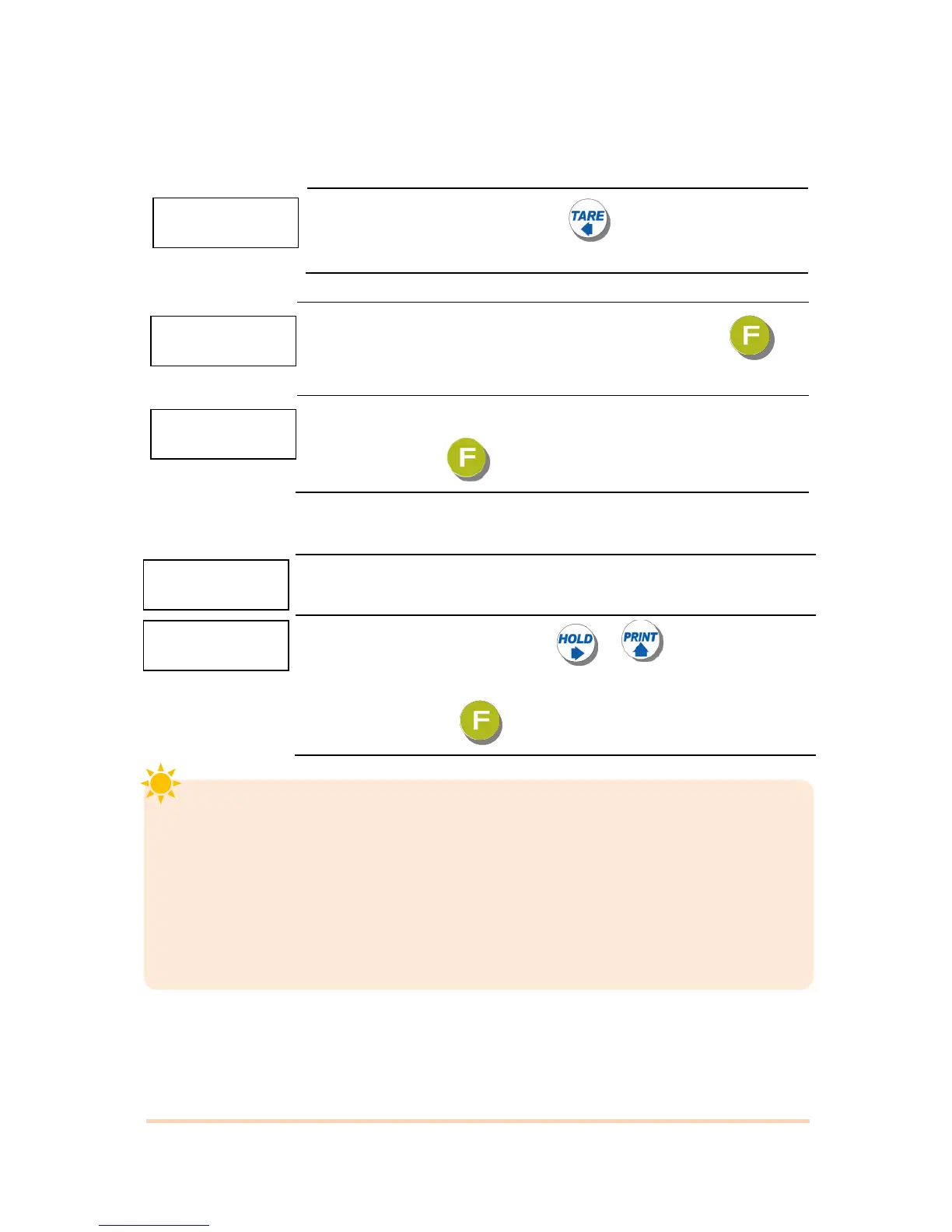
When “CALIBR” is displayed, press key. Then Test Weight
Calibration Mode will be started.
5-2-2. Max using capacity
When “CAPA” is showed, input max capacity with keys & Press key
to save the data & move to next step.
Ex) When max capacity : 20kg, Minimum division : 0.001kg
Input ‘20’ and press key to save and go to the next step.
5-2-3. “Decimal Point” and “Digit / Division” Value
After “DIVI” is displayed
Select Decimal point & division with & key.
Ex) When Max capacity : 20kg, Min division : 0.001kg.
Input ‘0.001’ and press key to save and move to next step.


 To Next Page