6-2 Serial Print (F32-02 setting) – RS-232 Serial Interface.
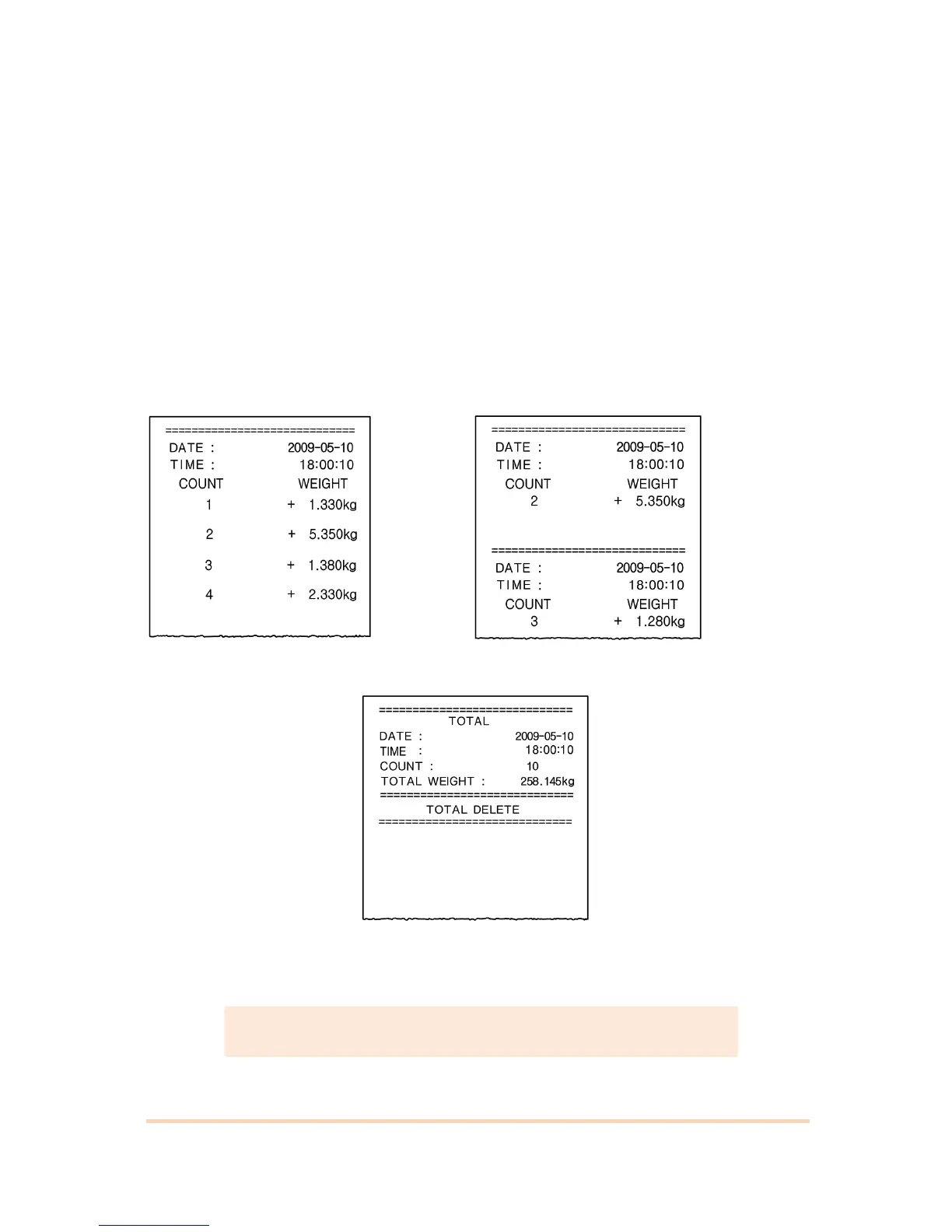
It can be connected with all kinds of Serial interface printer, but the printing format is
already programmed and fixed with SE7200/7300 model.
6-2-1. Printing Format
Using the RS-485 or 422 interface, please use convertor and converts to RS-232 and
connect with Serial printer.
If you use RS-232 serial interface, connect directly without any convertor.
English Format (F47-01)
Continuous Print Format(F42-00) Single Print Format(F42-01)
Grand Total Print
(Grand Total Print delete setting, F44-01)



 To Next Page