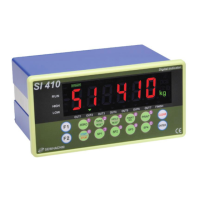
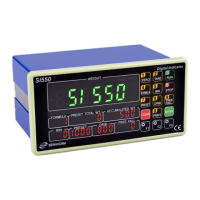
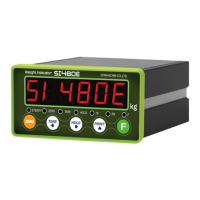
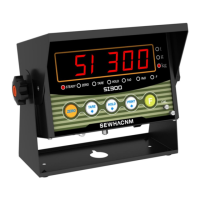
SI 300 Wall mounting / Desk type DIGITAL WEIGHT INDICATOR
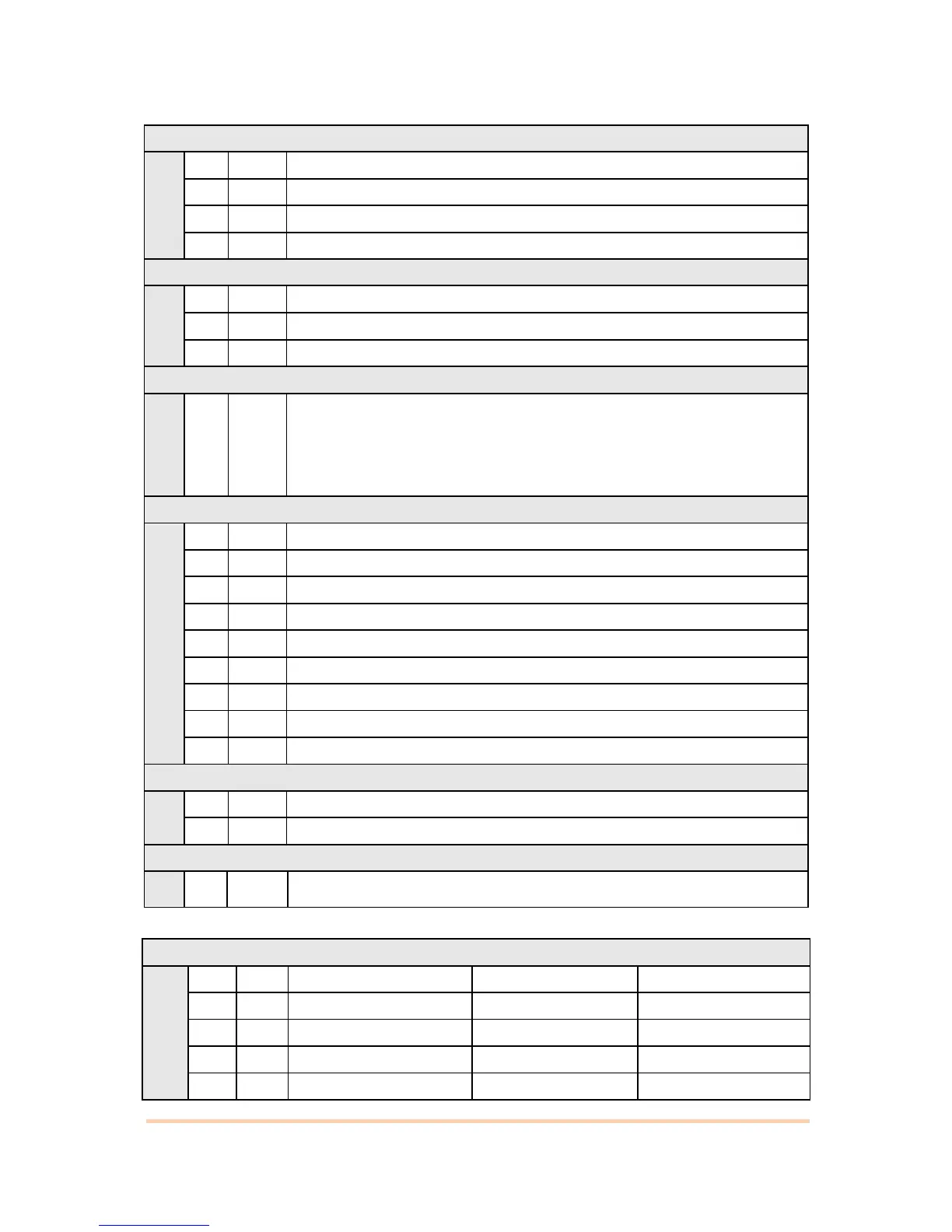
Tare key Operation Range selection : (-) value is same to (+)
Activated within 10% of Max. Capacity
Activated within 20% of Max. Capacity
Activated within 50% of Max. Capacity
Activated within 100% of Max. Capacity
Peak Hold : Measure Max. weight value and hold on display.
Sample Hold : Hold current weight until “Hold Reset”
Average Hold : Hold average value (Refer F-F50)
“STEADY” condition check time setting
During the set time period, estimate weighing part’s “STEADY” condition
and display. If you set small value, indicator will take “STEADY” fast, if you
set value, indicator will take “STEADY” slow.
( 0.5sec per set value)
Display Up-Date speed setting
Weight Display selection under “Unpass / OverLoad”condition
Not Display Weight (just “UNPASS” or “–OL-“ is displayed)
Display Weight (with a flash)
Equipment No. setting – ID No.setting
ID No. setting with No. key. (01~99 settable)
■ Communication Mode Setting
Parity Bit selection Mode


 To Next Page