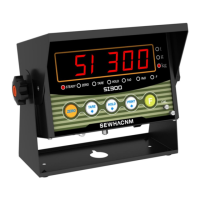
SI 300 Wall mounting / Desk type DIGITAL WEIGHT INDICATOR
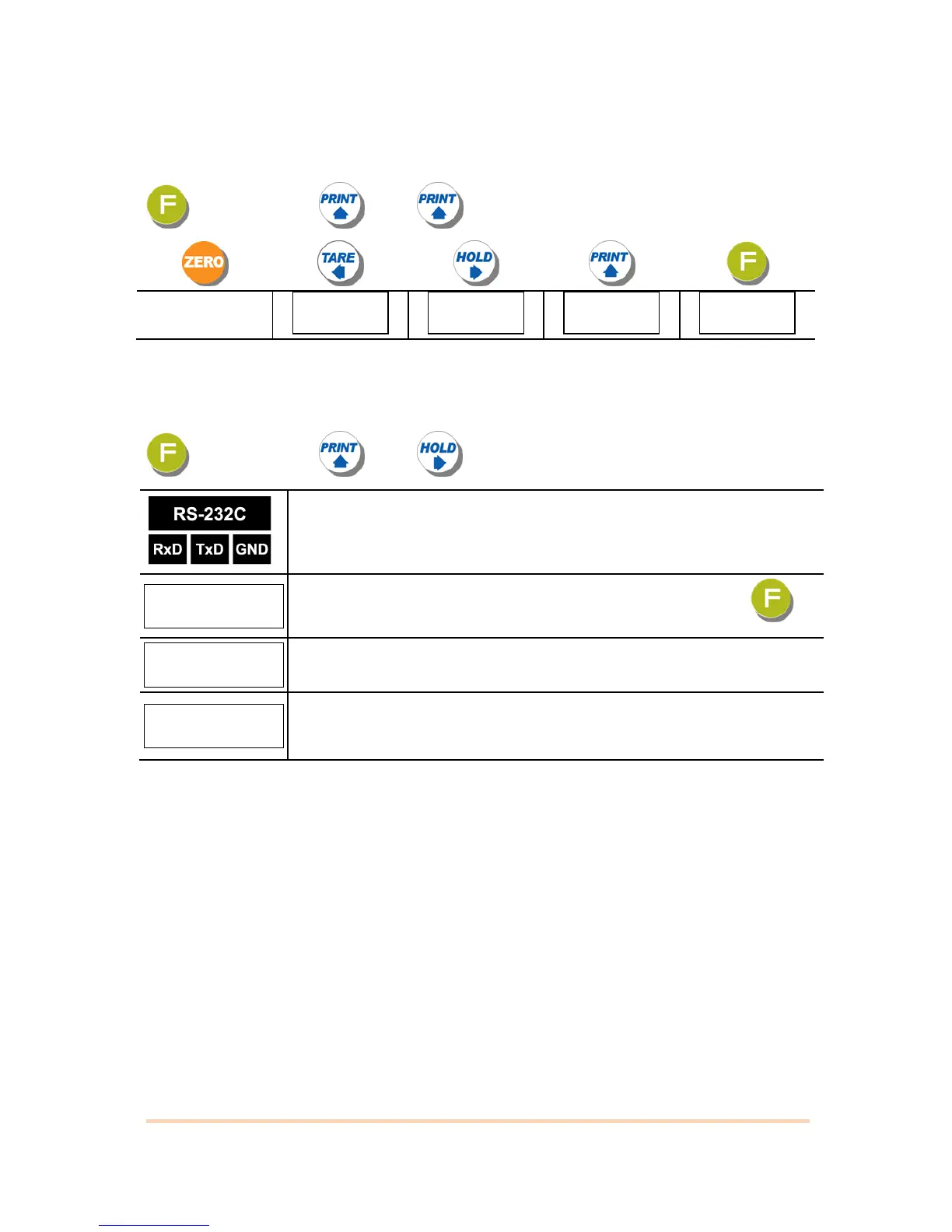
5-5-2. Key / Digital input Test Mode
Under this mode, you can test Key input and Digital Key input test
key 4 times key key
5-5-3. Serial Interface Test Mode.
This is the mode to check RS232C port.
key 4 times key key
Short between Rxd & Txd of Indicator terminal.
Enter the RS232C test mode and “COM1” is displaying, then press key
Displaying “PASS” is that the port works well.
Displaying “UNPASS” means that the port ‘s IC chip has a problem.
Contact your seller or the main office..
※ If you send “Testing protocol” from PC to Indicator, at the normal operation Display will blink.


 To Next Page