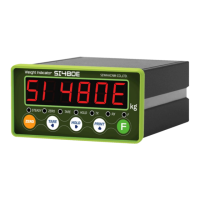
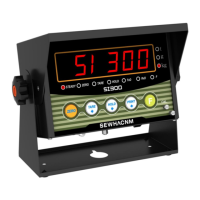
SI 300 Wall mounting / Desk type DIGITAL WEIGHT INDICATOR
Max. accumulated weighing count : 999,999times Over 999,999times return to “0” time
Max. accumulated weight display : 999999999 (g, kg, ton)
Over 999,999,999 (g, kg, ton) return to “0” (g, kg, ton)
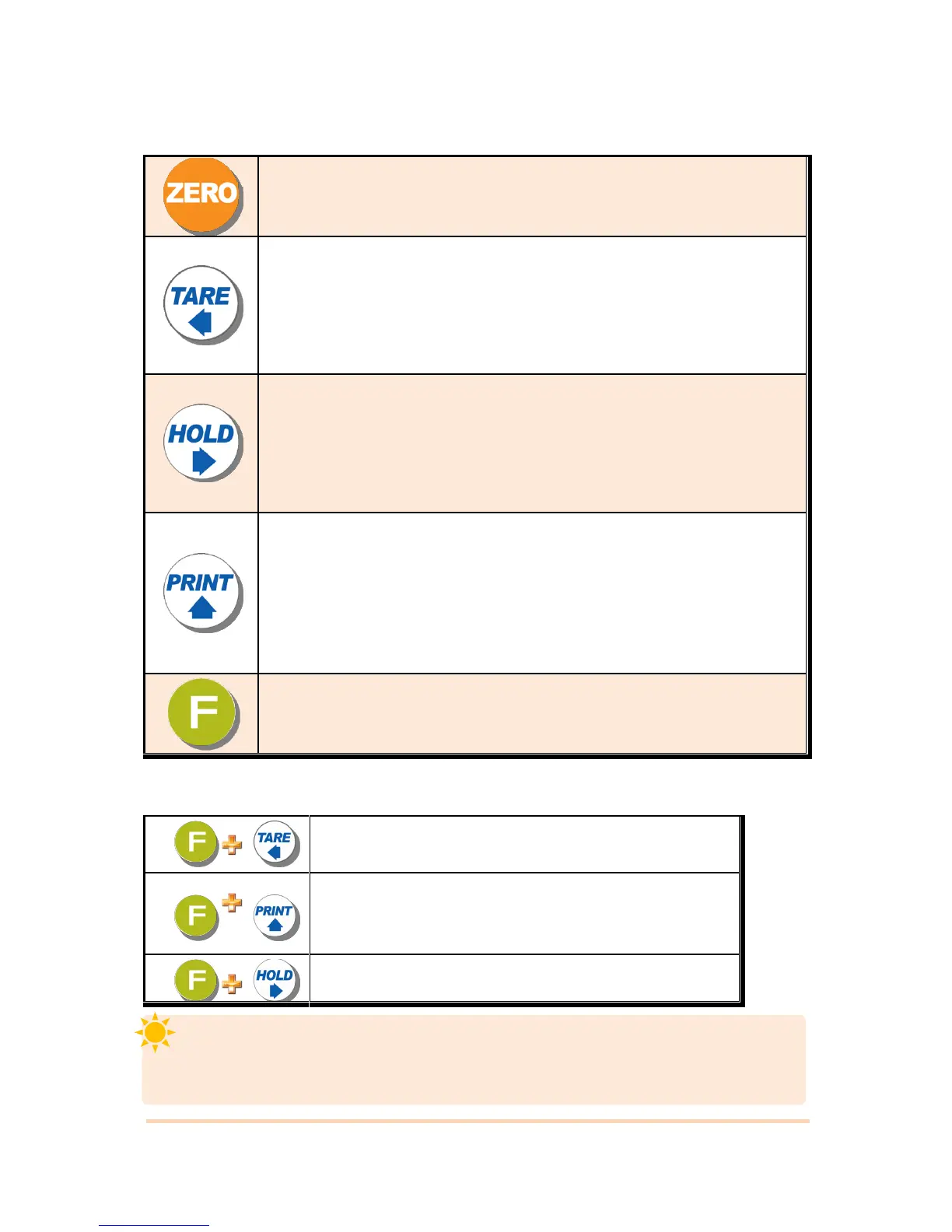
1. Normal Mode : Make Weight value as Zero. (F07, F08 setting)
2. Calibration Mode : Cancel the value or move to previous step.
1.Normal Mode : Set the TARE Function .(F09 setting)
1 time input : “TARE”, 2 times input : “TARE Reset”
(When “HOLD” or weight value is ZERO, then this key doesn’t work.)
2.Calibration Mode : Move to left
3.F-Function setting : Move to left
4.Test Mode 1 : Analog value check mode
1. To set the “HOLD” Function (refer F10) [1
st
input : “HOLD”, 2
nd
input : “HOLD
Reset” ]
2.Calibration Mode : Move to right
3.F-Function setting : Move to right
3. Under “SETUP” Mode, Enter into the “Calibration” Mode.
4.Test Mode 1 : Analog Variation value check mode
1. Normal Mode : Print out (refer F38, F32)
2.Calibration Mode :Increase set value
3.F-Function setting : Increase set value
4. Set up Mode : Enter Test Mode.
※ If the printer is installed, under “F01-01 setting, when you press this key the current
valued is increased. And the current weight is saved and print out, altogether. (Refer to
CH.5-4)
1. Press this key 4times, within 2secs, enter “SET-UP” mode.
2.F-Function setting : Save the value go to next step
●Setup Mode :It is a mode can SET UP the calibration, Function of SI300. (refer to CH5. SET UP)
3-2-4. Hot key (with F key)
Continuous “TARE” setting
(From the second TARE setting, use this key)
If the Printer is installed,
You can print out the “Grand-total data”.
(GRAND-total data can be checked though Print output).
Manual delete the grand total data


 To Next Page