AGV
- 4 -
Higher priority audio will override the lower priority audio. If the audio is in the same priority level, the
audio activation depends on the pairing order.
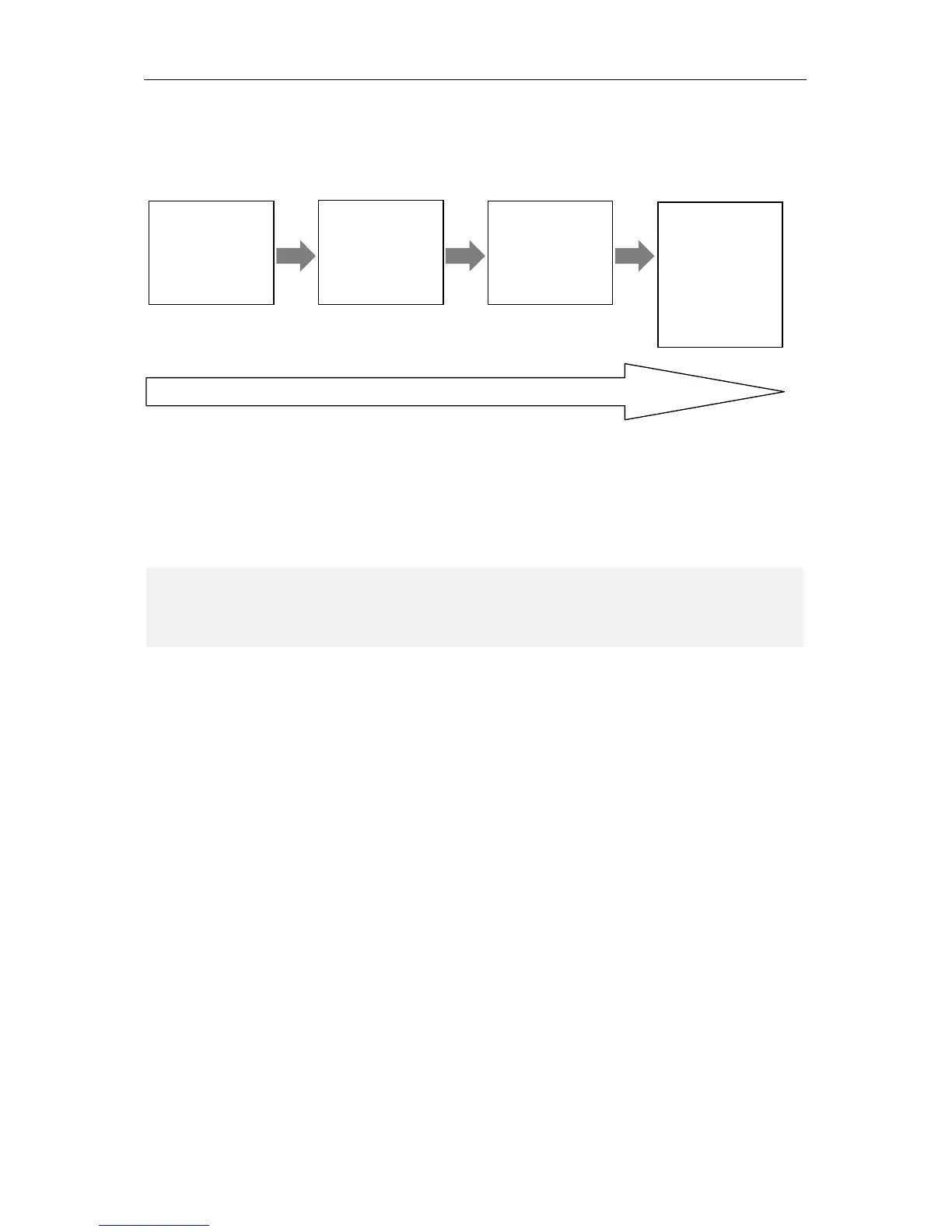
The priority sequence from high to low can be shown as following chart:
If the lower priority audio is interrupted by the higher priority audio, after the higher priority audio ends,
the lower priority audio is restored.
For example, while SHARE headset is in music playback mode, if there is an incoming call, the audio will
automatically switch to mobile phone call; at the end of the phone call, the audio will automatically return
to previous music playback mode.
NOTE
The headset may require a few seconds to restore back to previous audio source; this delay depends on
several factors and conditions, included the connected device features.


 To Next Page