FL Series Cloud Computer
-
13
-
This function is mainly used to set the network of the device ,when using static
state , such as the subnet mask ,route , DNS must in accord with current
network.
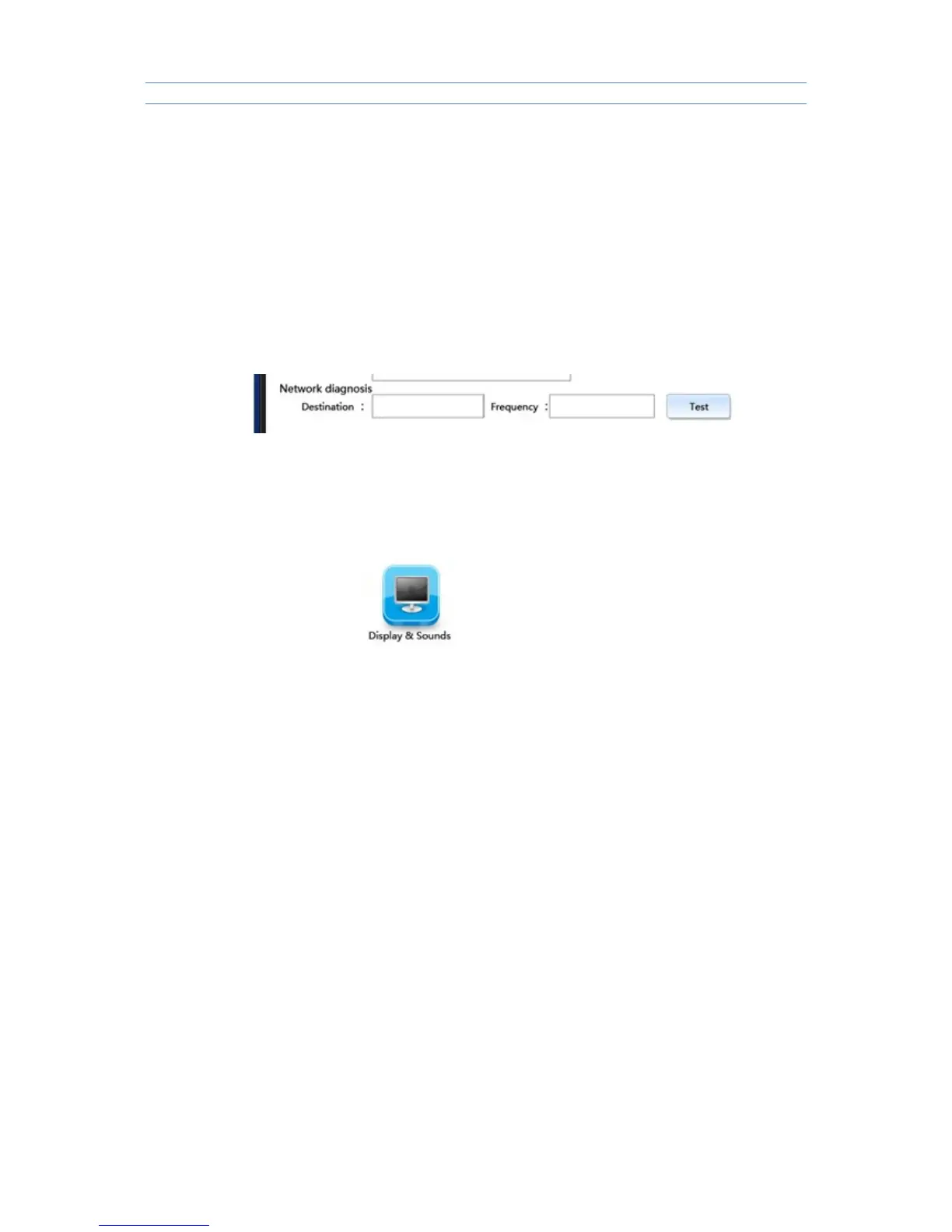
Network test : Mainly used to test if the device and target host computer
are connected .
Input IP address of target host computer into :Destination” ,test number of
times into “Number of times “ ,then click “Test” , test result page will display
information of network test ,MAC address of the Device will be displayed at the
left bottom.
If the test page don't have rection or slow in reacting , please check if the
network cable has been plugged well , columns of “Destination ” and “ Number
of times ”have been input completely and if the target host computer is in
starting state .
3.2.2 Display and sound
Set up functions of display and sound after connected with
Remote Desktop .
Resolution : choose resolution according to the size of monitor , using
mouse to click the icon of inverted triangle behind “ Resolution” button , then
optional list of resolution will be opened , click “ Save “ after selection , the
system will restart itself automatically to load the new resolution .
Refresh rate : default 60 HZ
Color depth: there are 16 bit and 32 bit to choose from the color display list
after connected with the Remote Desktop
Sound volume : dragging the slider to adjust volume when connected with
Remote Desktop
Sound off : choose it to turn on or off the “ sound off ” state when connected
with Remote Desktop .



 To Next Page