FL Series Cloud Computer
-
19
-
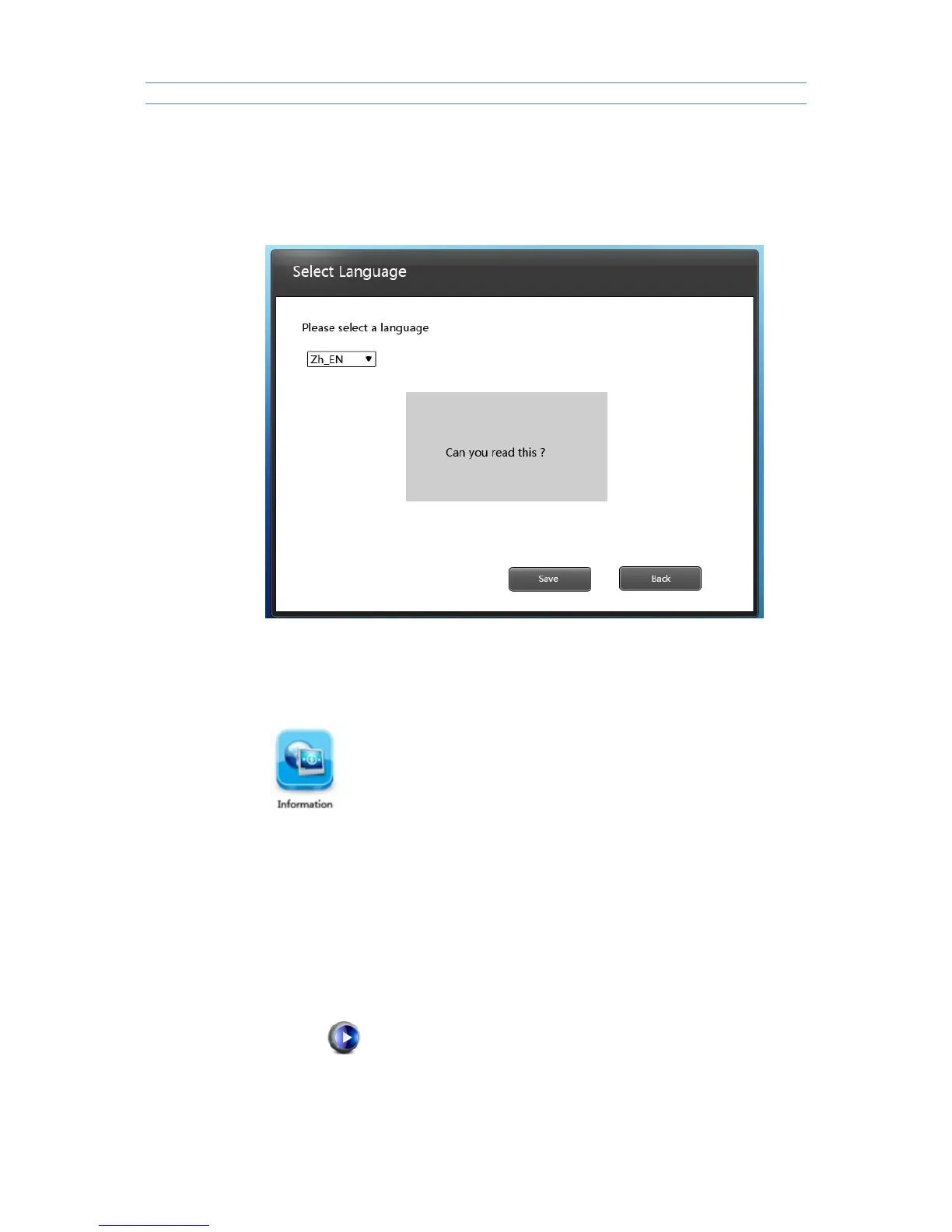
Select language displayed in Control Panel , the system now support
Chinese and English .
Choose one language then click “Save” to save the current selection , click
“Return” to cancel selection .
3.2.8 Information of software and hardware
3.3Video play
3.3.1 Setup of player
Put the setup.exe and ShinePlayer.msi of the disk under the catalogue of
server host machine .Double click stup.exe file , install playing plug-in units
of server port .
After the installation ,restart the host machine .
3.1.2Usage of player
1)Choose the player icon and double click it to open it in the remote desktop ,then add
some files to play.



 To Next Page