FL Series Cloud Computer
-
18
-
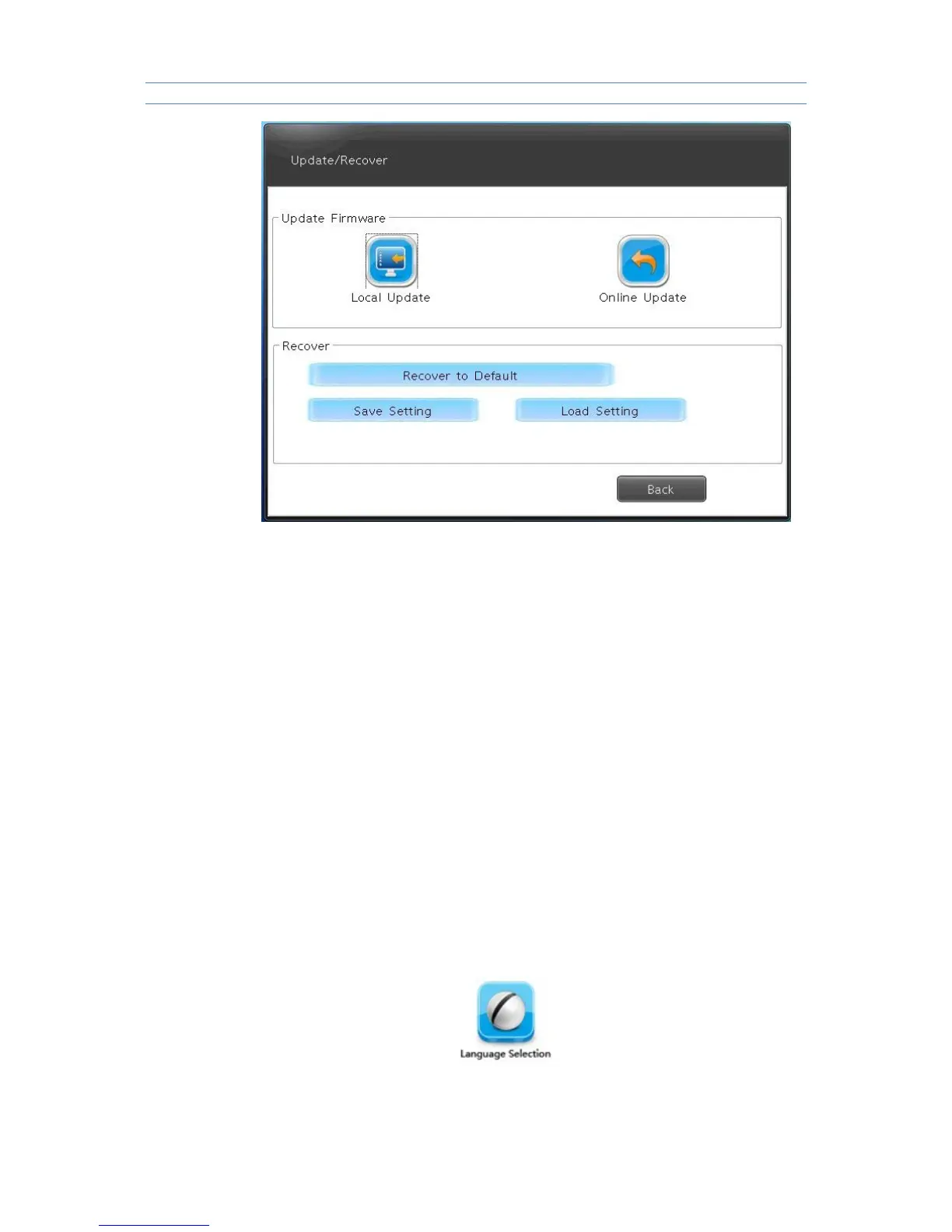
Local upgrade : Copy upgrade bag to U disk or SD card , then click local
upgrade , the device will be upgraded to new version .
Attention: Please wait patiently during the upgrading process , please do not
move the device, do not draw out U disk , do not cut off electricity .
Restore to default
This function will restore the device to factory state, please use it cautiously .It
will clear off all the settings .
Saving settings : this option is used to save related settings set in current
control panel .
The settings will be save as a file , when you need to use them next time ,just
load them .
Loading settings: execute loading process to settings saved by users , use
the cursor to choose saved rdp suffix files , double click it will load and
reproduce saved settings of last time , choose “ delete file point ” can delete
this setting file .
If the current resolution and that of saved settings are the same , the system
will not restart during loading process ,if not ,the system will restart itself
and then the resolution take effect .
3.2.7Language option



 To Next Page