FL Series Cloud Computer
-
7
-
2.2 Connect with LAN Cable
Pls connect LAN cable (10~100M ) with LAN port of cloud computer,and
connect opposite end with switch or router.
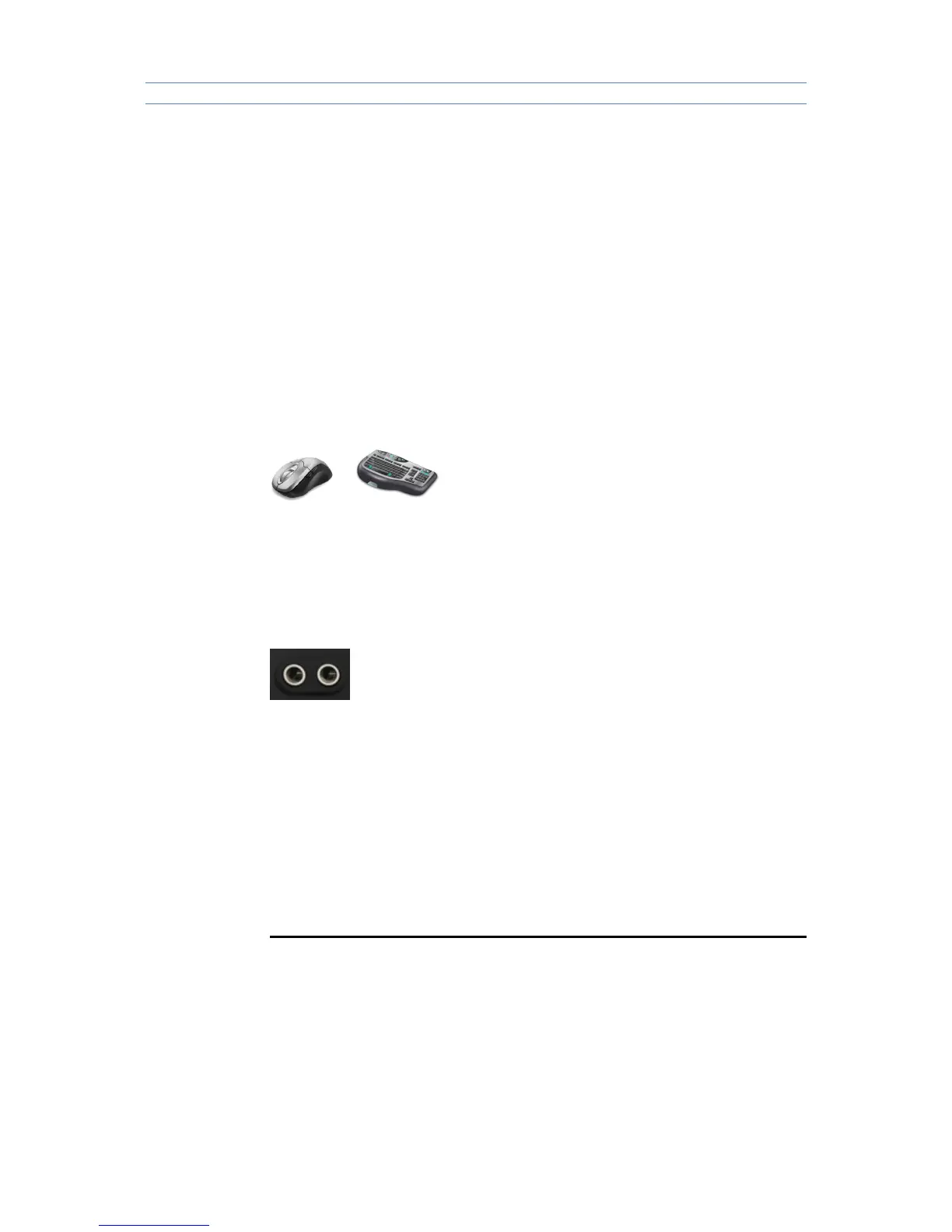
2.3 Connect with mouse & keyboard
Connect mouse & keyboard with cloud computer by USB 2.0 port.
2.4 Connect with Mic & Speaker
1. Connect Earphone with SPK port
2. Connect Mic with MIC port
1) Plug power adapter in,the power indicator light will be green color.
3. Operating Instruction
Cloud Computer FL300 is built-in RDP7.1 protocol,it supports 32 bit color and
1080P full screen hd video (local display). FL300 is compatible with 99% of
Windows platform application,brings users a rich windows experience.



 To Next Page