FL Series Cloud Computer
-
9
-
3.1.2 Configuration & Shortcut
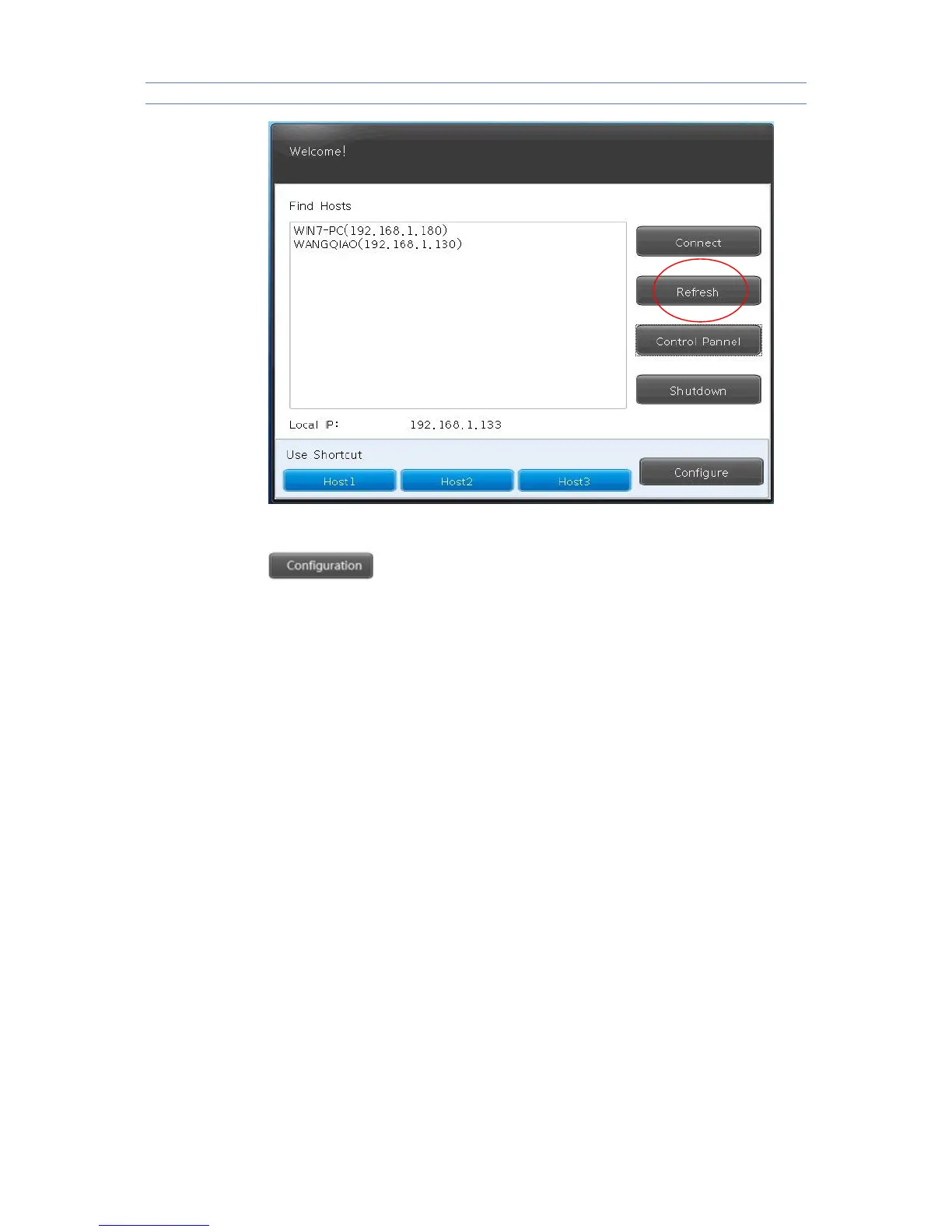
To set the related shortcut of HOST login.
Configuration:For example,HOST 1,once user input and save IP
address,Host name,Password,Port & Domain info under Configuration,it can
access to the HOST 1 by the shortcut with info above.
Auto:It will automatically enter into the HOST you choose after rebooting.
If user want to cancel or revise this AUTO function,pls disconnect remote
system then enter the “configuration” for settings.
Note: It does not need to input domain if there is not domain in the server.
Port Info is 3389 by default. User can input the new number only when port info
is revised in the server,or it is no need.



 To Next Page