FL Series Cloud Computer
-
20
-
2)Choose a video file ,click the right button of mouse and select “Using
ShinePlayer to open it ” in menu list to use the player .
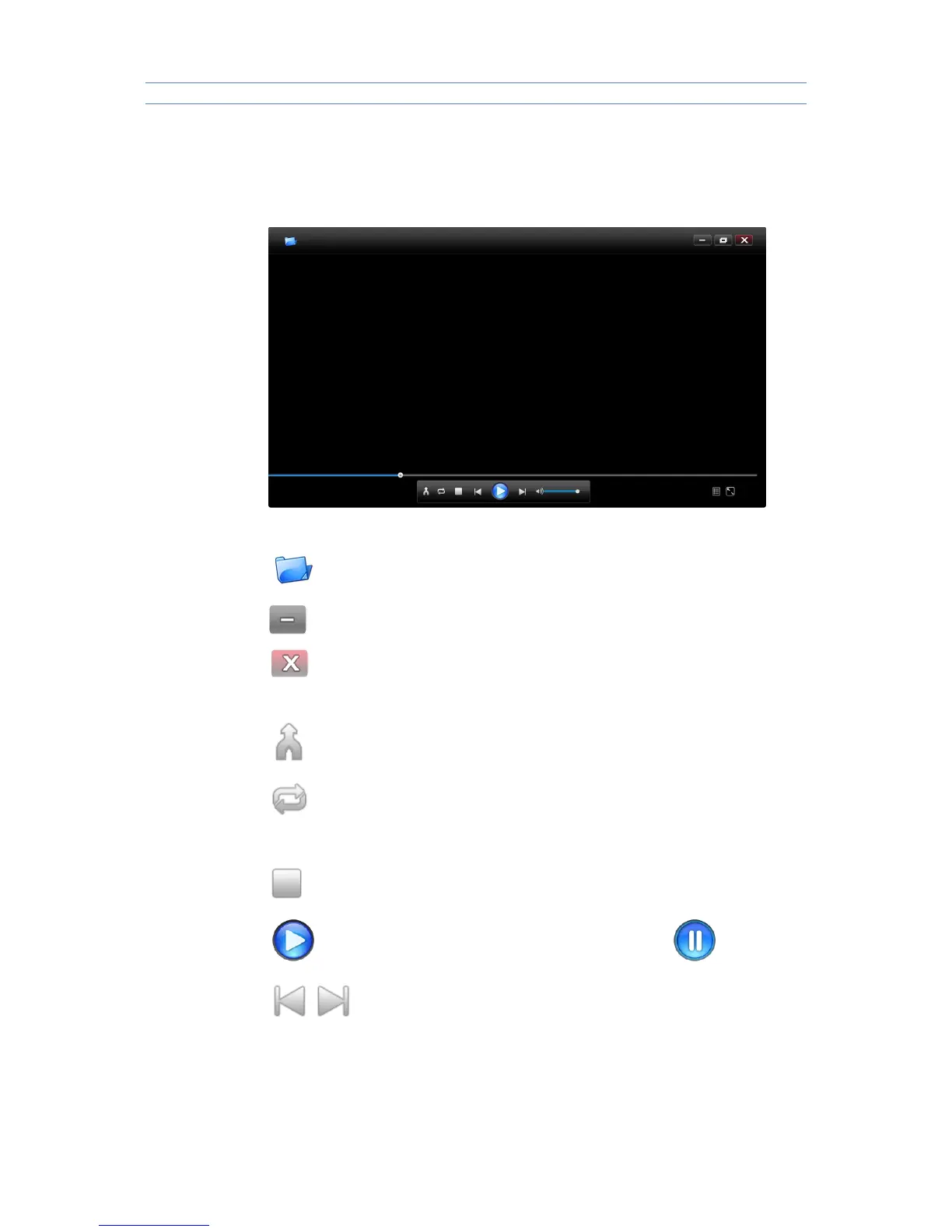
3.3.3 Button Feature
Open single file
Minimize player interface
Exit player interface
Play Video file at ramdom
Play Video file circularly
Stop play video
Playing status, click once is for the suspended state
Short Press will switch to next or previous file,long press will fast
forward or fast backward



 To Next Page