FL Series Cloud Computer
-
27
-
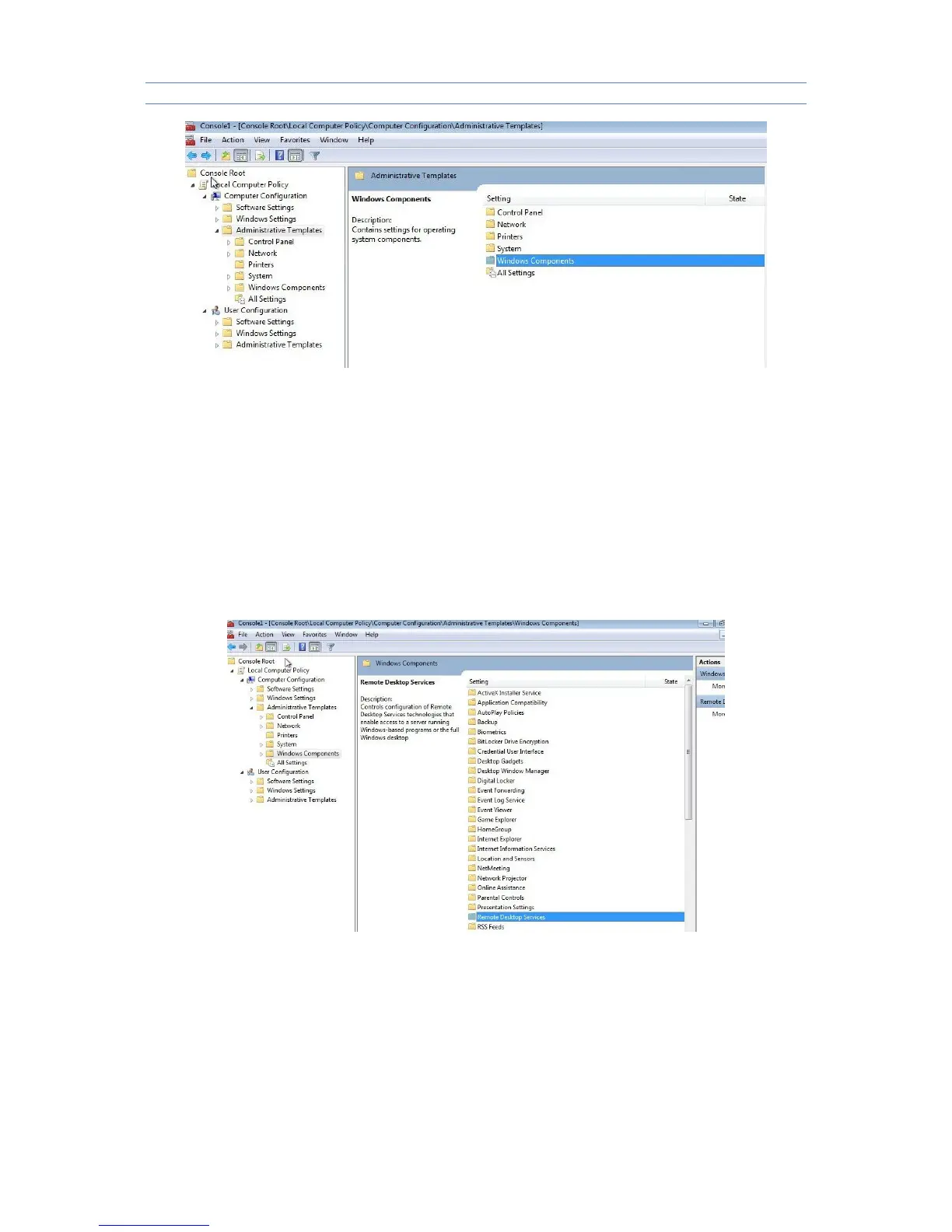
4.On left side "Local Computer Policy" choose "Computer
Configuration>Administrative Templates>Windows Components>Terminal
Services", as the picture:
5.double-click "maximum color depth limitation", display "maximum color depth limitation
property" as picture shown, choose "24-bit", click confirm



 To Next Page