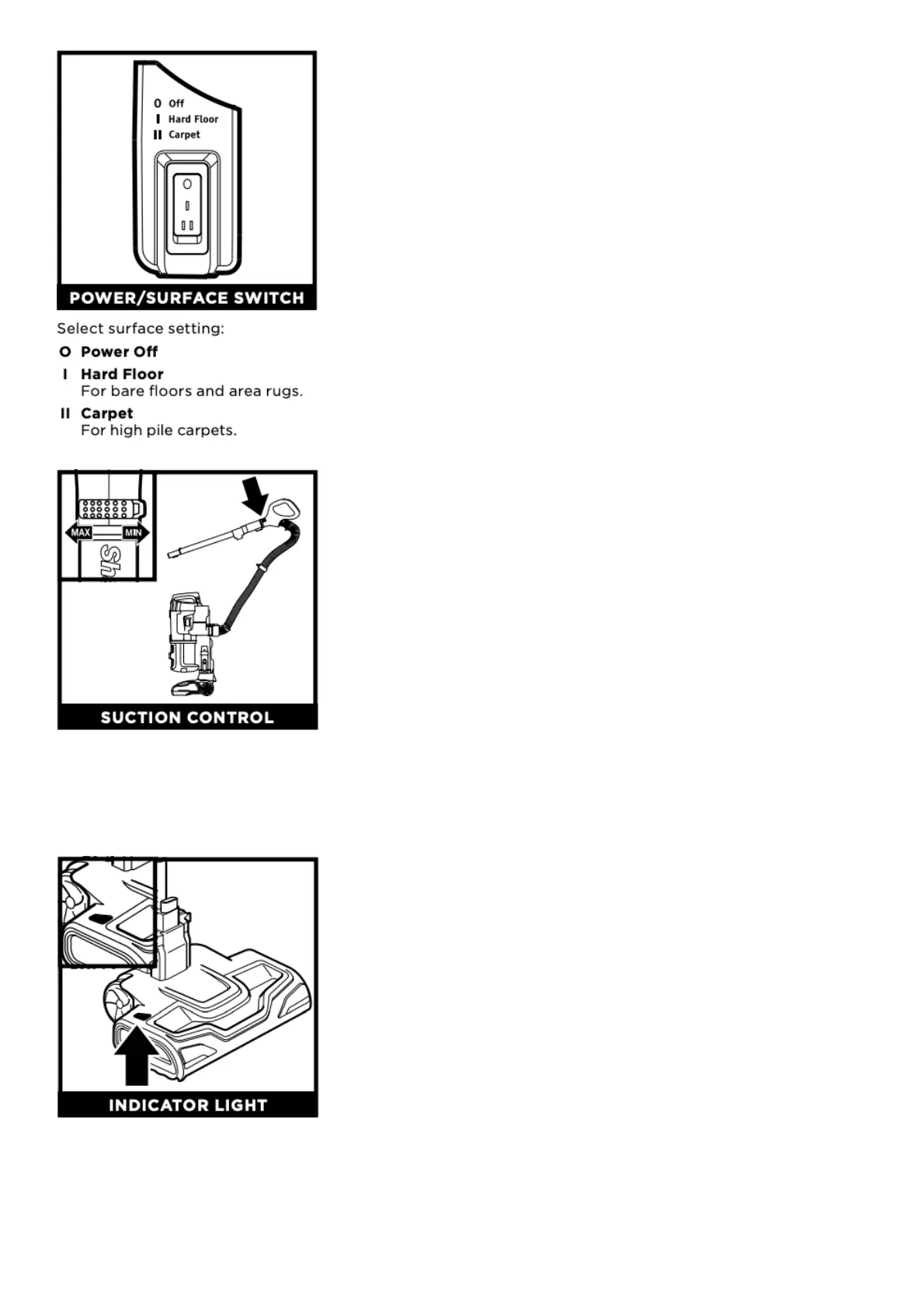
Suction Control offers variable suction based on your needs. Slide to MIN to reduce suction and
increase maneuverability on carpets. Slide to MAX to increase suction on bare floors.
BRUSHROLL INDICATOR LIGHT
WHAT DOES THE BRUSHROLL INDICATOR LIGHT MEAN?
Solid Green: The brushroll is spinning and working as it should.
Solid Red: There is a jam in the brushroll area. Turn your vacuum off and remove any blockages in
the nozzle.





 To Next Page