EasyManua.ls Logo

Shark STEAM POCKET S3601 - User Manual

Shark STEAM POCKET S3601
18 pages
Print Icon
To Next Page IconTo Next Page
Loading...
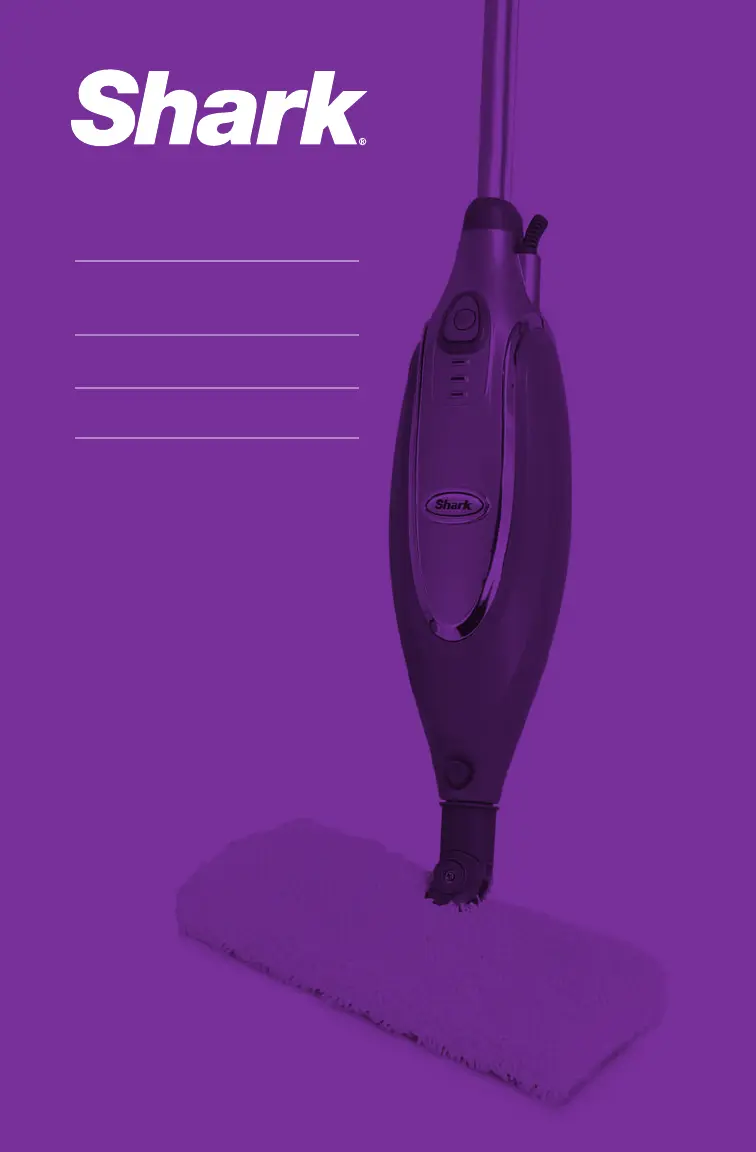
S3601
OWNER’S GUIDE
PRO
STEAM POCKET
®
MOP
WWW.SHARKCLEAN.COM

Questions and Answers

  • C
    Chelsey SmithJul 26, 2025
    Why is my Shark STEAM POCKET S3601 not making steam?
    • G
      gcabreraJul 26, 2025
      If your Shark Steam Cleaner isn't producing steam, the first thing to check is the water tank. If it's empty, add water, following the instructions on page 4. If the unit still doesn’t make steam, follow the decalcification instructions on page 11.
  • T
    Tracy AdamsAug 1, 2025
    Why are my floors cloudy after using the Shark Steam Cleaner?
    • R
      rellisAug 1, 2025
      Cloudy, streaky, or spotty floors after steaming with your Shark Steam Cleaner can occur for several reasons. The cleaning pad may be dirty, so try changing it. If you washed the cleaning pad with powder detergent, it might be ruined. Replacement pads are available at sharkclean.com. You might have left the mop in the same spot for too long, or you may have hard water, in which case you should switch to distilled water. It could also be leftover residue from past cleaners. Try using the steam mop a few more times to see if the cloudiness is removed. If not, rinse the floor with water, let it dry, and then steam mop again with a clean pad. For stubborn cases, rinse the floor with a mix of one part vinegar and two parts water.
  • Y
    Yvonne PhillipsAug 7, 2025
    What to do if my Shark Pro Steam Pocket® Mop leaves a white spot on the floor?
    • V
      Victor MeltonAug 7, 2025
      If your Shark Pro Steam Pocket® Mop leaves a white spot on the floor, it's likely because the steam mop was left on the floor with a damp or wet cleaning pad. If you’re using tap water we recommend switching to distilled water and make sure the cap is securely on the water tank.
  • H
    hmcgeeAug 12, 2025
    What to do if my Shark Pro Steam Pocket® Mop leaves water on the floor?
    • G
      goodmanjosephAug 12, 2025
      If your Shark Pro Steam Pocket® Mop leaves water on the floor, check to see if your micro-fiber cleaning pad is soaked through. We recommend you unplug the steam mop and change the micro-fiber cleaning pad, ensuring it is attached correctly.
  • P
    Pamela NortonAug 18, 2025
    What to do if my Shark Pro Steam Pocket® Mop is hard to push?
    • J
      Joseph WigginsAug 18, 2025
      If your Shark Pro Steam Pocket® Mop is hard to push, the cleaning pad might be excessively dirty. Replace the cleaning pad if it is too dirty or wet.

Summary

Important Safety Instructions

General Safety Precautions

Basic safety precautions to follow when using the steam mop, including use, handling, and electrical safety.

Scalding Danger and Polarized Plug

Warnings about hot steam and the appliance's polarized plug safety feature for user protection.

Continued Safety Instructions

Safe Usage and Handling Guidelines

Guidelines on proper cord handling, object insertion, surface use, cleaning solutions, and steam direction.

Operating Precautions and Surface Warnings

Instructions for stairs, pad attachment, work area, storage, circuit overload, extension cords, and surface compatibility.

Technical Specifications

Getting Started

Product Components Overview

Identification of all parts included with the Shark Pro Steam Pocket Mop, including body, handle, mop heads, and accessories.

Initial Assembly and Water Use

Steps for assembling the mop handle, recommended water usage, and surface compatibility notes.

Attaching Pad and Filling Water Tank

How to attach the micro-fiber pad, secure the mop head, and fill the water tank.

Using Your Steam Mop

Initial Use Preparation and Power On

Ensure pad and water are ready; unwrap cord, plug in, and activate the ON/STANDBY switch.

Selecting Steam Settings and Cleaning

Explanation of DUST, MOP, SCRUB settings, cleaning technique, and how to stop steam.

Steam Setting Detailed Guide

Guide on choosing appropriate steam settings for various floor types and cleaning tasks.

Pad Usage, Refilling, and Safety

Utilizing both sides of the pad, refilling the tank, and safety notes for pad removal.

Using Your Carpet Glider

Carpet Glider Attachment and Use

Instructions on attaching the carpet glider and performing carpet grooming and freshening.

Care of Your Steam Mop

Post-Use Procedures and Storage

Steps after use: powering off, unplugging, cooling, pad removal, emptying tank, and storage.

Micro-Fiber Pad Cleaning

Recommendations for washing the pad separately using liquid detergent and drying methods.

Decalcifying for Optimal Performance

Advice on preventing mineral buildup by using distilled water or a filtration bottle.

Troubleshooting Guide

One (1) Year Limited Warranty

Shark STEAM POCKET S3601 Specifications

General IconGeneral
ModelS3601
Heat-Up Time30 seconds
Steam ControlYes
TypeSteam Mop
Power1200 W
AccessoriesMicrofiber pads

Related product manuals