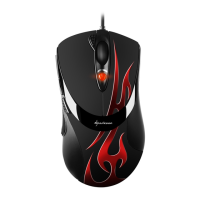
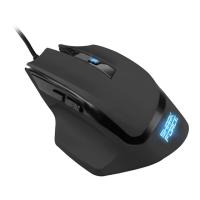
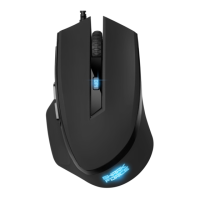
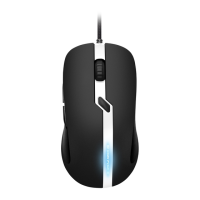
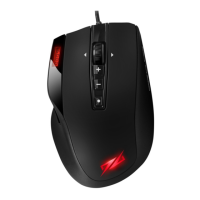
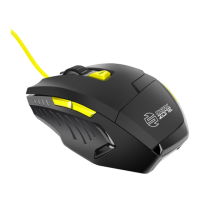
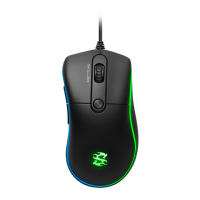
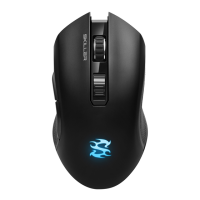
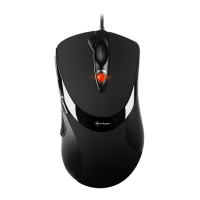
RUSH FIREGLIDER/FIREGLIDER BLACK
ENGLISH
7.3.4 Macro manager
Using the macro manager allows you to create own macros
which then may be assigned to any button (see above 7.3.2 k).
Thereare3waystocreateascript:
1. Add the desired functions using the functions buttons
and functions modules.
2. Tape mouse movements and key combinations using the
record function.
3. Enter instructions using the input area resp. the keyboard
connected to the PC.
Save your settings by clicking “
“.
Viathe“
“ button in the main window your settings
will be transferred to the mouse.



 To Next Page