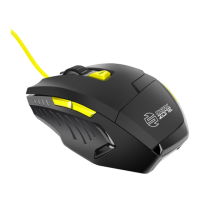
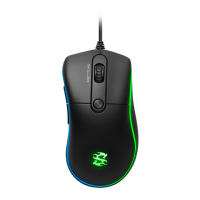
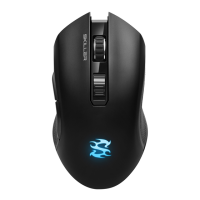
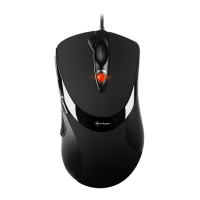
RUSH FIREGLIDER/FIREGLIDER BLACK
ENGLISH
Content
1. Features
2. Specifications
3. Package content
4. The Mouse at a glance
5. Connecting to a PC
6. Installing the software
7. The mouse editor
7.1 Launching the mouse editor
7.2 The user interface (main window)
7.3 The further menus
7.3.1 DPI settings
7.3.2 Pulldown menus
7.3.3 Mouse gestures
7.3.4 Macro manager
7.3.4.1 Overview
7.3.4.2 The tabs “Loop”, “Key”, “If” and
“Equ”
7.3.4.3 Command icons
7.3.4.4 The record function
7.3.4.5 Macro play back mode
7.3.4.6 Time control
7.3.4.7 Absolute/relative movements
7.3.5 Further functions

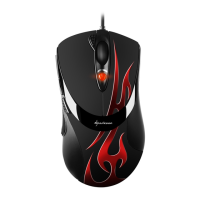
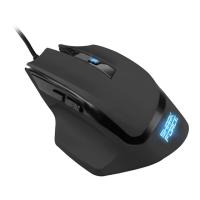
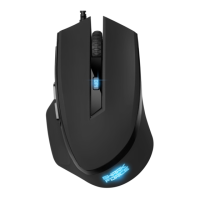
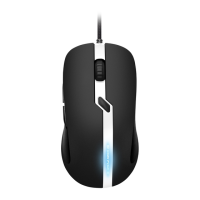


 To Next Page