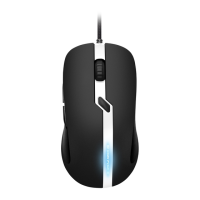
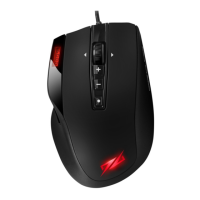
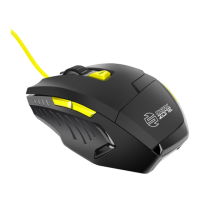
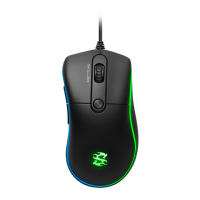
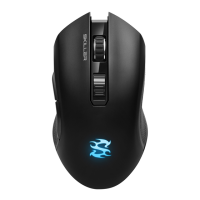
RUSH FIREGLIDER/FIREGLIDER BLACK
ENGLISH
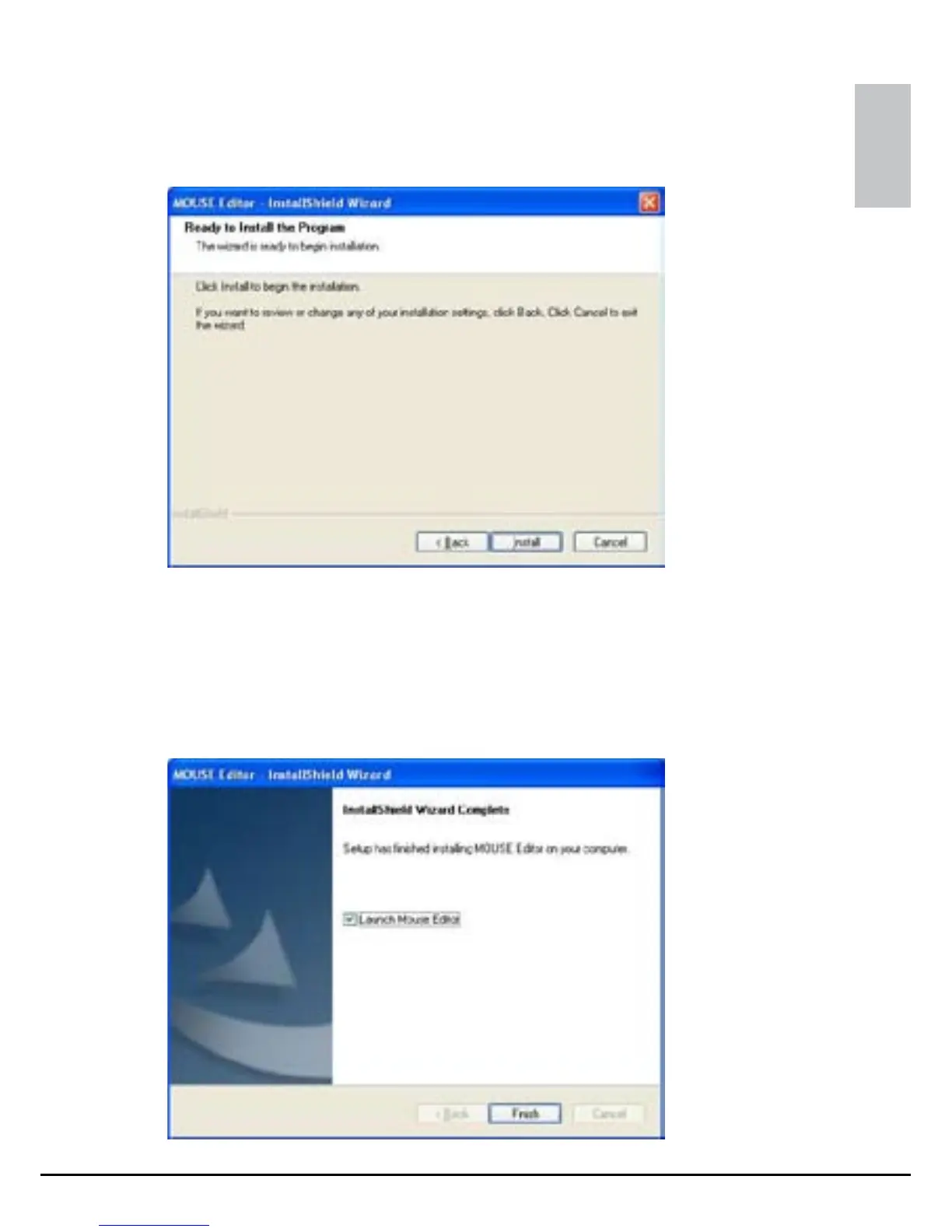
6. Start the installation process by clicking “Install” (fig. 2).
“Back”bringsyoutothepreviouswindow,“Cancel”stops
the installation process.
7. After the installation is successfully completed, the following
window will be displayed (fig. 3).
fig. 3
fig. 2



 To Next Page