10
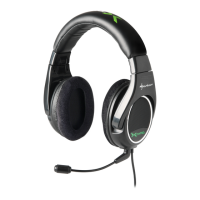
1. Connect the X-Tatic PRO to the SCU by plugging the breakaway cable’s G9 male
connector (white arrow) into the SCU’s G9 female socket (silver indication).
2. Connect the optical cable (remove protective caps on both ends!) to the optical
audio output of your Xbox 360
®
and the SCU’s optical audio input (grey lid).
3. Toggle the audio input selector switch to “Optical”.
4. Connect the chat cable for Xbox 360
®
to the Xbox 360
®
chat cable connector on
the X-Tatic’s in-line volume controller and your gamepad.
5. Connect the power adapter of the X-Tatic to a wall outlet and the SCU‘s ISO
power jack.
6. Switch on the SCU and the console.
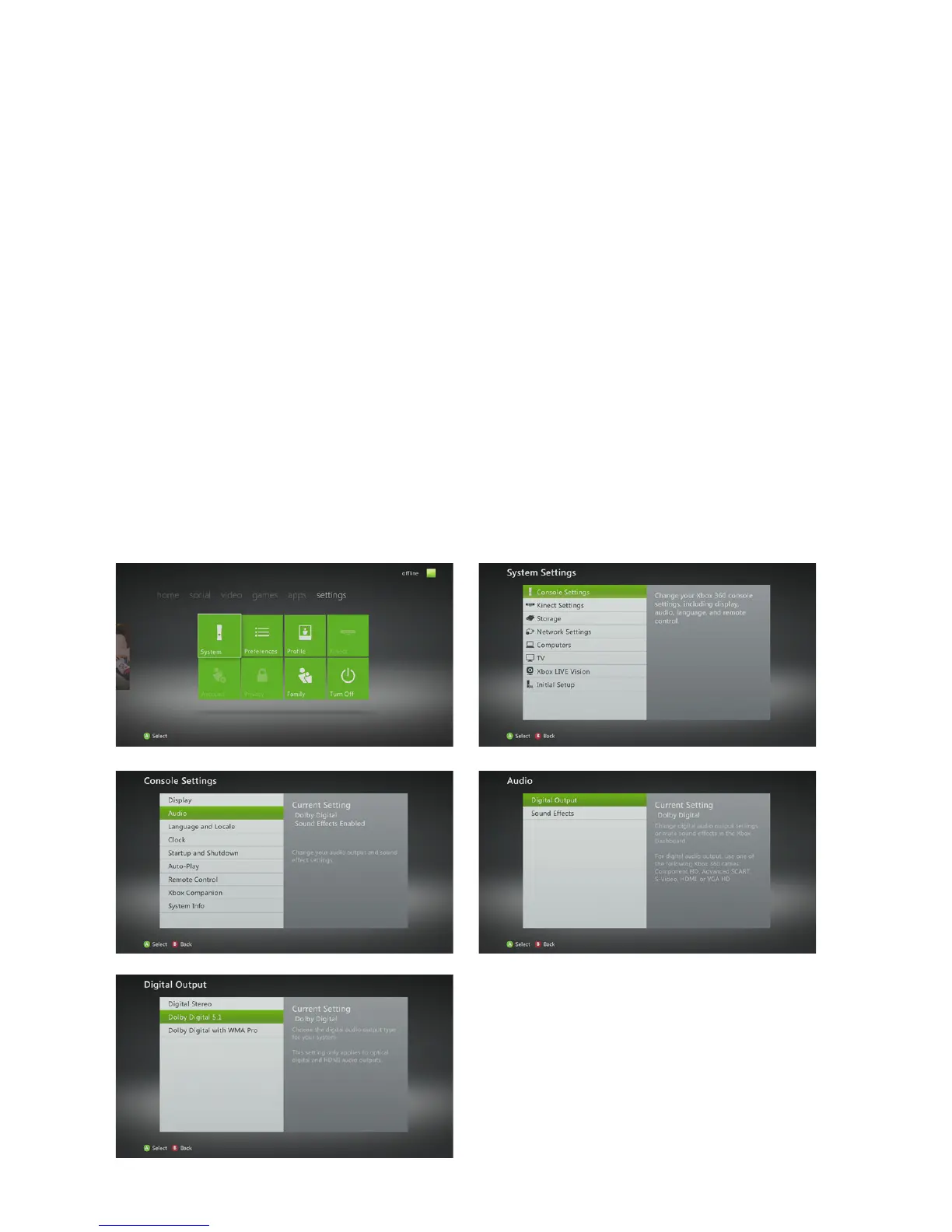
7. From the console’s settings menu (“System” > “Console Settings” > “Audio” >
“Digital Output”) select “Dolby Digital 5.1” as output format:



 To Next Page