6
Note:
The SCU’s default setting, when receiving a stereo signal, is a sound playback through
the front and subwoofer speakers. The Pro Logic
®
II decoder is switched off.
If you wish a surround sound pro-
cessing through Dolby
®
Pro Logic
®
II, you may enable this function by
pressing the respective button (PLII)
on the SCU:
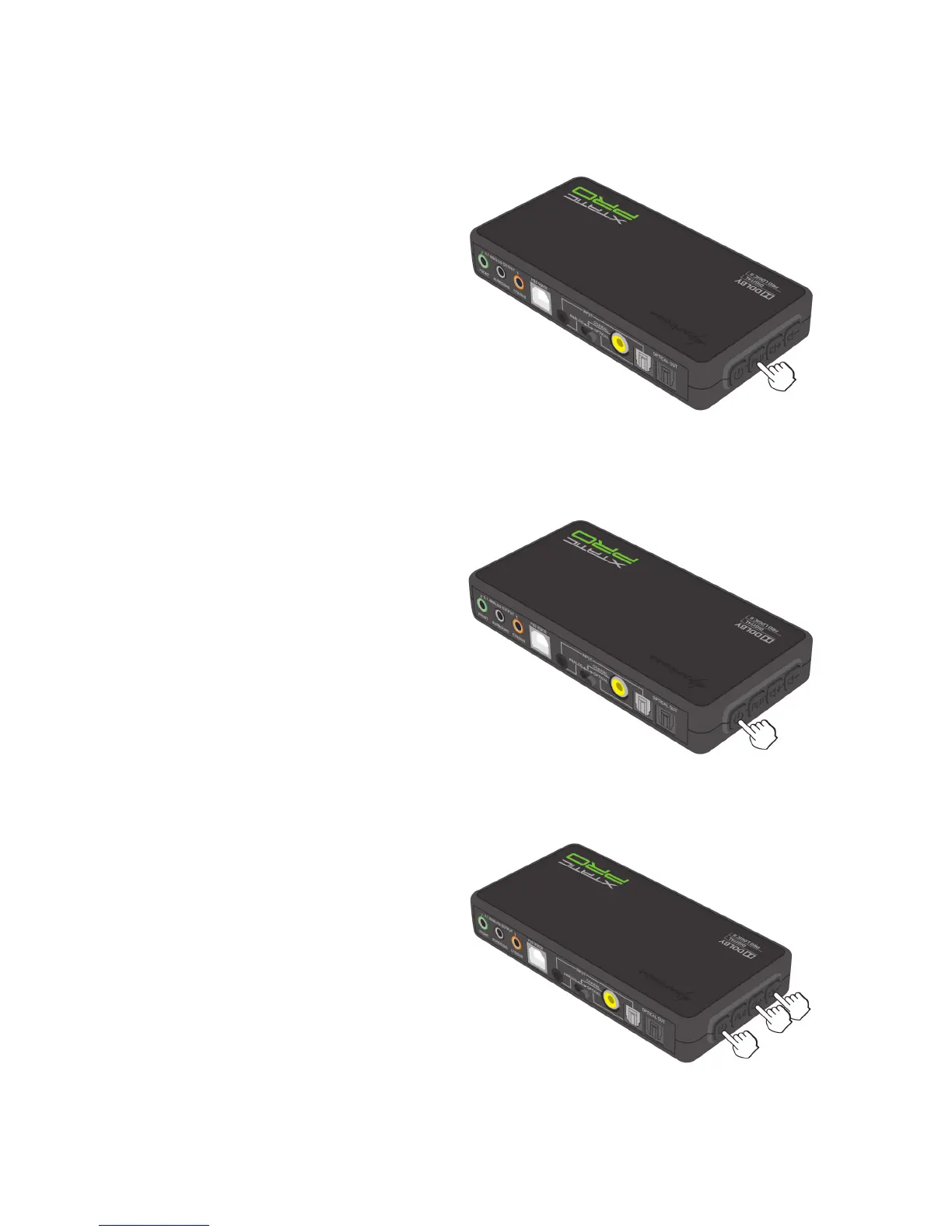
1. Switch on the SCU:
2. Press and hold the buttons “Vol -”,
“Vol +” and “Power on/off” until
the status LEDs flash 3 times.
4.3 Restore the factory default / reset



 To Next Page