8
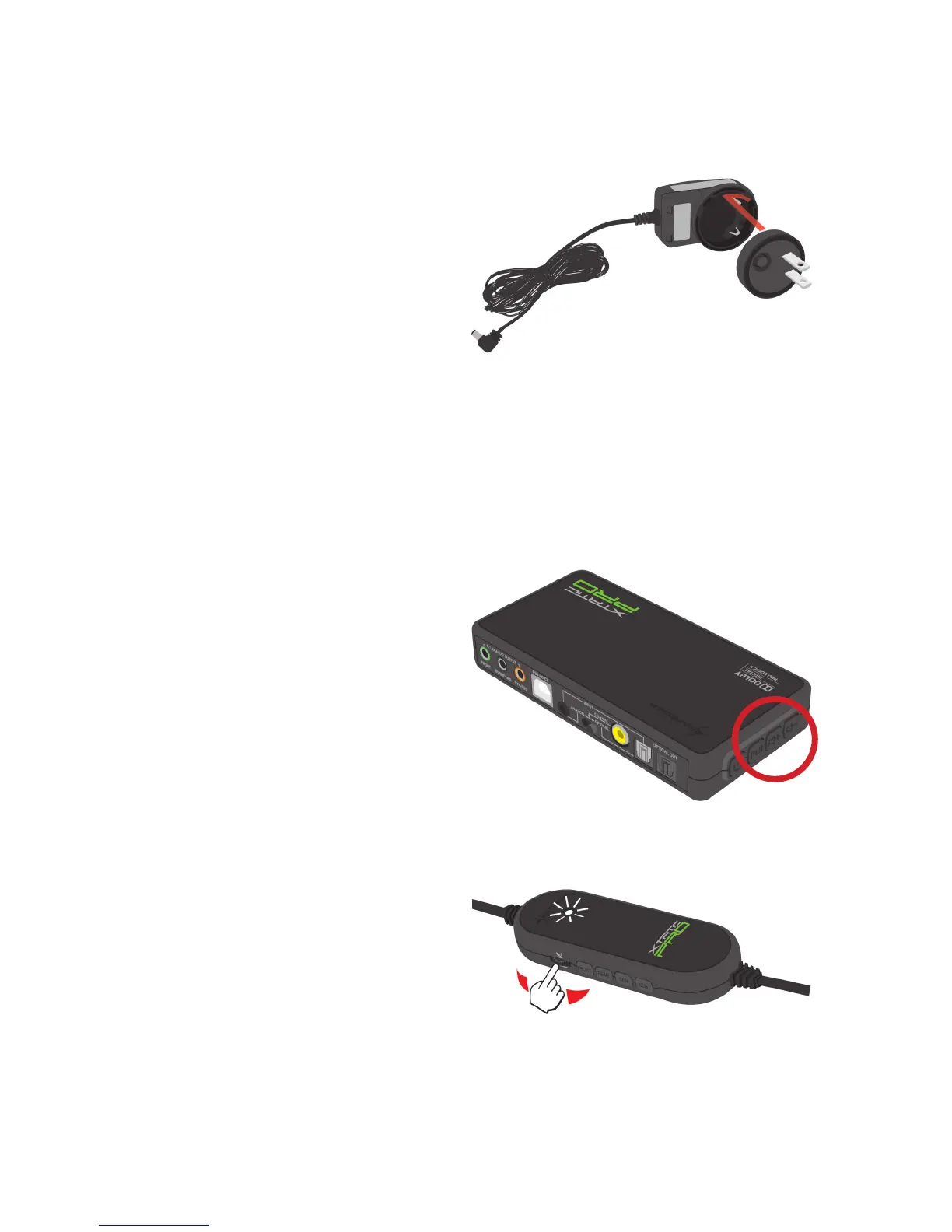
5.3 Attaching/changing the travel adapter
To attach:
1. Put the travel adapter onto the
power adapter (watch the bottom
shape).
2. Turn the travel adapter in clockwise
direction until it locks.
To remove:
1. Press and hold the interlock button
of the travel adapter.
2. Turn it into counter-clockwise
direction and remove it.
5.4 Master volume adjustment
The master volume can be adjusted in two different ways:
1. Using the master volume buttons of
the SCU:
2. Using the in-line controller:
1. When the status LED is illuminating
white, the master volume can be set
using the volume controller:
2. During the volume adjustment the status LED will be flashing fast.



 To Next Page