X-TATIC DIGITAL
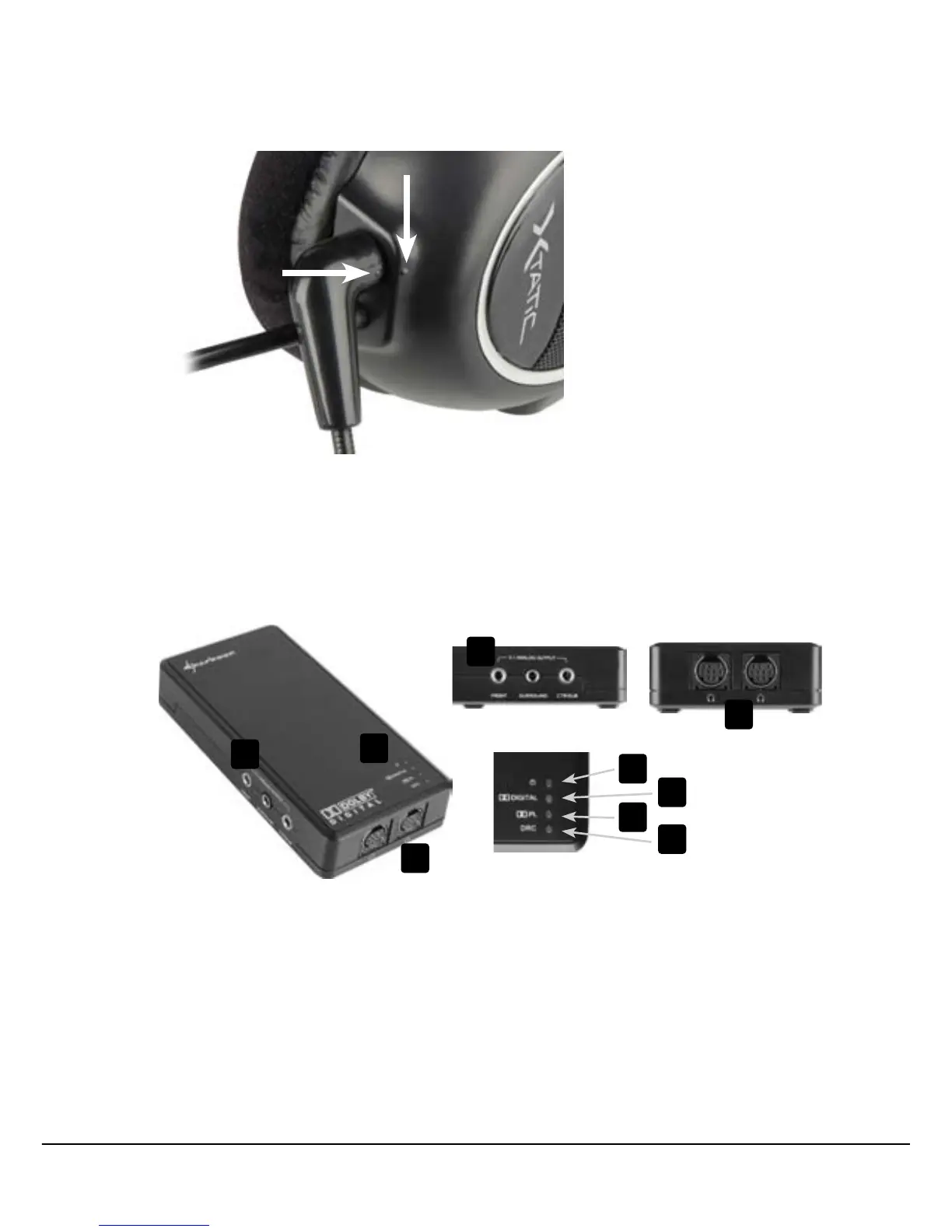
2. Turn the microphone until the indications on the microphone and on the headset are
opposite to each other (fig. 3).
3. Pressthemicrophone’splugintotheheadset’sjackcompletelyandturnthemicro-
phone to the front and into the desired position.
6. The SCU at a glance
A – Analogueaudiooutputs(3x3.5mmjackforfront,surroundandcenterspeaker)
B – LEDsfor:
a – Power on / off
b – Dolby Digital on / off
c – Dolby ProLogic on / off
d – DRC on / off
C – Analogue audio outputs for the X-Tatic headset (2x 9-pin analogue plug)
fig. 3
A
B
C
a
b
c
d
A
C



 To Next Page