EasyManua.ls Logo

Sharp 29F-PE550 - Chapter 4. Trouble Shooting Flowchart; Trouble Shooting Flowchart

Sharp 29F-PE550
59 pages
Print Icon
To Next Page IconTo Next Page
To Previous Page IconTo Previous Page
Loading...
29F-PE550 / 29F-PD570
4 - 1
2 L-FG1SM2 L-FG1SME
CHAPTER 4.
TROUBLE SHOOTING FLOWCHART
[1] TROUBLE SHOOTING FLOWCHART
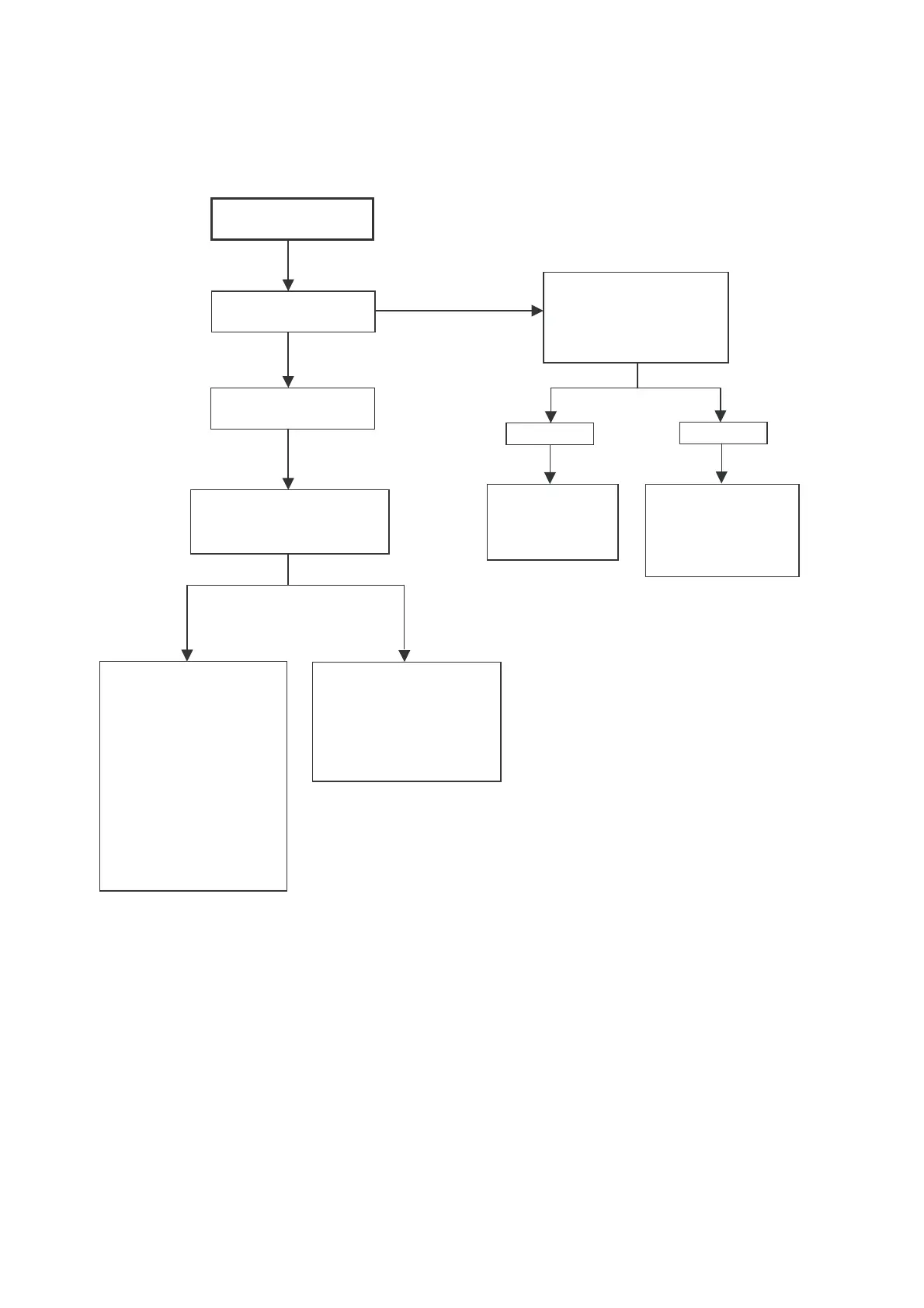
NO RASTER
LED COLOUR ?
Power on by R/C
Check protector
circuit and pin 47 &
48 (waveform no.3 &
4) of IC 1100. Also
check the waveform
no.5 of IC501 and its
related parts. Check
8V supply at pin 36
of IC1100, 5V supply
at pin 55, 35, 18 &
11 of IC1100.
Does horizontal circuit
momentary oscillate &
LCD is blinking ?
Check 3.3V supply at
pin 2, 4, 5 & 75 of
IC1100. Check
oscilation of crystal
X1001.
Check CRT connector
(KY), (H) bias.
(Heater voltage 120V,
210 V line)
Abnormal
Check R,G,B
input and output
of IC 851.
Check the heater
voltage 120V and
210V
line from the
main PWB side.
RED
GREEN
RED
Yes
No
Normal

Related product manuals