E-9
System connections
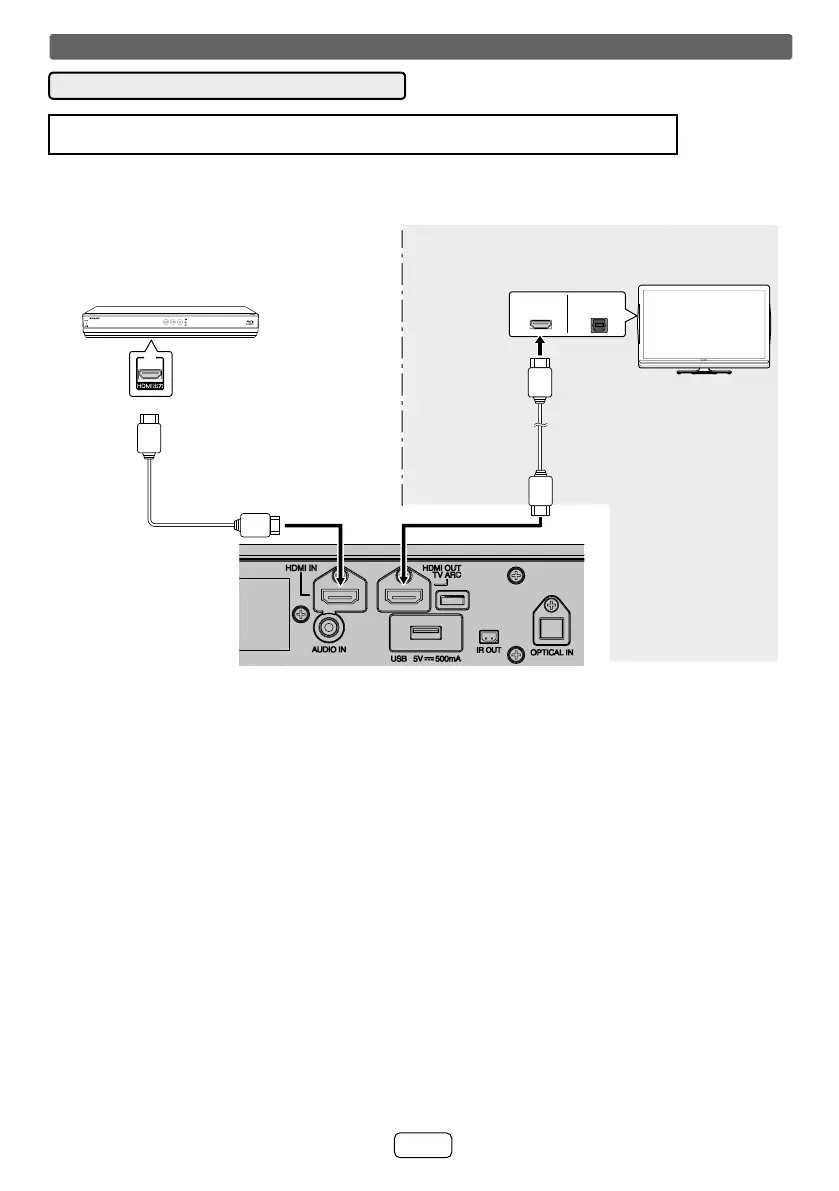
■ HDMI Connection
Caution:
Turn off all other equipment before making this connection.
● Connect to an ARC (Audio Return Channel) compatible AQUOS with an HDMI cable. To listen to the sound , connect
to the HDMI input terminal compatible with ARC.
● Some model may not be able to perform above operation. For detail, refer to the operation manual of the respective
component.
)
DIGITAL AUDIO
OUTPUT (OPTICAL
HDMI IN(ARC)
1. Method 1
This connection is for HDMI TV with ARC (Audio Return Channel).
To HDMI OUT (TV
ARC) output terminal
Blu-ray, DVD disc
player or similar
HDMI cable (commercially
available)
To HDMI (TV ARC)
input terminal
HDMI cable (commercially
available)
To HDMI output
terminal
TV
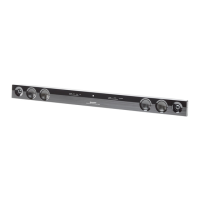
Sound bar
To HDMI IN
input terminal


 To Next Page