18 Getting Started
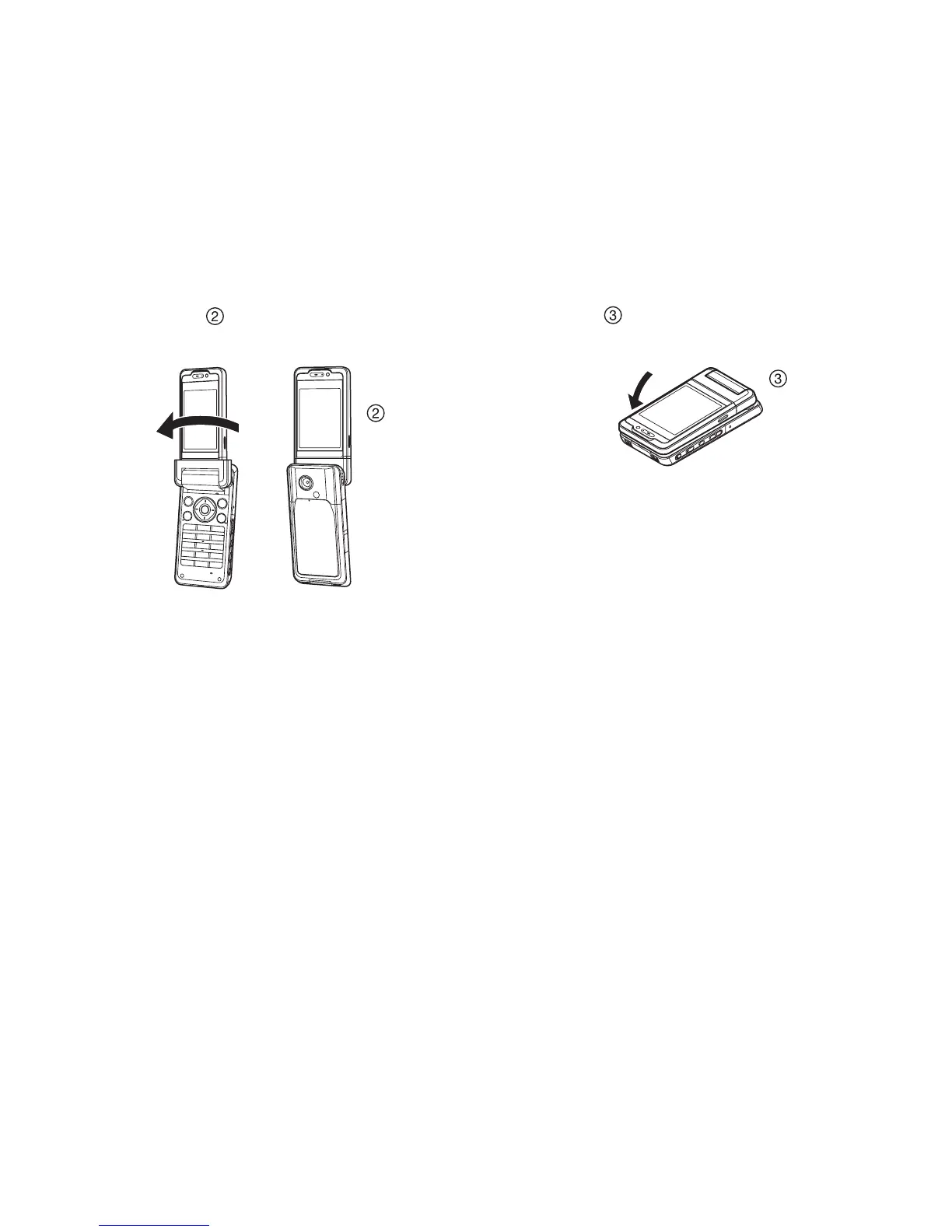
Self-portrait Position ( )
2. Turn the display 180° clockwise.
Use this position to take a self-portrait with the external camera.
Do not turn the display anticlockwise as this may damage it.
Viewer Position ( )
3. Close the main display toward the keypad.
Note
• Operations of V and W are reversed in the viewer position of the
display.
• Keypad operations cannot be performed in the viewer position of
the display.
• Be careful not to carry the phone in the viewer position of the
display as this may damage the display.



 To Next Page