84 Organiser & Tools
To Change the Vibration of Alarm Tone
1. On the Set Alarm screen, select “Vibration”.
2. Select “On”, “Link to Sound” or “Off”.
For details on selecting a vibration, see “Vibration” on page 96.
To Change the Duration of the Alarm Tone
1. On the Set Alarm screen, select “Duration”.
2. Select the desired duration.
Resetting an Alarm Setting
“Organiser & Tools”
→
“Alarms”
1. Highlight the alarm you wish to reset.
2. Press [Options] and select “Reset Alarm”.
Resetting All Alarm Settings
“Organiser & Tools”
→
“Alarms”
1. Select “Clear All”.
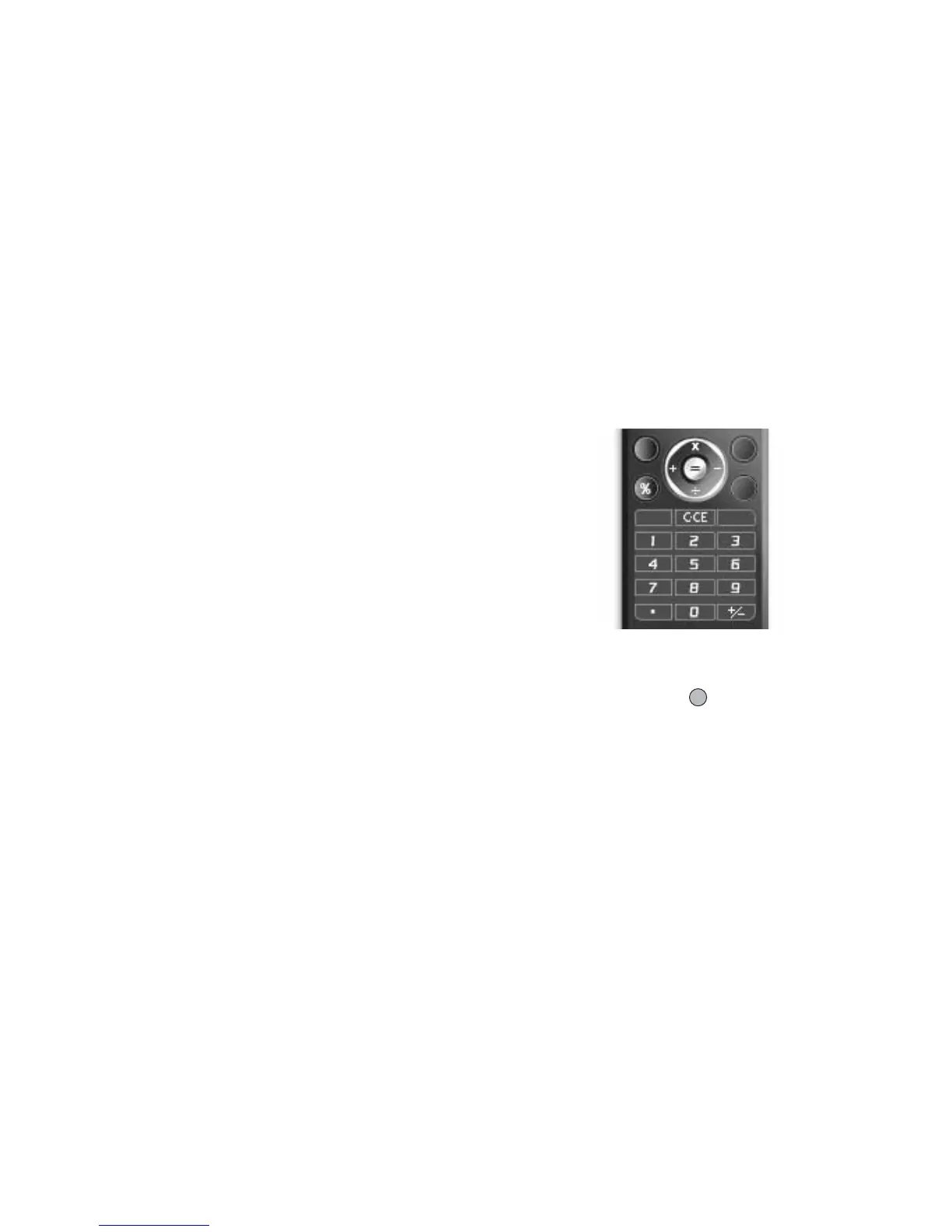
Calculator
The calculator function performs the 4 arithmetic calculations using
up to 12 digits.
“Organiser & Tools”
→
“Calculator”
Key operations for calculation are as follows:
To enter a decimal point, press P.
To clear the entered number or function, press U.
To do the calculations, press .
To start a new calculation, press U.
Rate Conversion
You can also use the calculator as a currency calculator to convert
from/to a home currency using a conversion rate that you enter.
(M 7-3)



 To Next Page