32 Using the Menu
Using the Menu
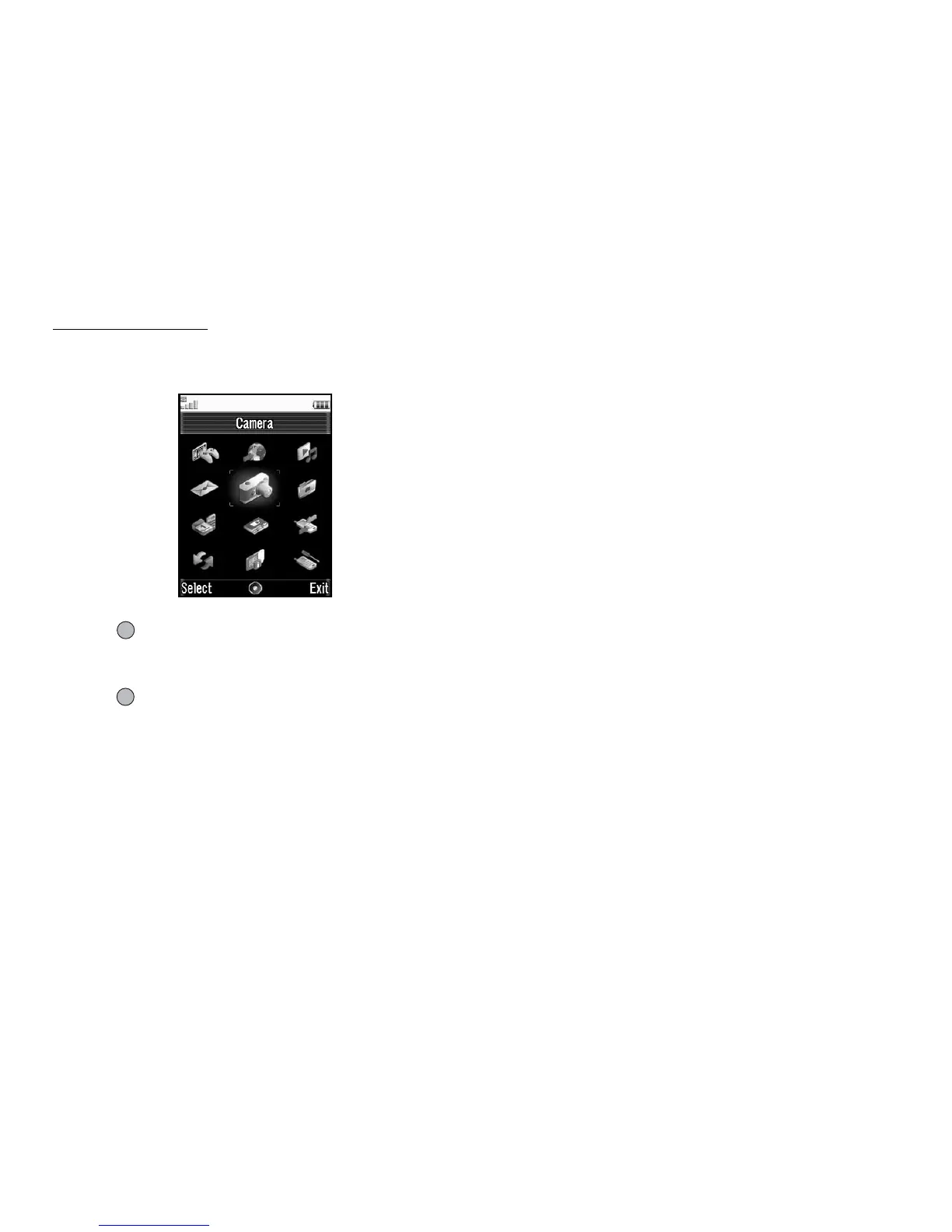
Main Menu
1. Press in standby.
The Main menu is displayed.
2. Press a, b, c or d to highlight the desired menu, then
press to access the function.
For details on the menu options, see “List of Menu Functions” on
page 132.
Using the Menu in the Viewer Position of the Display
1. Set the phone in the viewer position of the display.
2. Press Y to display the Main menu.
3. Press V or W to move the cursor up or down, then press X
or Y.
Press Z to return to the Main menu.
The cursor moves the same as in the normal position of the
display by using V and W.
For details on the functions of these keys, see page 10.



 To Next Page