Getting Started 17
13. : Secure WAP page displayed
14. ////:
Silent/vibration setting [silent/increasing volume/
vibration enabled/silent and vibration enabled/
increasing volume and vibration enabled]
15. / / : Speaker mode [speaker phone/speaker activated/
microphone muted]
16.(No display)/////:
Current profile [Normal/Meeting/Activity/Car/
Headset/Silent]
17. : Battery level
18. : Mobile light enabled
19. : Daily alarm enabled
20. / : Schedule entry enabled [with/without reminder
alarm]
21. : Outbox contains unsent messages [text message/
multimedia/Email]
22. : Voicemail message alert
23. : Function Lock enabled
24. : Keypad Lock enabled
25. /(blank): Infrared setting [enabled/disabled]
26. : Secret mode set to “On”
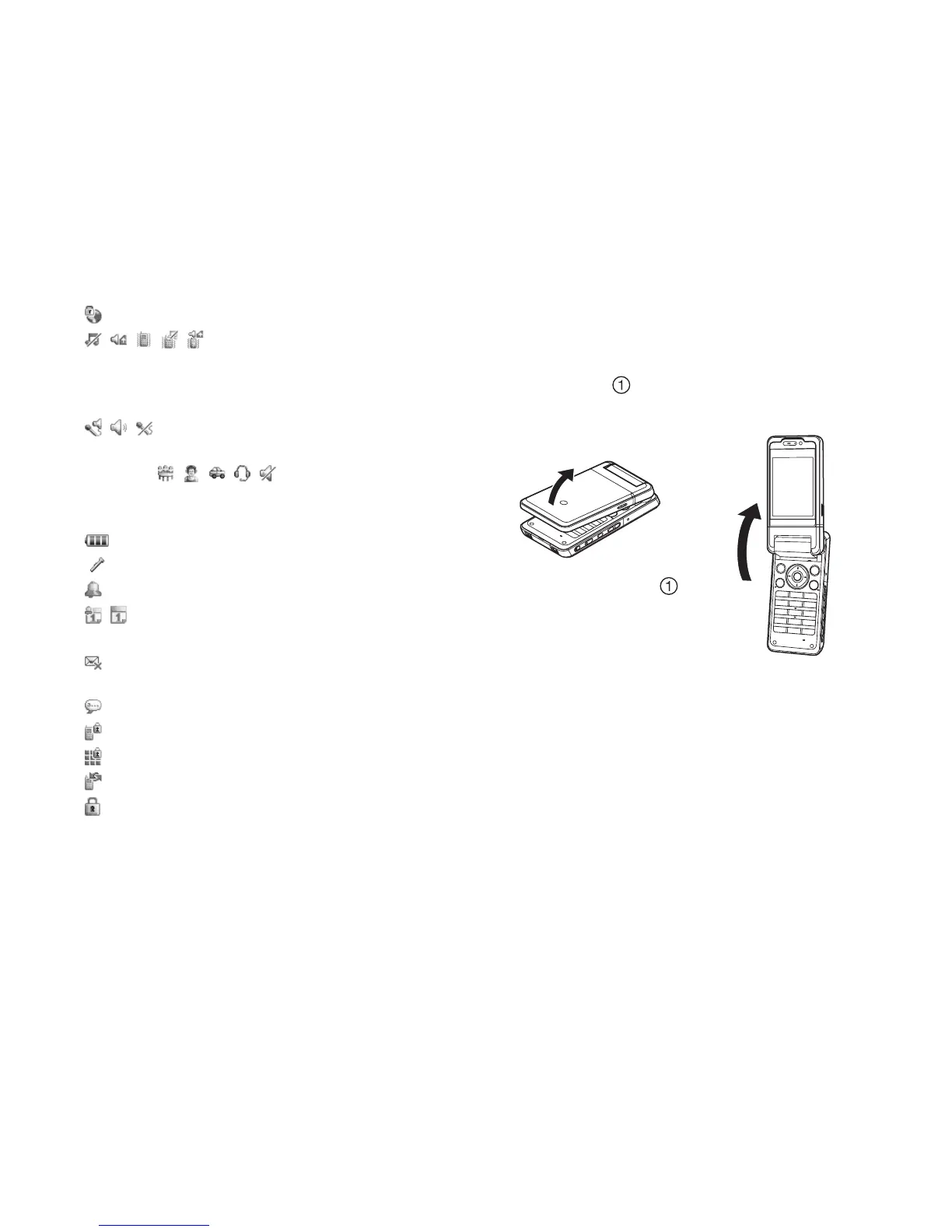
Opening Your Phone
Your phone can be opened in the following three positions: normal,
self-portrait and viewer positions.
Normal Position ( )
1. Open the phone until the display stops as illustrated.



 To Next Page