EasyManua.ls Logo

Sharp AQUOS LC-60C6500U - User Manual

Sharp AQUOS LC-60C6500U
3 pages
Print Icon
To Next Page IconTo Next Page
Loading...
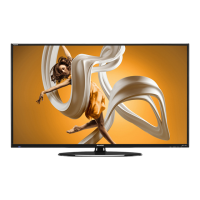
6 SERIES LED SMART TV
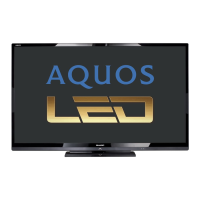
AQUOS 1080p LED DISPLAY
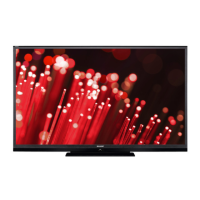
Breathtaking HD images,
greater brightness and contrast
SMART TV
With Dual-Core Processor
and built-in Wi-Fi
120Hz REFRESH RATE
Precision clarity during
fast-motion scenes
SLIM DESIGN
Ultra Slim Design
POWERFUL 20W AUDIO
High fidelity with clear voice
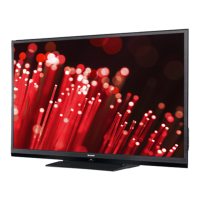
Big, bold and brainy - the LC-60C6500U is an LED Smart TV that delivers legendary
AQUOS picture quality and unlimited content choices, seamless control, and instant
connectivity through SmartCentral™. The AQUOS 1080p LED Display dazzles with
advanced pixel structure for the most breathtaking HD images, a 4 million: 1 dynamic
contrast ratio, and a 120Hz refresh rate for precision clarity during fast-motion scenes.
A Smart TV with Dual-Core processor and built in WiFi, the LC-60C6500U lets you
quickly access apps streaming movies, music, games, and websites.
LC-60C6500U
60" CLASS 1080P LED SMART TV
Using photo-alignment technology that’s precision
crafted to let more light through in bright scenes and
shut more light out in dark scenes, the AQUOS
1080p LED Display with a 4 million: 1 contrast ratio
creates a picture so real you can see the difference.
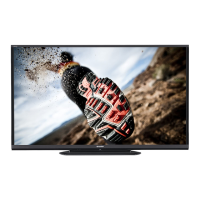
Unlimited content, control, and instant
connectivity. AQUOS® TVs with
SmartCentral™ give you more of what you
crave. From the best streaming apps, to the
easiest way to channel surf and connect your
devices, it’s that easy.
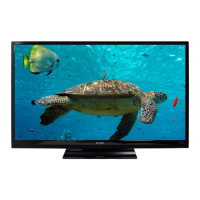
See sharper, more electrifying action with the most
advanced panel refresh rates available today. The
120Hz technology delivers crystal-clear images
even during fast-motion scenes.

Questions and Answers

  • A
    amandawilliamsSep 14, 2025
    How do I fix AQUOS ADVANTAGE LIVE not displayed on my Sharp AQUOS LC-60C6500U?
    • R
      Raven WardSep 14, 2025
      To resolve the issue of the AQUOS ADVANTAGE LIVE not being displayed on your Sharp LCD TV, ensure the ETHERNET cable is correctly connected. Also, check the settings of "Internet Setup".
  • V
    Veronica PetersonSep 16, 2025
    Why does my Sharp AQUOS LC-60C6500U sometimes make a cracking sound?
    • K
      Kim JohnsSep 16, 2025
      The cracking sound your Sharp LCD TV sometimes makes is not a malfunction.
  • A
    adamspamNov 22, 2025
    How to troubleshoot no sound on Sharp AQUOS LC-60C6500U?
    • J
      juan71Nov 22, 2025
      If there is no sound on your Sharp LCD TV, verify that the connection to other components is correct. Make sure the volume isn't too low and that you haven't pressed MUTE on the remote. Check the audio output of any connected external equipment to ensure the volume is not too low or muted. When external equipment is connected via an HDMI cable, you may need to configure the audio to be output through the HDMI cable. When audio is not output from external equipment connected to the PC IN or HDMI IN 2 terminal, check the "Audio Select" setting. Even when external equipment is connected using an HDMI-certified cable, an audio cable connection may be required depending on the type of equipment and the media being played back. When connecting a PC via an HDMI-certified cable, check if the audio...

Sharp AQUOS LC-60C6500U Specifications

General IconGeneral
BrandSharp
ModelAQUOS LC-60C6500U
CategoryLCD TV
LanguageEnglish

Related product manuals