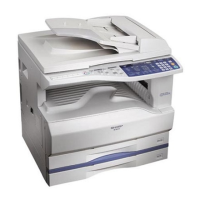
FINISHER (AR-FN5)
109
6
OPTIONAL EQUIPMENT
4
Set the number of copies and press the START ( ) key.
●
When copying of a set is completed, the copies will be automatically stapled and
delivered to the offset tray.
Staple cartridge replacement
When the message "Add staples." appears, replace the staple cartridge as follows:
1
Open the stapler cover.
2
Grasp the green portion of the staple box and remove the staple box
from the stapler.
3
Remove the staple cartridge from inside the staple box.
00EX.book109ページ2001年5月25日 金曜日 午前10時49分



 To Next Page