Main Sub
Item Content
Adjustment
code code range
50 02 Adjusts the
leading edge
position of the
image
(calculation
formula).
•[→] key
•[→] key
Image position adjustment in manual feed mode
• [TRAY SELECTION] key
•[→] key
To clear the image leading edge position adjustment mode:
1. Turn ON the [CA] key, or
2. Turn ON/OFF the main switch (on the left-side of the copier), or
3. Enter the simulation mode and press the [CA] key to exit the simulation mode, or
4. Press the [PAUSE] key without entering any setting, to change the screen to the sub code
input screen.
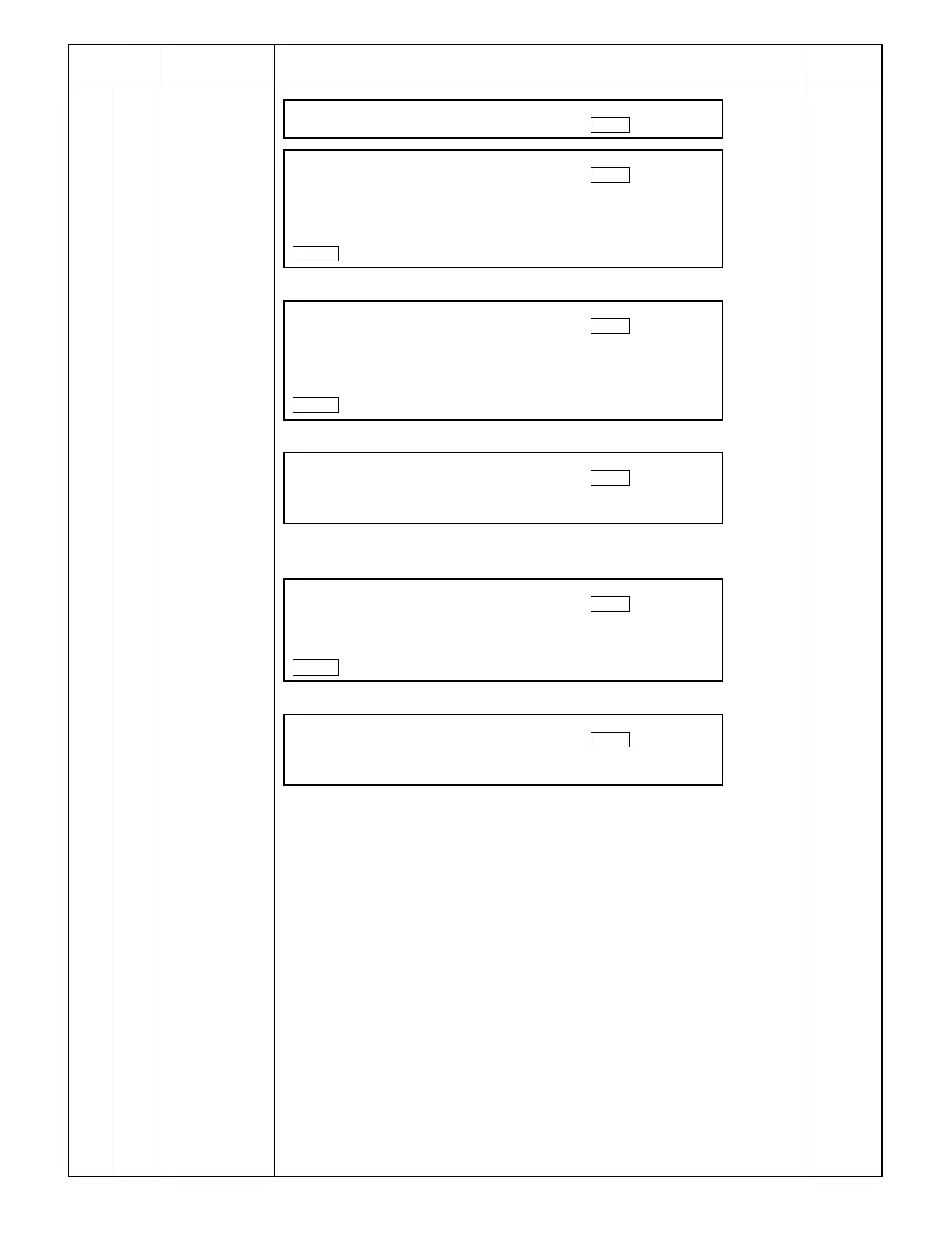
WARMING UP.
PLEASE WAIT. 100
READY TO COPY
IMAGE POSITION 100
ADJUSTMENT (TRAY)
L1[0.1mm]
COPY RATIO
400%
READY TO COPY
IMAGE POSITION 100
ADJUSTMENT (TRAY)
L2[0.1mm]
COPY RATIO
400%
READY TO COPY
IMAGE POSITION 20
ADJUSTMENT (DEN_B)
(0~99)
READY TO COPY
IMAGE POSITION 100
ADJUSTMENT (MFT)
L2[0.1mm]
COPY RATIO
400%
READY TO COPY
IMAGE POSITION 20
ADJUSTMENT (DEN_B)
(0~99)
9 – 71



 To Next Page