AR-M350 SIMULATIONS 10-30
* This simulation is ignored in the AR model, that is, the operation is
continued.
<List of set values>
<List of set values>
* The following counters are not counted up.
<List of set values>
(Japan only)
<List of set values>
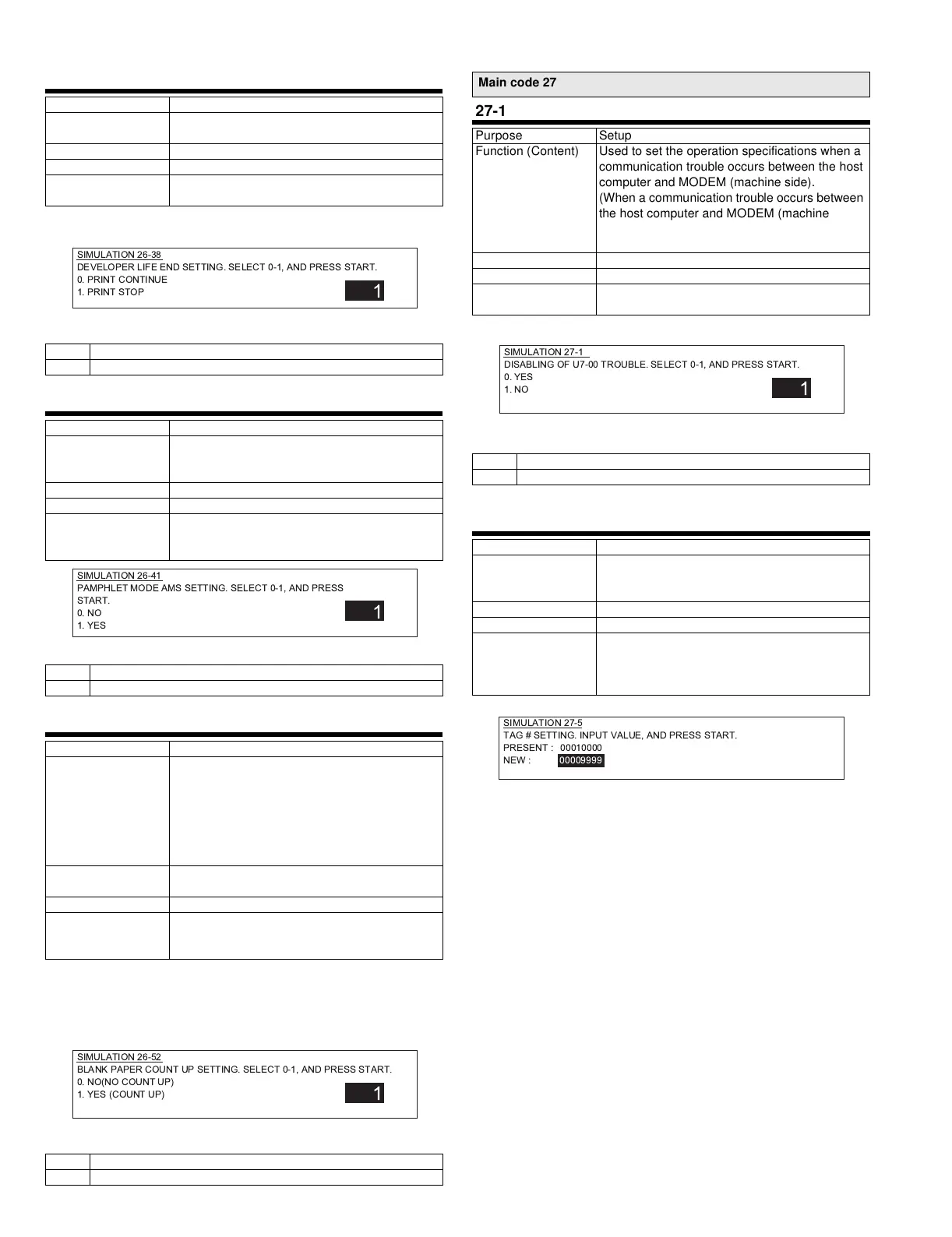
26-38
Purpose Setup
Function (Content) Used to stop printing when developer life is
expired.
Section Other
Item Operation
Operation/Procedure Print enable/disable is set when the developer
cartridge is expired in a DM machine. (Default: 1)
0 Print continue
1 Print stop
26-41
Purpose Setup
Function (Content) Used to set Enable/Disable of the magnification
ratio auto selection function (AMS) in the
pamphlet copy mode.
Section
Item Spec
Operation/Procedure Pamphlet mode AMS setting is enabled or
disabled. Press START key to save.
(Europe : 1, Others : 0)
0 AMS setting disabled
1 AMS setting enabled
26-52
Purpose Setup
Function (Content) Used to set Enable/Disable of count-up when
white paper is discharged.
(White paper means the index paper (without
copying) in the OHP index paper insertion mode,
the front/rear covers (without copying) in the
cover insertion mode, and white paper in the
duplex exit mode (CA, etc.).)
Section Paper transport (Paper exit, switchback,
transport)
Item
Operation/Procedure Count-up setting of white paper exit mode is
made. Press START key to save. (Default: 0 for
Japan and Australia, 1 for the others)
•Copies counter •Total counter
•Printer counter •Effective paper counter
•Department control counter
0 Count-up is not made.
1 Count-up is made
SIMULATION 26-38
DEVELOPER LIFE END SETTING. SELECT 0-1, AND PRESS START.
0. PRINT CONTINUE
1. PRINT STOP
1
SIMULATION 26-41
PAMPHLET MODE AMS SETTING. SELECT 0-1, AND PRESS
START.
0. NO
1. YES
1
SIMULATION 26-52
BLANK PAPER COUNT UP SETTING. SELECT 0-1, AND PRESS START.
0. NO(NO COUNT UP)
1. YES (COUNT UP)
1
Main code 27
27-1
Purpose Setup
Function (Content) Used to set the operation specifications when a
communication trouble occurs between the host
computer and MODEM (machine side).
(When a communication trouble occurs between
the host computer and MODEM (machine side),
self diag display (U7-00) is displayed and setup
is made to inhibit or allow printing. )
Section Communication (RIC/MODEM)
Item Spec
Operation/Procedure Yes/No of communication trouble between
PC/MODEM is set. (Default: 0)
0 U7-00 is not displayed in a communication trouble.
1 U7-00 is displayed in a communication trouble.
27-5
Purpose Setup
Function (Content) Used to enter the machine tag No.
(This function allows to check the machine tag
No. from the computer.)
Section Communication (RIC/MODEM)
Item Data
Operation/Procedure The tag number is set. The current value is
displayed on PRESENT column. Enter a new tag
number with 10 digit key pad and press START
to store.
SIMULATION 27-1
DISABLING OF U7-00 TROUBLE. SELECT 0-1, AND PRESS START.
0. YES
1. NO
1
SIMULATION 27-5
TAG # SETTING. INPUT VALUE, AND PRESS START.
PRESENT :00010000
NEW : 00009999
!"# $%&



 To Next Page