Settings During Playback
CZIi_CZ) ..............................
C,T,Ii,CZ)CD CZII_
=
i i Title Number (Direct Title Skip)
,, Shows the title number being played back. You
can skip to the start of the title.
fo skip to the star1 of a selected tkle, press the
Number buttons to enter the title number when
this option is highlighted.
F Chapter Number (Direct Chapter Skip) --]
I_ Shows the chapter number being played back. I
| You can skip to the start of the chapter. |
I" To skip to the start of a selected chapter, press I
| the Number buttons to enter the chapter |
L number when this option is highlighted, J
I Playback Elapsed Time (Direct Time Skip) --_
Shows the elapsed time from the beginning of |
the disc to the present. This lets you skip to a |
specific time, |
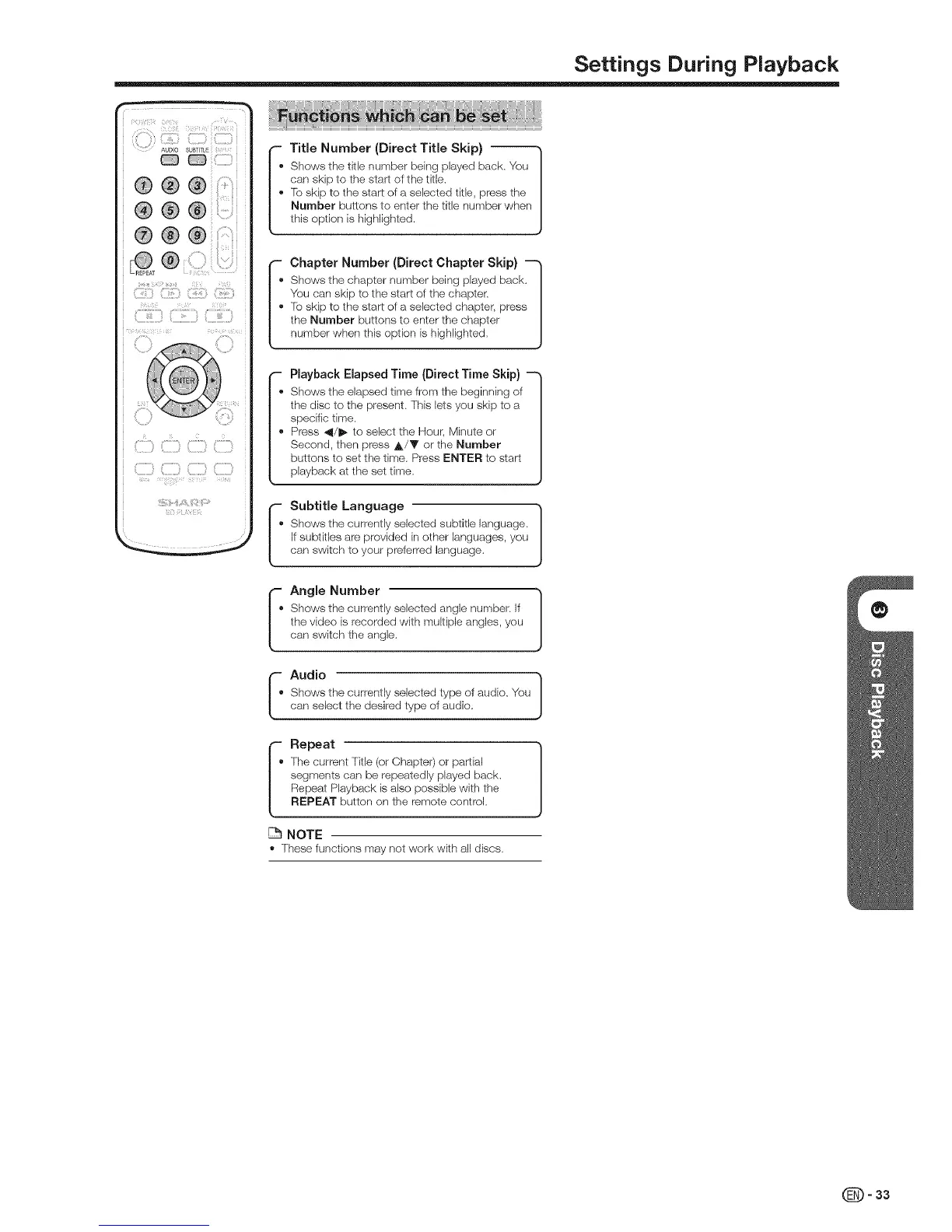
Press _l/_* to select the Hour, Minute or |
Second, then press ,i=/T' or the Number |
buttons to set the time. Press ENTER to start |
playback at the set time. J
If, Subtitle Language "]
Shows the currently selected subtitle language. |
If subtitles are provided in other languages, you |
can switch to your preferred language. J
p
I. Angle Number }
Shows the currently selected angle number, if
the video is recorded with multiple angles, you
can switch the angle.
]
Shows the currently selected type of audio. You
can select the desired type of audio.
F Repeat
I' The current Title (or Chapter) or partial
| segments can be repeatedly played back.
| Repeat Playback is also possible with the
L REPEAT button on the remote control.
NOTE
,' These functions may not work with all discs.
=33


 To Next Page