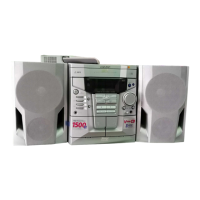
CD-E500
CD-E55/E44
– 42 –
T
T
FDO
SPDO
Stopped
CH1=200 mV
DC 10:1
CH2=500 mV
DC 10:1
500 ms/div
1999/04/07 09:51:15
(500 ms/div)
NORM:20 kS/s
2
1
=Record Length=
Smoothing : ON CH1 : 0.000 V
CH2 : 0.000 V
Main : 100 K
Zoom : 2 K
Mode : NORMAL
Type : EDGE CH2
Delay : 2.924 ms
Hold off : 0.2 µs
CH3 : 0.00 V
CH4 : 0.00 V
BW : FULL
=Trigger=
=Filter= =Offset=
T
T
TE
DRF
Stopped
CH1=10 V
DC 10:1
CH2=1 V
DC 10:1
100 ms/div
(100 ms/div)
NORM:100 kS/s
2
1
=Record Length=
Smoothing : ON CH1 : 0.0 V
CH2 : 0.00 V
Main : 100 K
Zoom : 2 K
Mode : NORMAL
Type : EDGE CH1
Delay : 2.924 ms
Hold off : 0.2 µs
CH3 : 0.00 V
CH4 : 0.00 V
BW : FULL
=Trigger=
=Filter= =Offset=
The tracking servo is not activated.
Check the peripheral circuits at pins 14, 15 and 20 on IC401, and
FC401.
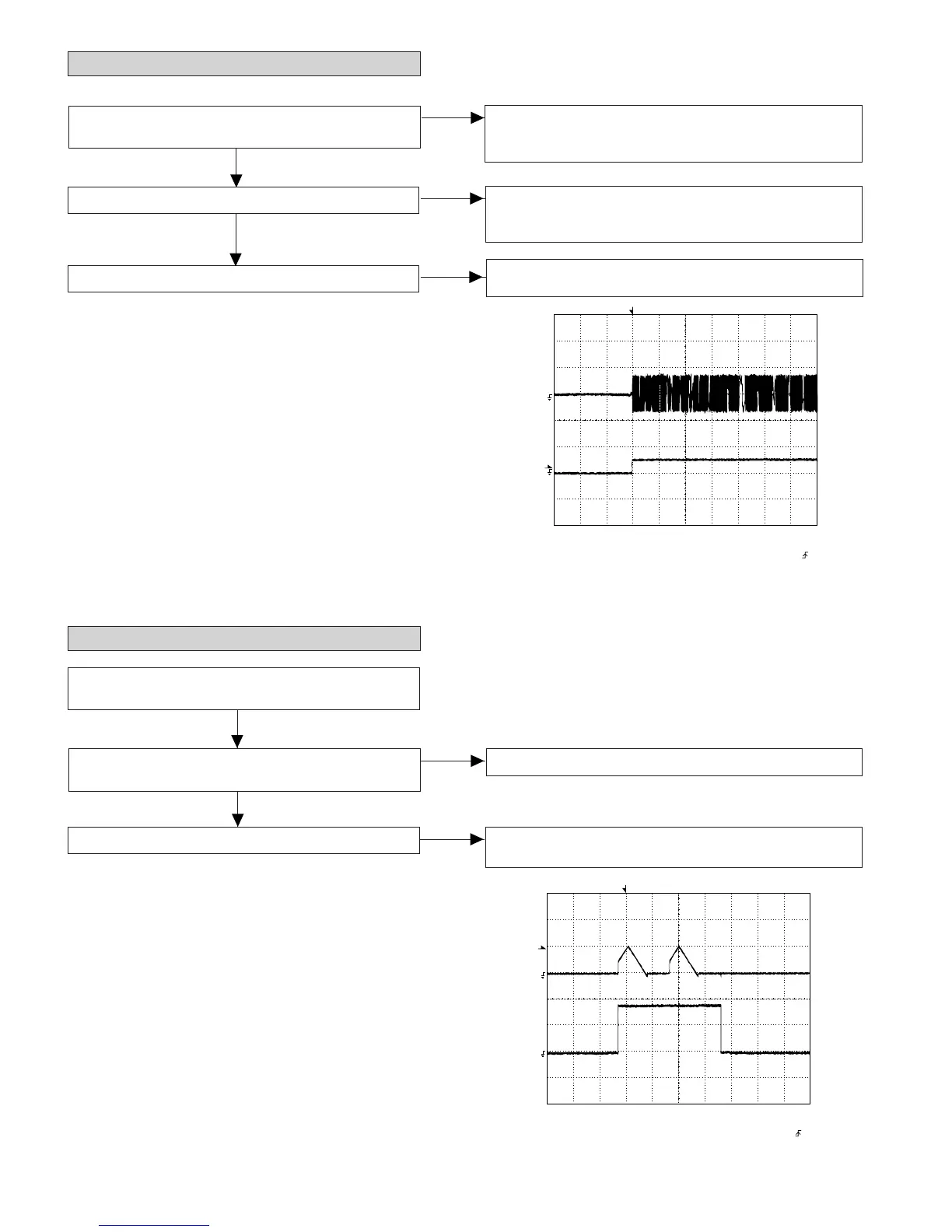
If the waveform shown in Figure 42-1 appears and soon after
NO DISC appears ?
(2) Tracking system check.
Check the TE waveform at pin 15 on IC401.
A normal jump operation cannot be completed or the beginning of
the track cannot be found.
Check the around pin 20 on IC401.
"Initialization" is possible, but play is not possible ?
Data cannot be read. Check the VCO-PLL (Pin73~78 on IC401)
system.
"Initialization" is not possible.
Figure 42-1
Figure 42-2
Press the OPEN/CLOSE switch without inserting a disc, and
then try starting the play operation.
(3) Spin system check.
The spin driver circuit is OK.
1. The turntable rotates a little ?
(Waveform drawing Figure 42-2)
Check around pin 22 on IC401, pins 10 and 11 on IC402, and
CNS402.
2. The turntable doesn't rotate.
No
Yes
No
Yes
Yes
No



 To Next Page