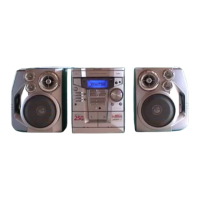
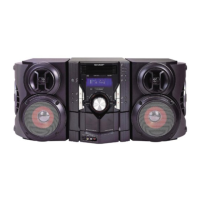
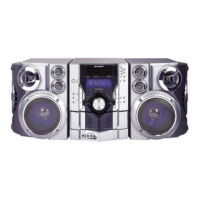
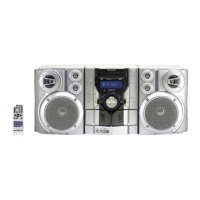
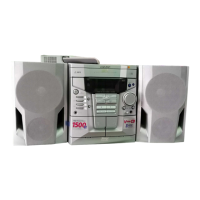
CD-E500
CD-E55/E44
– 8 –
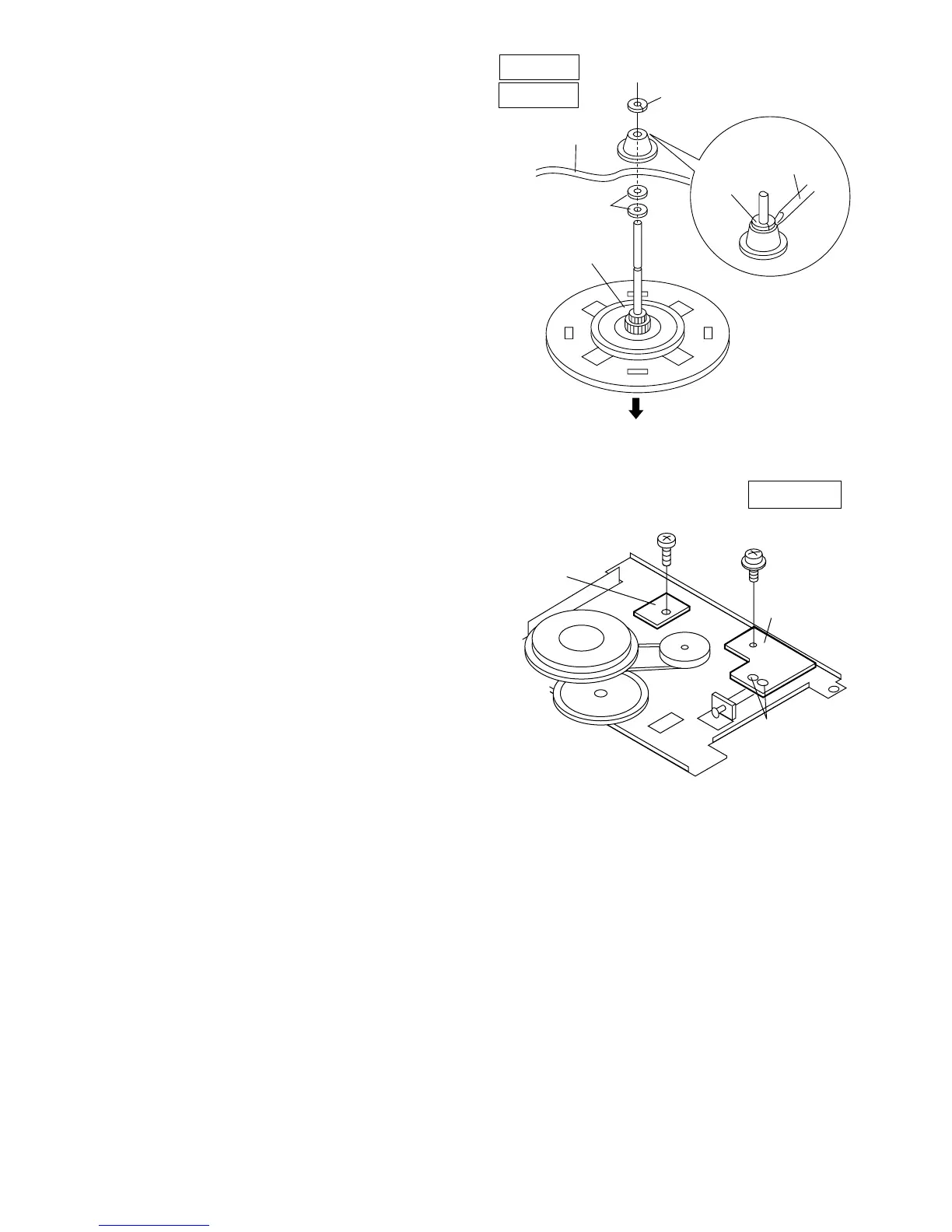
Figure 8-1
How to remove the flywheel (TAPE 1,2)
(See Fig. 8-1.)
1. Remove the stop washer (H1) x 1 pc., with a small precision
screwdriver to extract the flywheel from the capstan metal.
Note:
When the stop washer is deformed or damaged, replace it
with a new one.
How to reinstall the parts
Install each part in the reverse order of the removal with care.
TAPE 1
TAPE 2
Stop
Washer
Driver
(H1)x1
Stop Washer
Mechanism
Chassis
Washerx2
Flywheel
How to remove the tape mechanism PWB
(TAPE 1,2) (See Fig. 8-2.)
1. Remove the screw (J1) x 1 pc., to remove the tape
mechanism PWB.
2. Remove the screw (J2) x 1 pc.
3. Remove the solder joints (J3) x 2 pcs., to remove the tape
mechanism PWB.
Figure 8-2
TAPE 1,2
Tape
Mechanism
PWB
Tape
Mechanism
PWB
(J3)x2
Solder
Joint
(J2)x1
ø2x8mm
(J1)x1
ø2x3mm



 To Next Page