EasyManua.ls Logo

Sharp DR-430 - User Manual

Sharp DR-430
80 pages
Print Icon
To Next Page IconTo Next Page
Loading...
EN PLESDE RUFR IT NL
User manual
DR-430
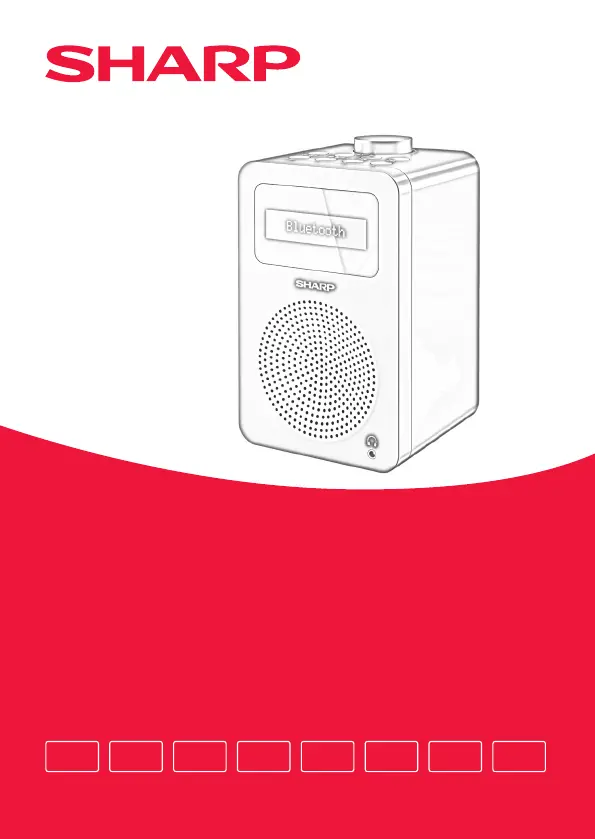
Tokyo Digital Radio
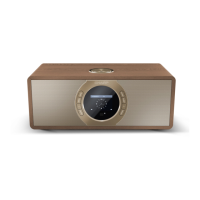
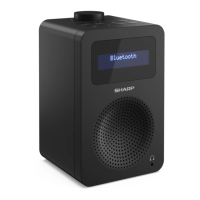
Product images are for illustration purposes only. Actual product may vary.

Table of Contents

Other manuals for Sharp DR-430

Questions and Answers

  • K
    Kristin ChangAug 11, 2025
    What to do if my Sharp DR-430 has no sound or power?
    • W
      wthomasAug 11, 2025
      If your Sharp Radio isn't producing any sound or power, first, make sure to adjust the volume. Also, verify that the power cable is properly connected and that the radio is not in standby mode.
  • V
    veronicawhiteAug 18, 2025
    Why is my Sharp Radio not pairing with Bluetooth?
    • M
      mjamesAug 18, 2025
      If you're having trouble pairing your Sharp Radio with a Bluetooth device, first, ensure that you are in Bluetooth mode. Make sure that the Bluetooth device is within 10 meters of the radio. It's also a good idea to move the radio and Bluetooth device away from other Bluetooth devices or electrical equipment. If possible, turn off other nearby Bluetooth devices or disable their Bluetooth functionality.
  • D
    David FarmerAug 27, 2025
    How to improve the radio reception on my Sharp DR-430 Radio?
    • S
      Scott HollowayAug 27, 2025
      If your Sharp Radio reception is poor, fully extend the telescopic aerial (preferably vertically). If this does not help, try rescanning for radio stations. Also, try moving your radio to another location to see if the reception improves. Check that you do not have other electrical equipment close to your radio, as this may cause interference.
  • P
    Patricia MartinSep 2, 2025
    What to do if function buttons do not respond on Sharp DR-430?
    • J
      jshahSep 2, 2025
      If the function buttons on your Sharp Radio are not responding, short press the button for seconds and reconnect the power supply.

Sharp DR-430 Specifications

General IconGeneral
BrandSharp
ModelDR-430
CategoryRadio
LanguageEnglish

Related product manuals