Polling (Requires a Fax Transmission)
62
Requesting transmission
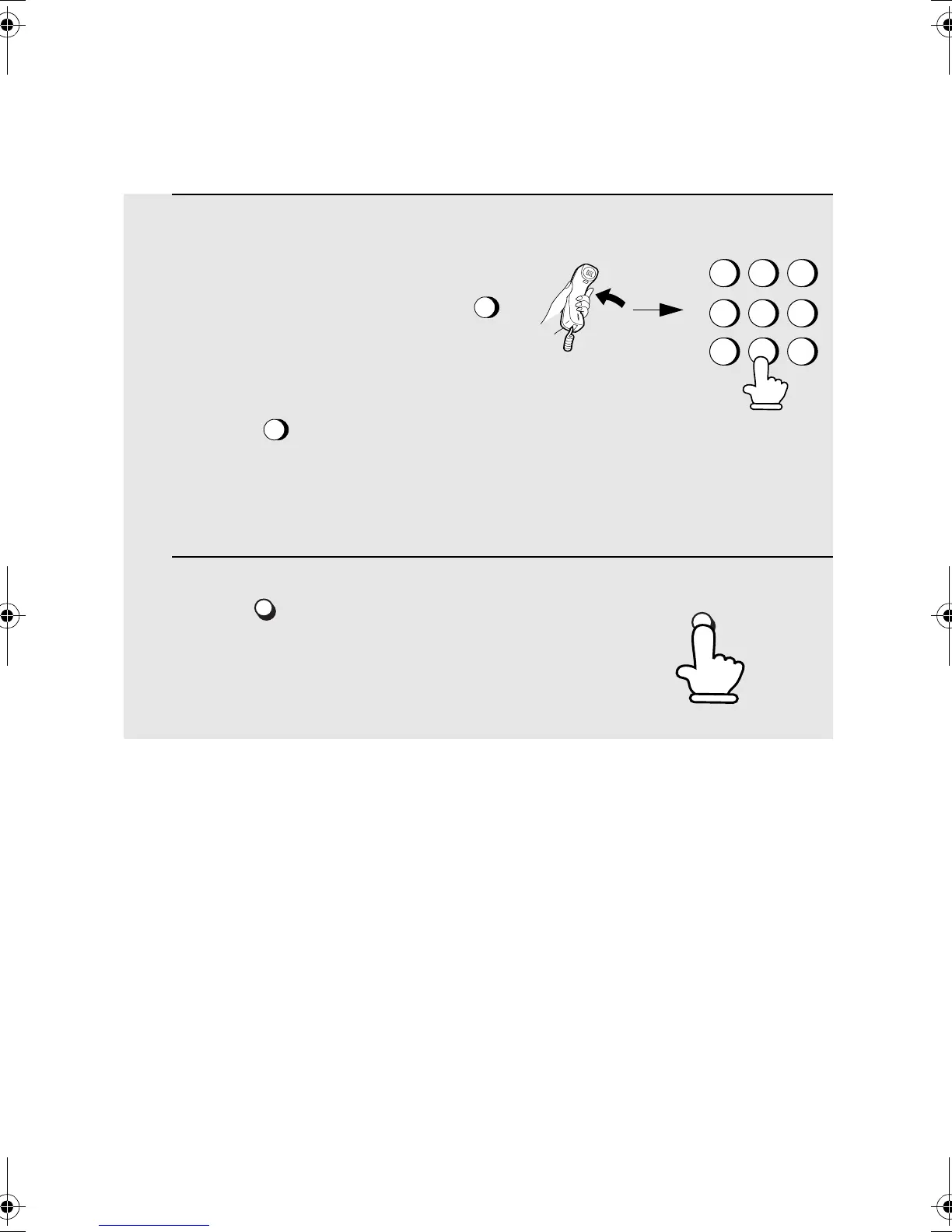
1 Dial the fax machine you want to poll using one of the following
methods:
• Pick up the handset (or press )
and press a Rapid Key. Wait for the fax
answerback tone.
• Press and enter a 2-digit Speed
Dial number.
• Enter the full number using the numeric
keys.
2 Press .
• If you used the handset, replace it when
POLLING appears in the display.
Reception will begin.
SPEAKER
SPEED
DIAL
E/POLL
2
5
8
GHI
JKL
MNO
TUV
WXYZ
PQRS
ABC
DEF
1
4
7
3
6
9
E/POLL
all.bookPage62Friday,April5,200211:44AM



 To Next Page