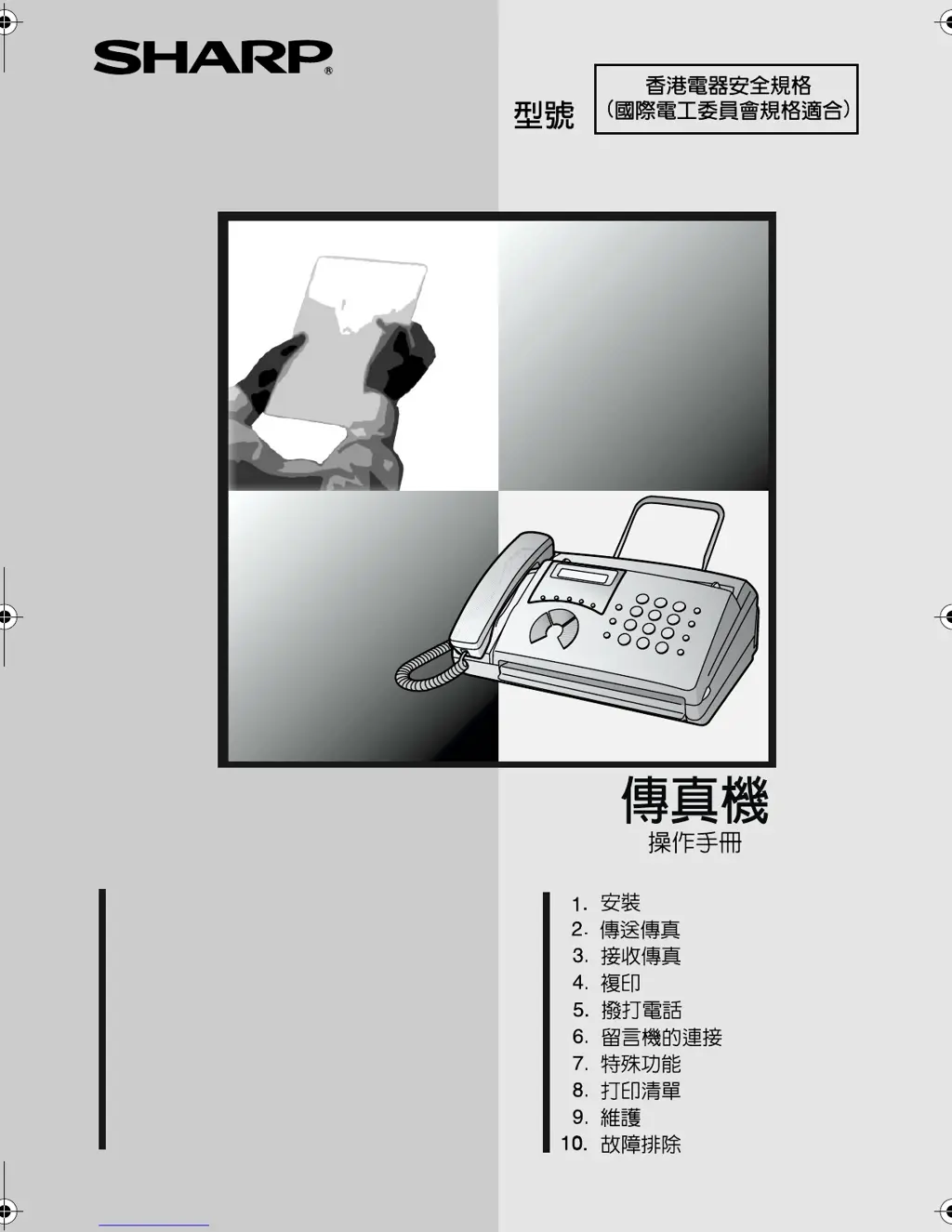
What to do if Sharp FO-11 does not respond when pressing keys?
- BBilly NelsonSep 10, 2025
If the Sharp Fax Machine doesn't respond when you press its keys, and no beep sound is heard, unplug the power cord and plug it back in after a few seconds.
What to do if Sharp FO-11 does not respond when pressing keys?
If the Sharp Fax Machine doesn't respond when you press its keys, and no beep sound is heard, unplug the power cord and plug it back in after a few seconds.
Why does Sharp FO-11 Fax Machine interrupt voice calls on extension phone?
If voice calls are interrupted by the fax on your Sharp Fax Machine, especially when using an extension phone, it might be because the reception mode is set to A.M. To prevent this on a tone dial extension, press any three keys on the extension phone after answering.
How to fix poor copy quality and dark lines on Sharp Fax Machine?
If your Sharp Fax Machine has poor copy quality or shows dark vertical lines, the scanning glass might be dirty. Clean the scanning glass.
What to do if Sharp FO-11 power is on, but no transmission takes place?
If your Sharp Fax Machine is on but no transmission occurs, check that the receiving machine has paper and that the telephone line cord is plugged into the TEL. LINE socket, not the TEL. SET socket. Also, if the receiving machine is in manual mode without an attendant, reception won't be possible. Check the display for error messages and pick up the handset to check for a dial tone.
Why no reception occurs when polling is attempted on Sharp FO-11?
If your Sharp Fax Machine isn't receiving when polling is attempted, ensure you haven't run out of paper. Also, check that the transmitting machine is in automatic reception mode. If the transmitting machine uses polling security, verify that your fax number is entered in both machines.
Why does Sharp Fax Machine print blank pages when receiving?
If your Sharp Fax Machine prints blank pages when receiving a document, ensure the document is loaded correctly in the transmitting machine's feeder. Try making a copy or printing a report to test your machine's printing capability. Also, check that the thermal paper is correctly loaded in your fax machine.
Why does Sharp FO-11 print in strips?
If your Sharp Fax Machine prints received documents or copies in strips, make sure the operation panel is completely closed by pressing down on both sides.
Why no dial tone when I pick up the handset on Sharp FO-11?
If you don't hear a dial tone when you pick up the handset or press the SPEAKER key on your Sharp Fax Machine, ensure the handset cord is connected to the correct socket.
Why is the received document faint on my Sharp FO-11?
If your Sharp Fax Machine prints a faint received document, ask the sender to send documents with higher contrast. If it's still too low, your fax machine may need service. Try making a copy or printing a report to check your machine’s printing ability. Also, make sure you're using the recommended thermal paper.
Why answering machine connection does not operate properly on Sharp Fax Machine?
If the Sharp Fax Machine's answering machine connection isn't working, ensure the reception mode is set to A.M. Check that the TEL. LINE socket is connected to the wall and the TEL. SET socket to the answering machine's line socket. The outgoing message should be under 10 seconds, and the Quiet Detect Time should be three or four seconds.
Instructions for connecting handset, power, and telephone line.
Step-by-step guide for loading thermal paper into the fax machine.
How to load documents into the feeder for transmission.
Steps to send a fax by manually dialling the recipient's number.
Methods for sending faxes using stored numbers (Rapid Key, Speed Dial).
Guide to physically connect an answering machine to the fax.
Common issues and their troubleshooting steps, including line errors.
Explanations of display messages and audible signals.
Procedures for removing jammed documents or printing paper.
Instructions for connecting handset, power, and telephone line.
Step-by-step guide for loading thermal paper into the fax machine.
How to load documents into the feeder for transmission.
Steps to send a fax by manually dialling the recipient's number.
Methods for sending faxes using stored numbers (Rapid Key, Speed Dial).
Guide to physically connect an answering machine to the fax.
Common issues and their troubleshooting steps, including line errors.
Explanations of display messages and audible signals.
Procedures for removing jammed documents or printing paper.
| Paper Capacity | 50 sheets |
|---|---|
| Automatic Document Feeder (ADF) | 10 sheets |
| Printing Method | Thermal Transfer |
| Type | Plain Paper Fax |
| Compatibility | G3 |
| Paper Size | A4 |
| Print Resolution | 203 x 391 dpi |
Loading...