EasyManua.ls Logo

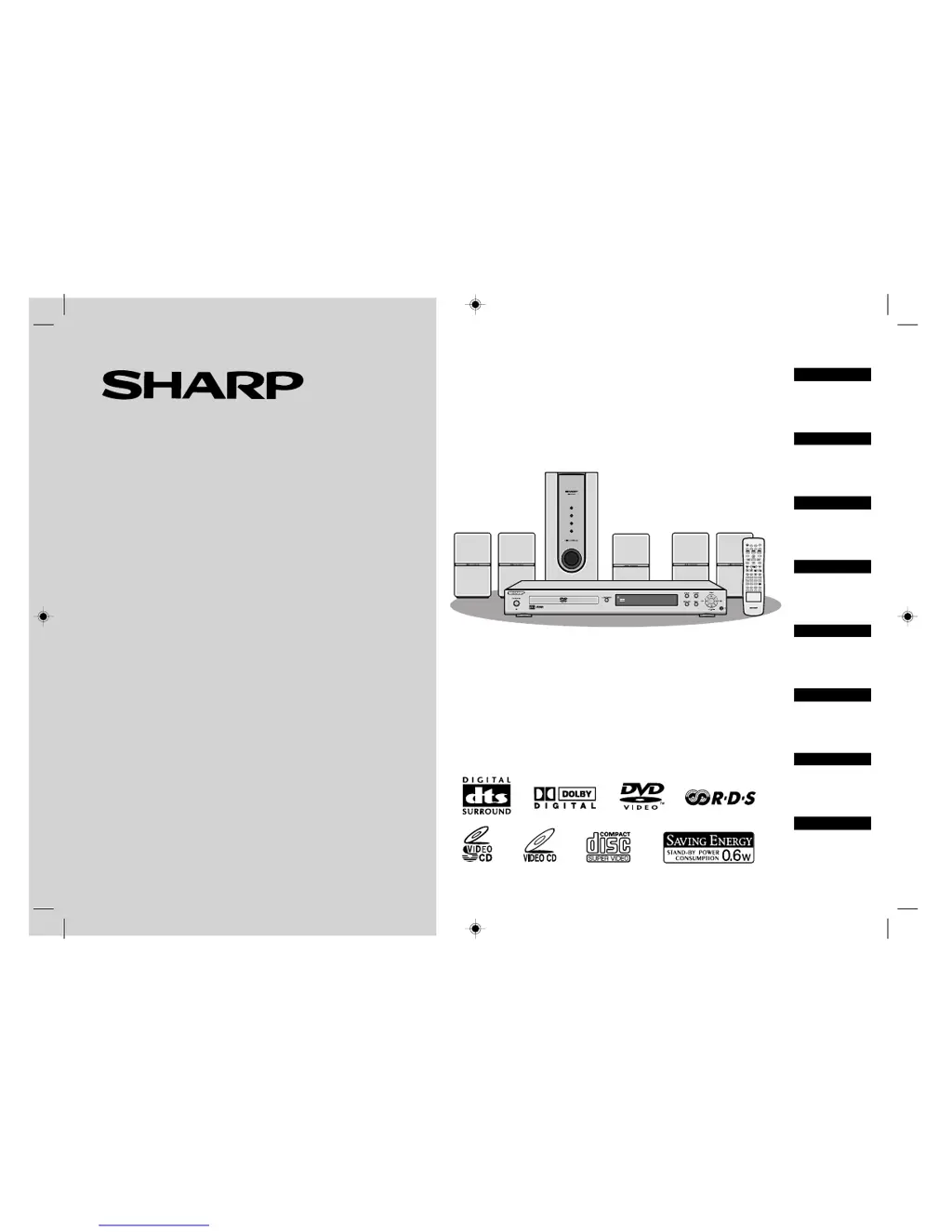
Sharp HT-CN400DVH - User Manual

Sharp HT-CN400DVH
61 pages
Print Icon
To Next Page IconTo Next Page
Loading...
MODELL
MODÈLE
MODELO
MODELL
MODELLO
MODEL
MODELO
MODEL
HT-CN400DVH
HT-CN500DVH
BEDIENUNGSANLEITUNG
MODE D’EMPLOI
MANUAL DE MANEJO
BRUKSANVISNING
MANUALE DI ISTRUZIONI
GEBRUIKSAANWIJZING
MANUAL DE OPERAÇÃO
OPERATION MANUAL
HEIMKINO MIT DVD
HOME CINEMA AVEC DVD
HOME CINEMA CON DVD
HEMBIOGRAF MED DVD
HOME CINEMA CON DVD
THUIS-BIOSCOOP MET DVD
CINEMA EM CASA COM DVD
HOME CINEMA WITH DVD
DEUTSCH
ITALIANO
NEDERLANDS
ENGLISH
FRANÇAIS
ESPAÑOL
SVENSKA
PORTUGUÊS
Siehe Seiten i
bis vi und D-1 bis
D-52.
Se reporter aux
pages i à vi et F-1
à F-52.
Consulte las
páginas i a vi y
S-1 a S-52.
Hänvisa till
sidorna i till vi
och V-1 till V-52.
Leggere le
pagine i a vi e I-1
a I-52.
Raadpleeg de
bladzijden i t/m
vi en N-1 t/m N-52.
Favor consultar
as páginas i a vi
e P-1 a P-52.
Please refer to
pages i to vi and
E-1 to E-52.
HTCN400_500DVH(H) 92LCN400E0270
MULTI
PRESET
ADJ/VOL
9
8765
4
0
>
10
321
ENTER
SLEEP
ST/MO
TUNING
DISPLAY
LANGUAGE
MUTE
PROG
MENU/PBC
NTSC/PAL
STEP
A-B
REPEAT
ANGLE
DIRECT
LISTENING
SLOW/MEMORY
TITLE
ZOOM AUDIO
RETURN
MODE
SUBTITLE
SET UP
OPEN/
CLOSE
ON/
STAND-BY

Table of Contents

Other manuals for Sharp HT-CN400DVH

Questions and Answers

  • D
    Debbie OlsonAug 17, 2025
    How to fix no sound on my Sharp HT-CN400DVH Home Theater System?
    • A
      Amanda HudsonAug 17, 2025
      If no sound is coming from your Sharp Home Theater System, ensure the volume isn't set to "0", check that headphones aren't connected, and verify the speaker wires are properly connected.
  • J
    Jane HenryAug 20, 2025
    Why won't my Sharp Home Theater System turn on?
    • R
      rosejesseAug 20, 2025
      If your Sharp Home Theater System isn't powering on, first check if the unit is properly plugged in. If it is, the protection circuit might be activated. Unplug the power lead, wait for at least 15 minutes, and then plug it back in.
  • C
    Catherine CarterAug 22, 2025
    What to do if no images are displayed on Sharp Home Theater System?
    • T
      Terry HenryAug 22, 2025
      If no images are displaying on your Sharp Home Theater System, ensure that your TV is turned on and that the correct input is selected on your TV.
  • T
    thomassimpsonAug 26, 2025
    How to stop noise during playback on Sharp HT-CN400DVH Home Theater System?
    • C
      Claire HallAug 26, 2025
      If you're hearing noise during playback on your Sharp Home Theater System, try moving the unit away from computers or mobile phones.
  • D
    Dana MckenzieAug 28, 2025
    Why are the speakers not well balanced on Sharp Home Theater System?
    • J
      Jodi HernandezAug 28, 2025
      If the sound from the speakers on your Sharp Home Theater System isn't well balanced: * Check if the speaker leads are connected to the correct channels. * Ensure each speaker is placed at the same distance from the listener. * Verify that the speakers are adjusted to the same level.
  • P
    Patrick WelchAug 30, 2025
    How to reduce interference on TV image with Sharp HT-CN400DVH?
    • A
      April OdonnellAug 31, 2025
      If you're experiencing interference or noise on the TV image with your Sharp Home Theater System, and the unit is placed near a TV with an internal aerial, try using an external aerial.
  • A
    Alexis GutierrezSep 3, 2025
    Why does Sharp Home Theater System radio make unusual noises?
    • G
      Gregory BuchananSep 3, 2025
      If your Sharp Home Theater System radio is making unusual noises, check if the unit is near a TV or computer. Also, make sure the FM aerial or AM loop aerial is placed properly, and move the aerial away from the AC power lead or the unit if it's located nearby.
  • M
    Mr. Hunter SkinnerSep 5, 2025
    What to do if buttons don't respond on Sharp Home Theater System?
    • A
      Amber SloanSep 5, 2025
      If your Sharp Home Theater System doesn't respond when a button is pressed, set the unit to power stand-by mode and then turn it back on.
  • J
    Jamie McgrathSep 8, 2025
    Why can't I recall preset channels on Sharp Home Theater System?
    • T
      Timothy SmithSep 8, 2025
      If the preset channel cannot be recalled on your Sharp Home Theater System, and you recently removed the plug from the wall socket or experienced a power failure, you will need to set the channel again.
  • S
    sylvia03Sep 12, 2025
    What to do if Sharp HT-CN400DVH malfunctions?
    • C
      Chad LoweSep 12, 2025
      To address issues with your Sharp Home Theater System, first set the unit to stand-by mode and turn the power on again. If that doesn't work, unplug the unit, plug it back in, and then turn the power on.

Summary

General Information

Precautions

Important safety guidelines for operating and placing the equipment.

System Connections

Speaker Connection

Illustrates how to connect speakers to the main unit, matching colors.

External Connections

Guides connecting the unit to TVs and VCRs via S-video, SCART, or video outputs.

Preparation for Use

Power and Setup

Guides battery installation, powering on, and system setup menu navigation.

DVD Operation

DVD Playback

Step-by-step guide on loading a disc and initiating playback.

Advanced Features

Sound Modes

Details DTS, Dolby Digital, and Dolby Pro Logic surround sound settings.

Speaker Configuration

Guides adjusting speaker delay times and individual speaker levels.

References

Error and Troubleshooting

Lists common error messages and provides solutions for common problems.

Sharp HT-CN400DVH Specifications

General IconGeneral
BrandSharp
ModelHT-CN400DVH
CategoryHome Theater System
LanguageEnglish

Related product manuals