E-17
ENG
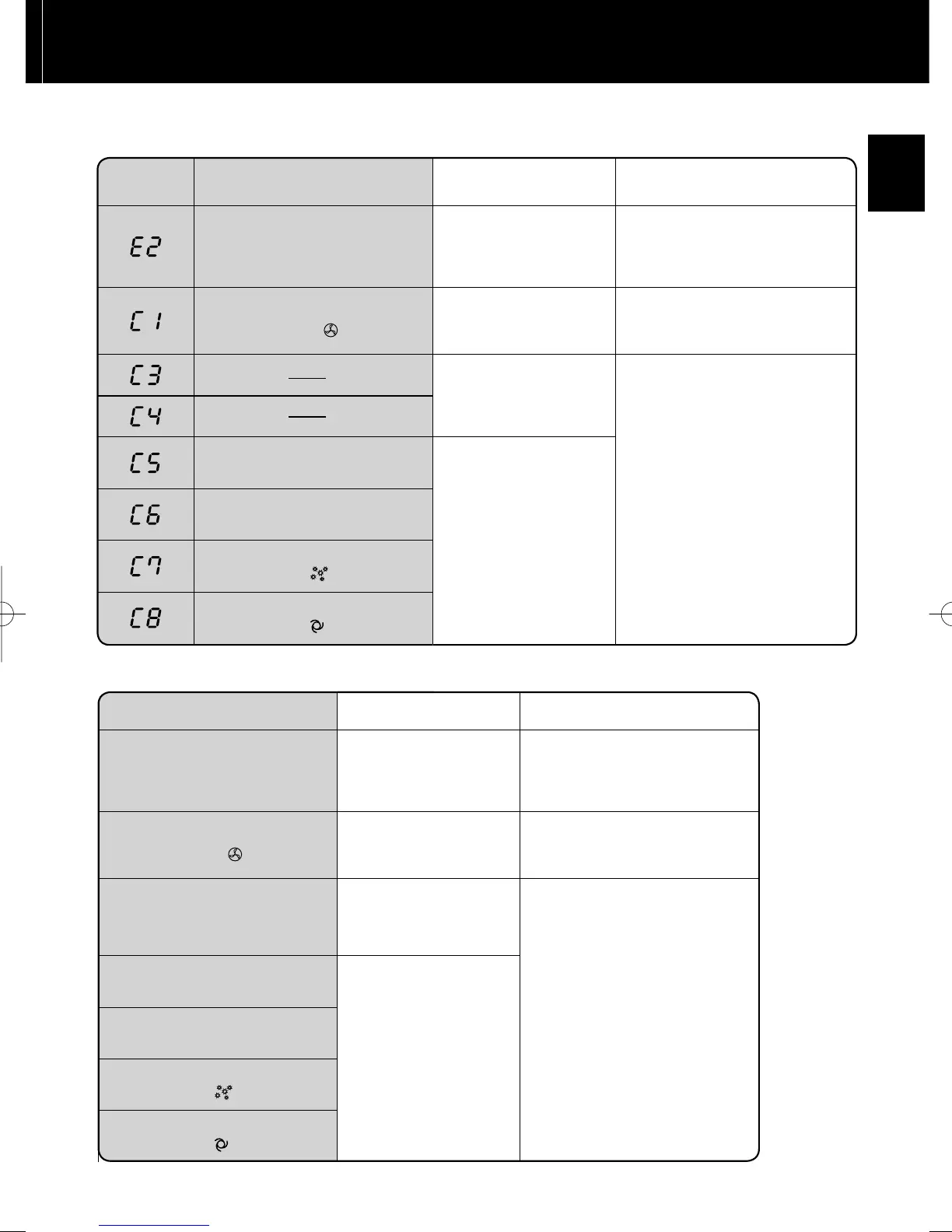
ERROR DISPLAY
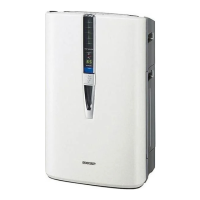
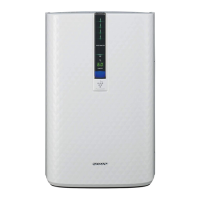
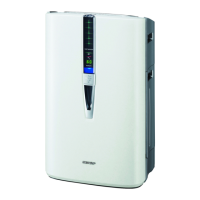
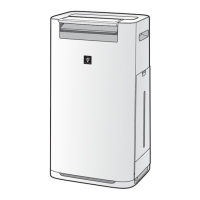
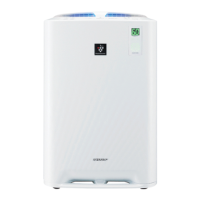
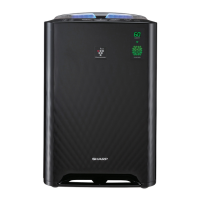
KC-850E•KC-860E
If error occurs again, contact the Sharp Service Centre.
DIGITAL
INDICATION
LAMP INDICATION ERROR DETAILS REMEDY
Flashing of the Clean Air &
Humidify Indicator Light.
Abnormal humidity fi lter Verify if the Humidifying Filter,
Humidifying Tray and Water
Tank are properly installed and
then turn power ON again.
Flashing of the Fan Speed
Indicator Light '
'.
Abnormal fan motor
Turn power OFF to cancel the
error display, wait one minute,
and then turn power ON.
Abnormal temperature-
humidity sensor
Unplug the unit, wait one
minute, and plug the unit in
again.
Flashing of the Clean Ion
Shower Indicator Light.
Problem in circuit board
Flashing of the Clean Air Indi-
cator Light.
Flashing of the Fan Speed In-
dicator Light ' '.
Flashing of the Fan Speed In-
dicator Light ' '.
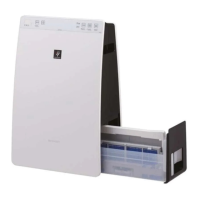
KC-840E
LAMP INDICATION ERROR DETAILS REMEDY
Flashing of the Clean Air &
Humidify Indicator Light.
Abnormal humidity fi lter Verify if the Humidifying Filter,
Humidifying Tray and Water
Tank are properly installed and
then turn power ON again.
Flashing of the Fan Speed
Indicator Light '
'.
Abnormal fan motor
Turn power OFF to cancel the
error display, wait one minute,
and then turn power ON.
Abnormal temperature-
humidity sensor
Unplug the unit, wait one
minute, and plug the unit in
again.
Flashing of the Clean Ion
Shower Indicator Light.
Problem in circuit board
Flashing of the Clean Air Indi-
cator Light.
Flashing of the Fan Speed In-
dicator Light '
'.
Flashing of the Fan Speed In-
dicator Light '
'.
Flashing of the Humidity Indi-
cator Light ‘High’ or ‘Low’.
KC-840EEng2.inddSec1:17 2009/09/2412:23:11


 To Next Page
 Loading...