19
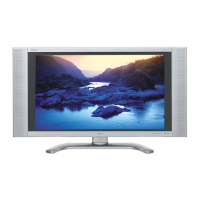
LC-26D43U
(2).Process mode
(3
)Composite N358 signal/tuner adjustment
(4) 15K COMPONENT signal adjustment
(5) Component 33Ksignal adjustment
Adjustment item Adjustment procedure
1
Process mode Enter the process adjustment mode using the process adjustment remote controller
Adjustment conditions
1 Setting N358 signal
US-10ch
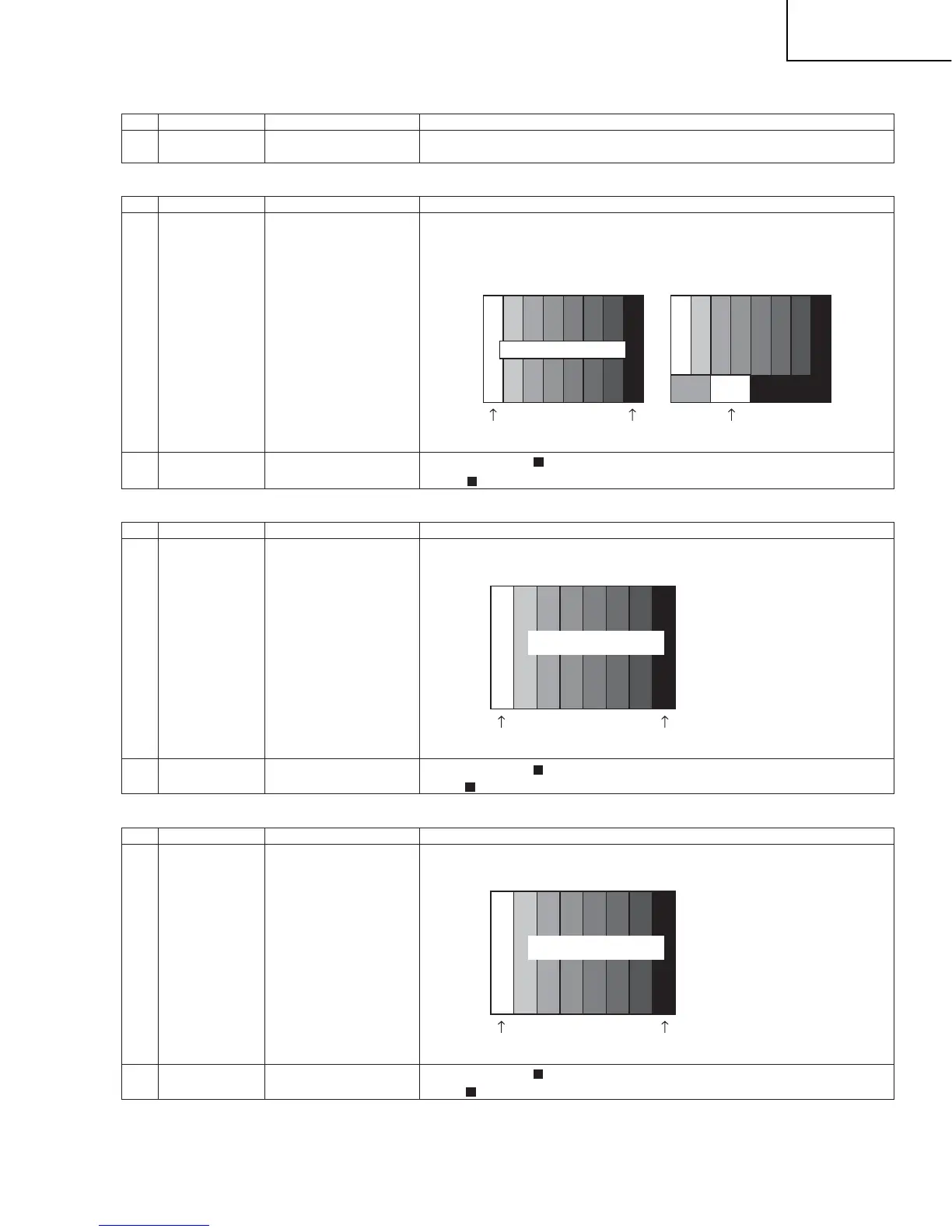
Feed the N358 color bar signal(75%)to VIDEO 1 Input
Feed the RF signal (by use of US-10CH) to TUNER.
2 Automatic adjust-
ment execution
Move the cursor to [ N358 ADJ] and press the [ENTER] key.
When [ N358 ADJ OK] appears,the adjustment is complete.
1 Setting 480i signal Feed the 100% color Bar signal to VIDEO1 COMPONENT input
2 Automatic adjust-
ment execution
Move the cursor t0 [ COMP 15K ALL ADJ] and press the [ENTER] key..
When [ COMP 15K ALL ADJ OK] appears, the adjustment is complete.
1 Setting 1080i signal Feed the 100% color Bar signal to VIDEO1 CIMPONENT input
2 Automatic adjust-
ment execution
Move the cursor to [ HDTV ADJ ] and press the [ENTER] key.
When [ HDTV ADJ OK] appears, the adjustment is complete.
[Video input signal] [US-10ch]
100% white 0% black 100% white
75% Color saturation
0% black
480i
100% color bar
100% white
100% Color saturation
0% black
1080i
100% color bar
100% white
100% Color saturation
•
•
Adjustment conditions
Adjustment conditions
Adjustment conditions
Adjustment item
Adjustment item
Adjustment item
Adjustment procedure
Adjustment procedure
Adjustment procedure









 To Next Page