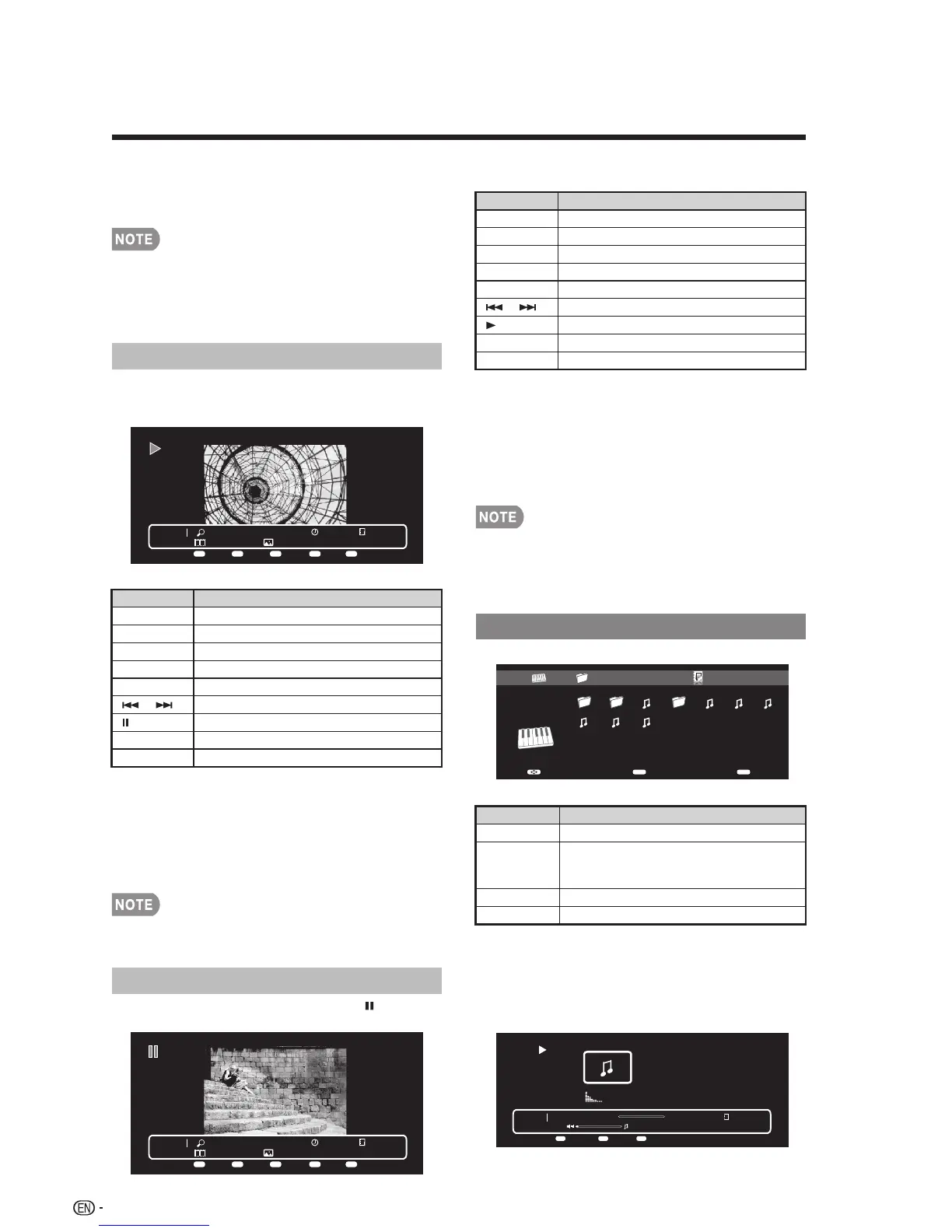
Press MENU to display the sub-menu. You can
select the following options to display the photos.
• Pause
• Repeat
• Shuffle
• Duration
• Effect
• Show Info
Music Mode
Slide Show
Buttons for slide show operation
Photo 1x
IMG_9690.jpgNone
Short 1/29
Menu
Repeat Duration Effect Shuffle
Menu A B C D
Buttons Description
EXIT Return to the thumbnail selection screen.
Menu Sub Menu.
DISPLAY Display the information.
A (red) Repeat one / Repeat all.
B (green) Select slider show interval.
C (blue) Select slide show effect.
D (yellow) Play the photo in random order.
Go to the previous/next photo.
Viewing individual photo.
Buttons for viewing Individual Photos
operation
Buttons Description
EXIT Return to the thumbnail selection screen.
Menu Sub Menu
DISPLAY Display the information.
A (red) Repeat one / Repeat all
B (green) Rotate the photo by 90 degrees to the right.
C (blue) Zoom photo.
D (yellow) Play the photo in random order.
Go to the previous/next photo.
Slider show.
The photo selected on the thumbnail selection
screen by press ENTER.
Example
Example
Example
Example
Buttons for music mode
Press MENU to display the sub-menu. You can
browse the files by the following options.
• Sort
• Media Type
• Thumbnail size
Buttons Description
When selecting a folder icon: Enter this
directory.
When selecting a music file: Play music.
Select a desired item.
ENTER
Return to the previous process.
EXIT
Sub Menu
Menu
Press MENU to display the sub-menu. You can
select the following options to display the photos.
• Play
• Repeat
• Shuffle
• Rotate
• Zoom
• Show Info
Press MENU to display the sub-menu. You can
browse the files by the following options.
• Sort
• Media Type
• Thumbnail size
• When there are invalid photo files, the X mark will be
display for the file.
• You can see the file name, shooting date, file size
and pixel size of the selected photo in the top-left
corner of the screen (shooting date is only available
in the EXIF file format).
• The key guide display disappears automatically after
a set time. To display the key guide display again,
press DISPLAY.
The photo in slide show by pressing .
/
Photo 1x
G%25C3%2592TIC-DESCANSANT.jpgNone
Short 5/29
Menu
Repeat Rotate Zoom Shuffle
Menu A B C D
Viewing Individual Photos
/
• The key guide display disappears automatically after
a set time. To display the key guide display again,
press DISPLAY.
• Rotating photos only applies to the temporarily
selected item and this setting is not saved.
▲/▼/
▲
▲
/
Music 00:00:03 00:04:49
2.mp3
3/8
Menu
Repeat Shuffle
Menu
A B
USB Media01/02
\Music
Music
2011-05-27 001 3pm.43pm.33pm.23pm.1100 003
5.mp3 6.mp3 7.mp3
EnterSelect
Exit
Enter Exit












 To Next Page