23
Web-site: www.sharp.co.uk/support Help Line: 08705 274277 (office hours)
Radio
- Listening to a Memorised Station -
MD-E9000H
■ To recall a memorised station
When in the tuner mode, press the PRESET (
XX
XX
X or
WW
WW
W) button to se-
lect the desired station.
■ To clear all memorised stations
1 Press the CLEAR/DELETE button on the remote control for 3 seconds or more.
2 Within 10 seconds, press the MEMORY/ENTER button.
■ Memorising a station
You can store 40 AM and FM stations in memory and recall them at the push of a
button. (Preset tuning)
1 Perform the steps 1 - 3 in “Listening to the Radio” on page 22.
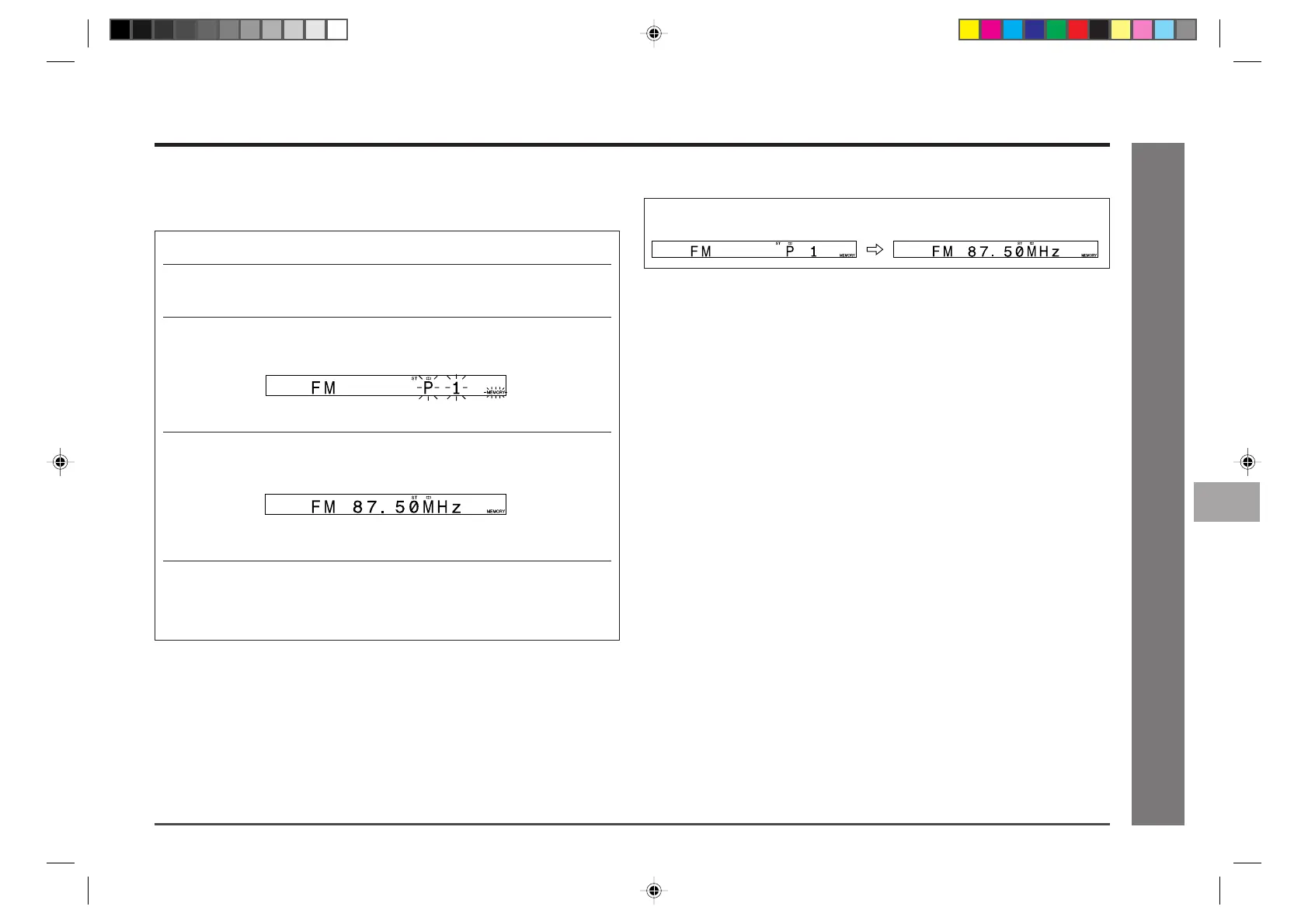
2 Press the MEMORY/ENTER button to enter the preset tuning sav-
ing mode.
3 Within 5 seconds, press the PRESET (
XX
XX
X
or
WW
WW
W
) button to select
the preset channel number.
Store the stations in memory, in order, starting with preset channel 1.
4 Within 5 seconds, press the MEMORY/ENTER button to store
that station in memory.
If the “MEMORY” and preset number indicators go out before the station is
memorised, repeat the operation from step 2.
5 Repeat steps 1 - 4 to set other stations, or to change a preset
station.
When a new station is stored in memory, the station previously memorised
will be erased.
Note:
The backup function protects the memorised stations for a few hours should there be
a power failure or the AC power lead disconnection.
Listening to a Memorised Station
11
12
10
9
8
6
7
5
4
3
2
1
*MD9000H-E22-23 2001.4.20, 2:57 AM23


 To Next Page