01/10/26 MD-MT170E_3.fm
16
MD-MT170E
Basic Operation
-Playback-
Playback
To interrupt playback
Press the button.
To resume playback, press the button again.
To stop playback
Press the :OFF/HOLD button.
If the unit is not operated for at least 2 minutes whilst in
the stop mode, the power will shut off automatically.
To turn off the power
Press the :OFF/HOLD button whilst in the stop mode.
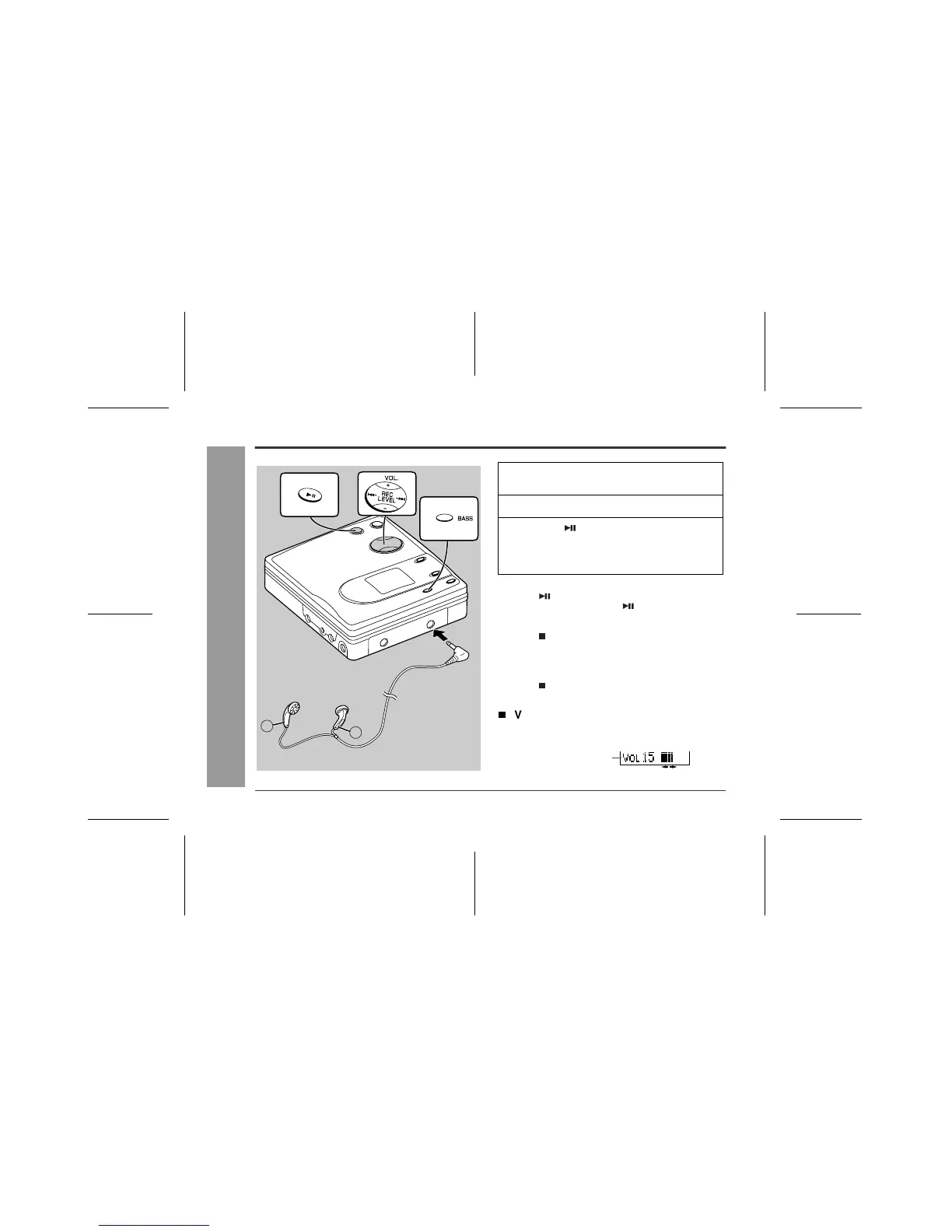
Volume control
Press the VOL+ button to increase the volume and the
VOL- button to decrease the volume.
L
R
Right
channel
Left
channel
To the PHONES
socket
1
Insert the earphones plug into the
PHONES socket.
2
Insert a MiniDisc (page 11).
3
Press the button.
Playback starts automatically with a playback only
MiniDisc or a MiniDisc which is protected against
accidental erasure (Auto-play function).
Volume (0 - 30)



 To Next Page