NORMAL COPYING
4-10
Automatic two-sided copying using the automatic
document feeding function
The machine can automatically copy two-sided originals, saving you the trouble of manually turning over each
original page.
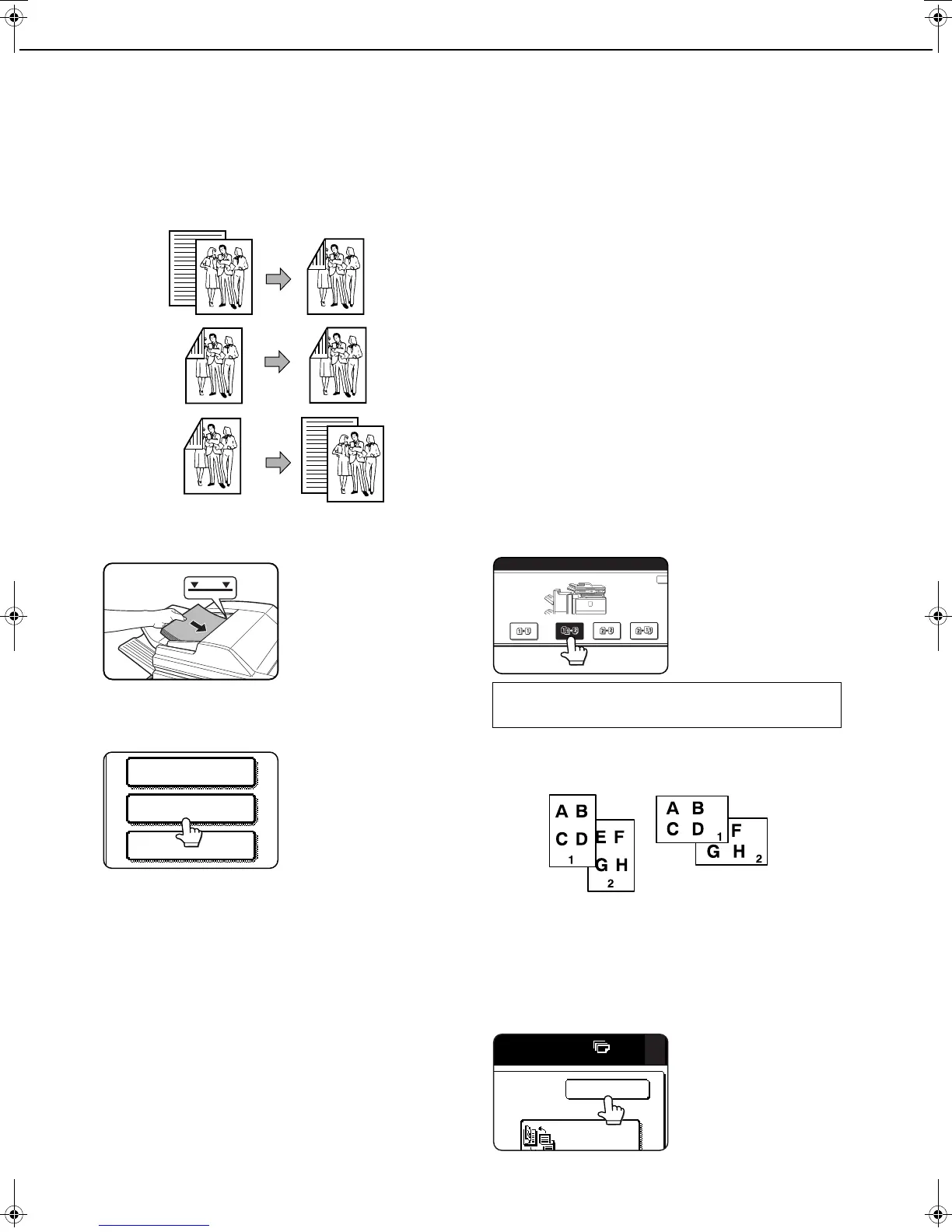
1. Automatic two-sided copying from one-sided
originals
2. Automatic two-sided copying from two-sided
originals
3. Automatic one-sided copying from two-sided
originals
1
Place the originals in the document feeder
tray. (pages 4-3 to 4-6)
2
Touch the [2-SIDED COPY] key.
3
Select the desired copy mode.
The display will vary
depending on the
equipment installed.
When making automatic two-sided copies of a
one-sided 11" x 17" (A3) or 8-1/2" x 14" (B4) size
portrait original, or when you wish to invert the top
and bottom of the back side of a two-sided original,
touch the [BINDING CHANGE] key.
4
Touch the [OK] key.
Perform steps 6 through 9 on pages 4-7 and 4-8.
Original
Copy
SPECIAL MODES
2-SIDED COPY
OUTPUT
If a copy key is touched for a mode that cannot
be selected, a double beep will sound.
Example of a
portrait-oriented
original
Example of a
landscape-oriented
original
dragon_04.fm 10 ページ 2006年11月29日 水曜日 午後8時52分


 To Next Page