29
E
Whiteboard
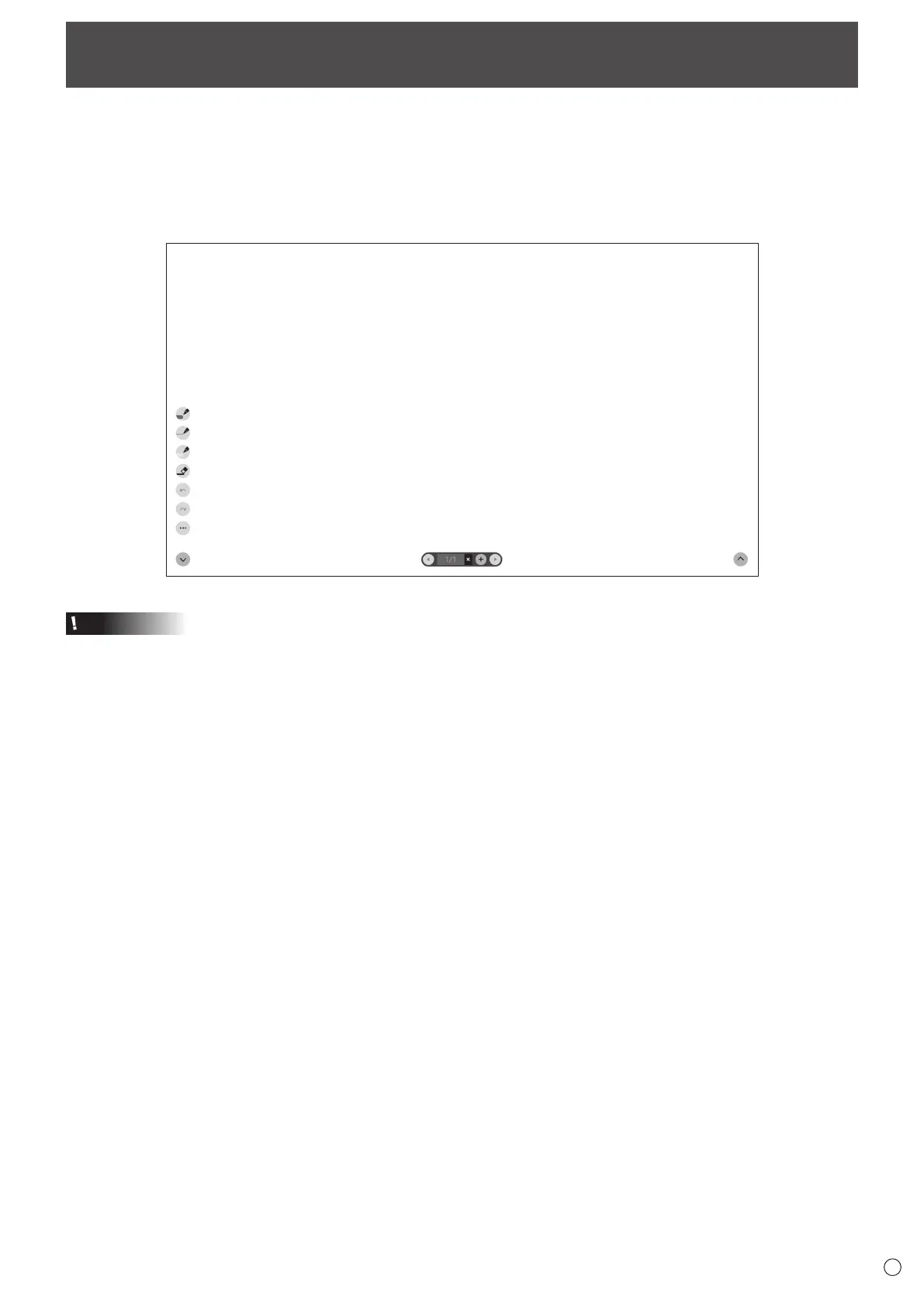
• You can write letters or draw lines on the screen as a whiteboard.
• You can print or save content written on the screen.
• You can display an image or PDF file, and write/draw letters and lines on the image.
• In this application, the data of one screen is referred to as a “sheet”.
• A maximum of 10 sheets can be opened.
1. On the home screen of APPLICATION mode, touch “Whiteboard”.
Caution
• When the power is turned off, any data in Whiteboard is lost.
• A message is displayed before the power turns OFF. Save any data you need.



 To Next Page