51
E
Controlling the Monitor with a computer (RS-232C)
You can control this monitor from a computer via RS-232C
(COM port) on the computer.
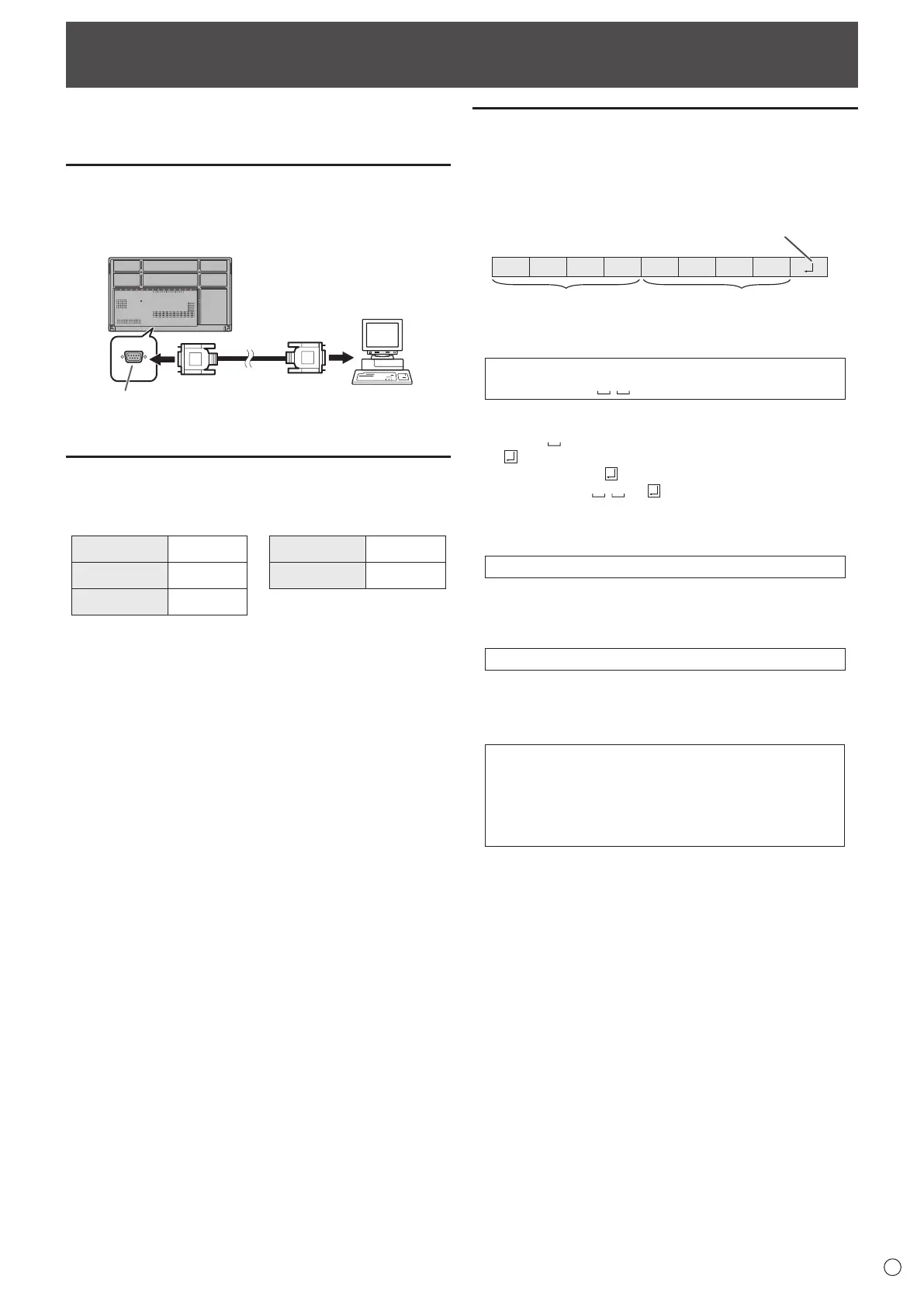
Computer connection
Connect with RS-232 straight cable between the computer’s
COM port (RS-232C connector) and the RS-232C input
terminal on the monitor.
RS-232 straight cable
(commercially available)
To COM port
Computer
Communication conditions
Set the RS-232C communication settings on the computer to
match the monitor’s communication settings as follows:
Baud rate 9600 bps
Stop bit
1 bit
Data length 8 bits Flow control None
Parity bit None
Communication procedure
n
Command format
When a command is sent from the computer to the monitor,
the monitor operates according to the received command and
sends a response message to the computer.
C1 C2 C3 C4 P1 P2 P3 P4
Command field
(4 prescribed
alphanumerical characters
Parameter field
(4 character string comprised of:
0-9, +, -, space, ?)
Example: VOLM0030
VOLM
30
* Be sure to input 4 characters for the parameter. Pad with
spaces (“
”) if necessary.
(“
” is a return code (0D
H
, 0A
H
or 0D
H
))
Wrong : VOLM30
Right : VOLM 30
When inputting a negative value, specify a numerical value in
three digits.
Example: OFSR-127
When the parameter part is 5 or more characters, specify
parameters using a specified number of characters without
using spaces.
Example: MPOS010097
If a command has “R” listed for “Direction” in the
“RS-232C command table” on page 53, the current value can
be returned by using “?” as the parameter.
Example:
VOLM ? ? ? ? ←
From computer to monitor (How
much is current volume setting?).
30 ←
From monitor to computer
(Current volume setting: 30).



 To Next Page