40
E
Web Browser
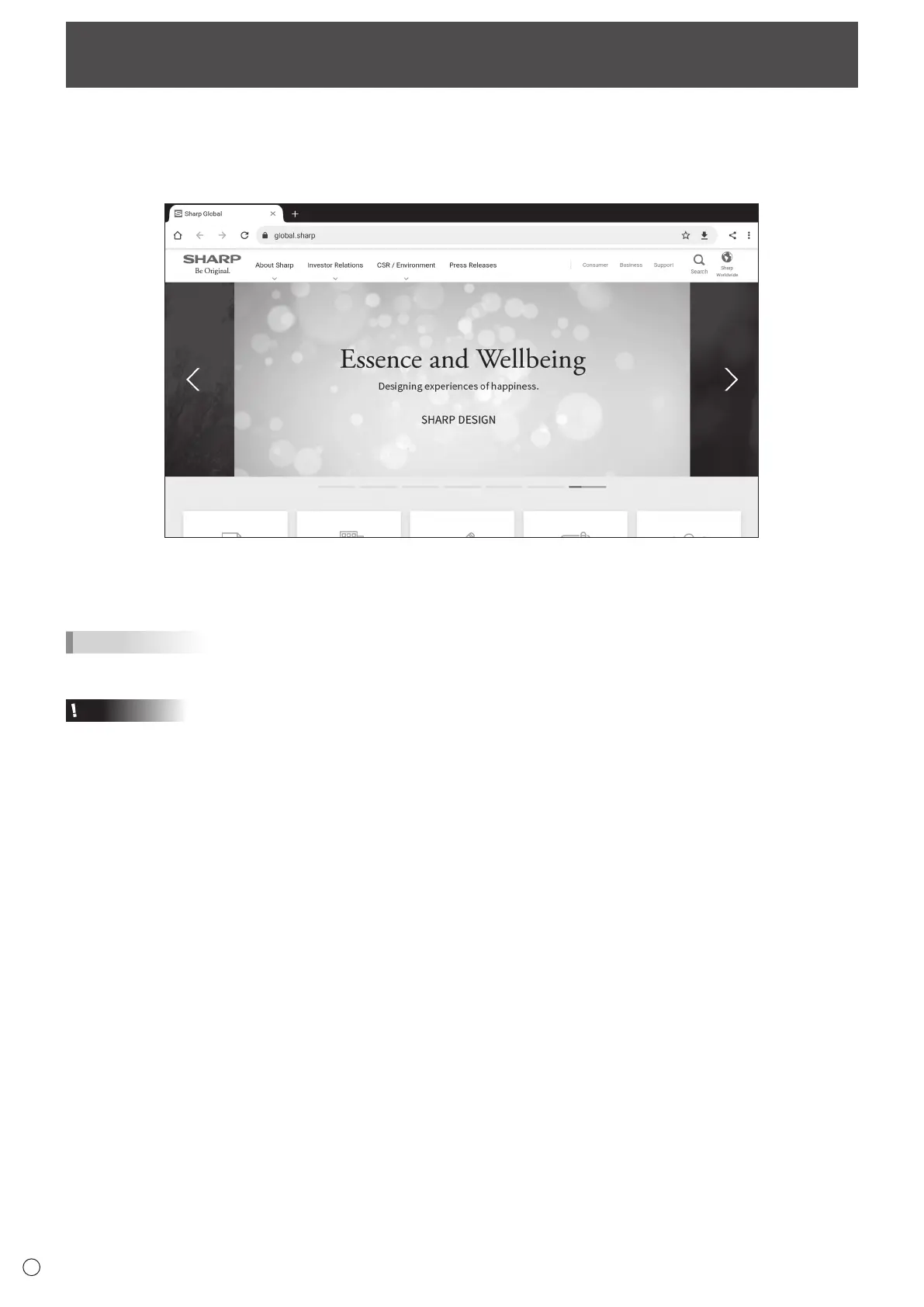
Browses the home page.
1. On the home screen of APPLICATION mode, touch “Web Browser”.
Exiting
Close the Web Browser from the recent app bar.
TIPS
• If a large-sized website is displayed, the Web Browser may close.
Caution
• Take proper care when browsing websites.
In a malicious website, the input contents may be stolen and fraudulent applications may be downloaded.
If a fraudulent application is installed, it may result in a virus infection or stealing of communication details.
• Be sure to log out from a website that you have used by logging in.
If you remain logged in, your personal information such as the ID may be known by a third person.



 To Next Page