13
E
10. USB port
• Connect a USB ash drive to the USB port.
• Do not connect a USB device other than a USB ash
drive.
• Turn off the power of the monitor when removing a USB
ash drive.
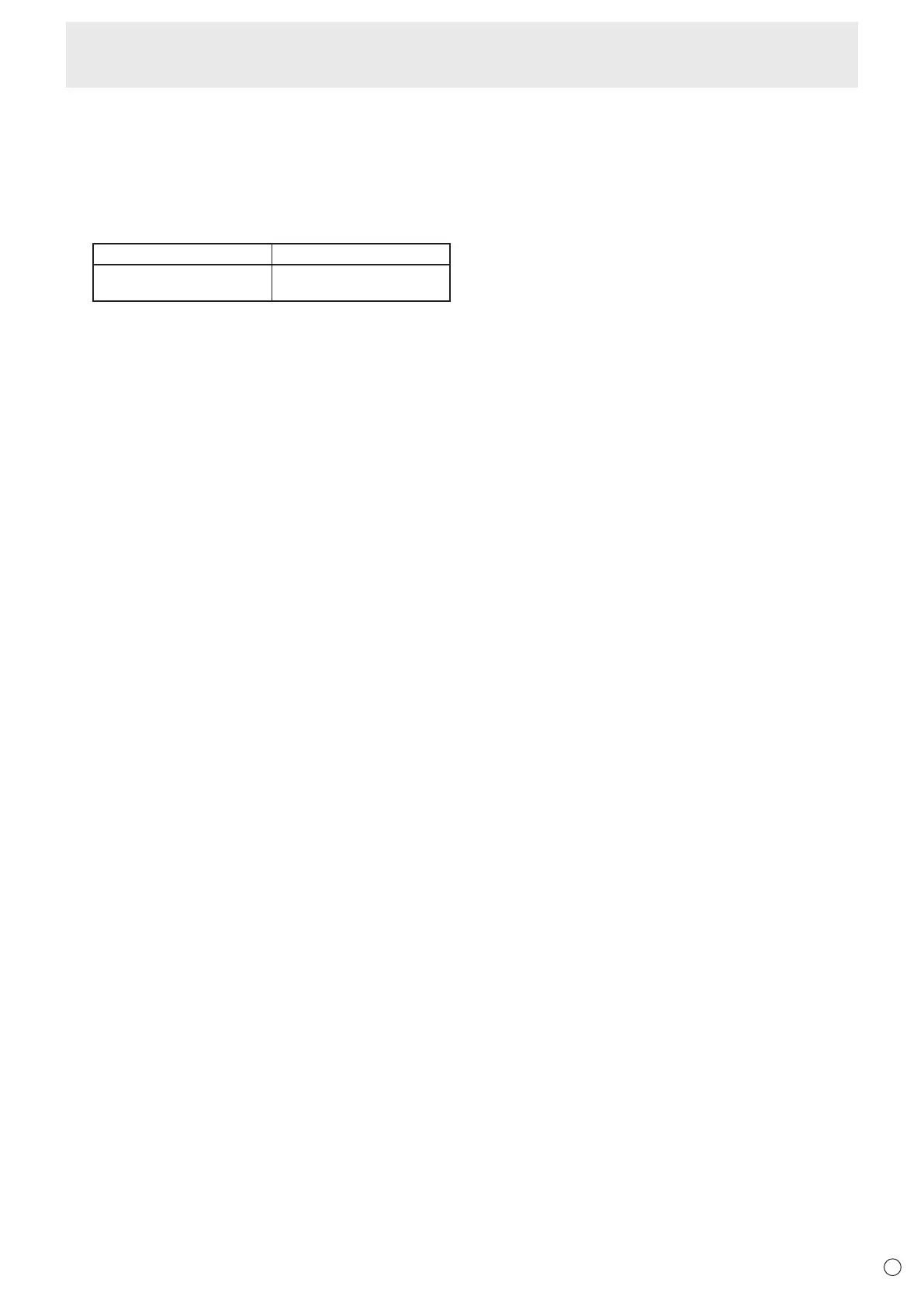
Supported USB ash drives
File System FAT16/32
Capacity
Up to 32 GB
(maximum le size 4 GB)
• Do not use a USB ash drive with a security function or
a write protection function.
• Use a USB ash drive with a shape that can be inserted
in the USB port. Some USB ash drives with special
shapes cannot be inserted. Do not forcibly insert a USB
ash drive. This may damage the connector and cause
failure.
Connecting Peripheral Equipment



 To Next Page