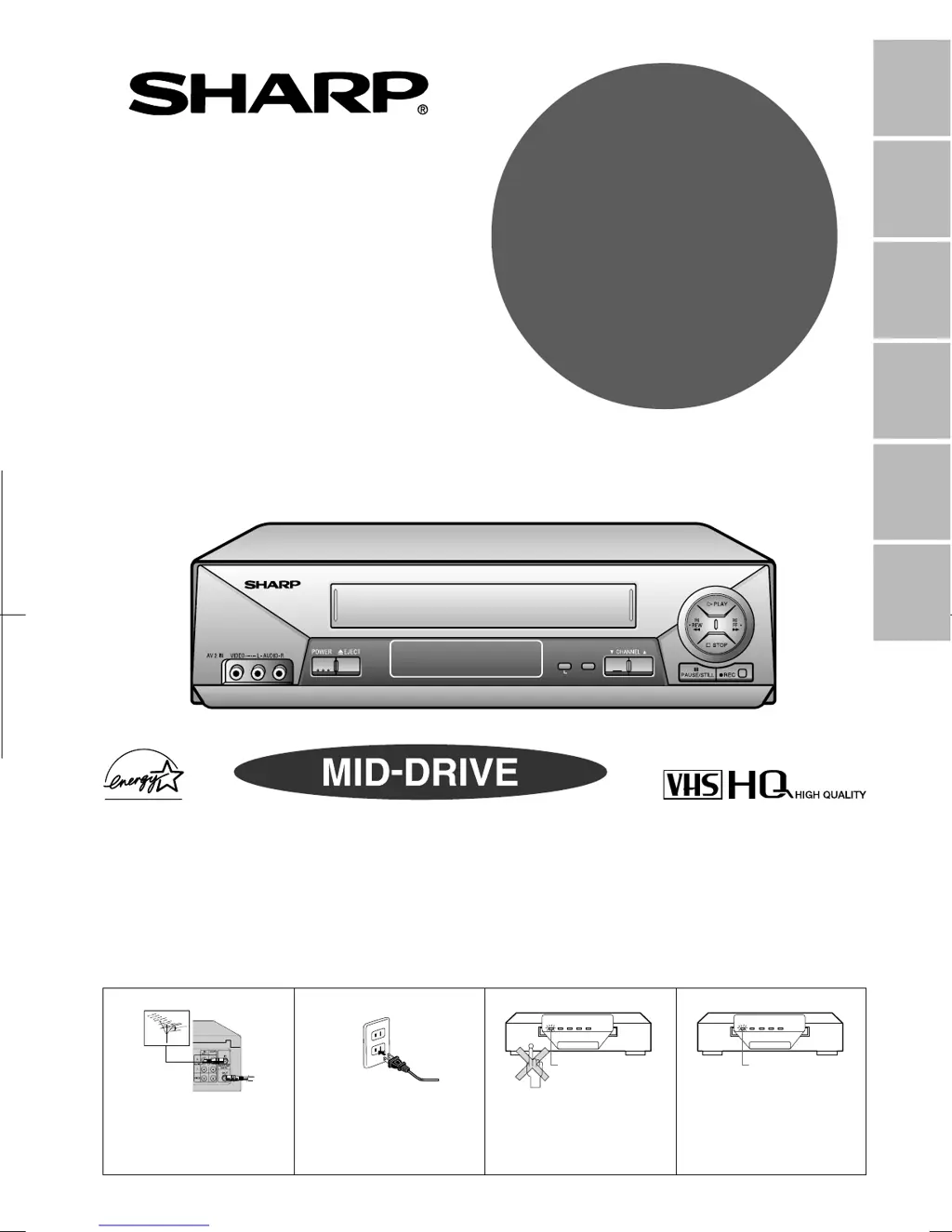
What to do if my Sharp VCR does not record?

What to do if my Sharp VCR does not record?
| Number of Heads | 4 |
|---|---|
| Remote Control | Yes |
| Tuner | Yes |
| Recording Speed | SP, LP, EP |
| Playback Speed | SP, LP, EP |
| Inputs | Composite Video, Audio |
| Outputs | Composite Video, Audio |
Essential safety instructions and precautions for operating the VCR, covering installation and operation guidelines.
Lists the main features and functions of the VCR, highlighting common and model-specific capabilities.
Lists the accessories that are included with the VCR for setup and operation.
Identifies and explains the main parts of the VCR unit, including front and rear panels.
Details the functions and operation of the VCR's remote control unit.
Instructions for connecting the VCR to a TV using RF or AV connections.
Guides on connecting the VCR to a cable TV system, with or without a cable box.
Explains how to access and use the VCR's menu screen for various settings.
Step-by-step guide for automatic channel and clock setting.
Instructions for selecting the display language for the VCR menu.
Procedures for setting the VCR's clock, including auto and manual methods.
Guide to preset channels for TV and CATV reception.
How to select various operational modes like Auto Repeat or Blue Screen.
Steps for inserting a cassette and playing back video tapes.
How to fast forward or rewind a video cassette.
Instructions for quickly finding specific sections on a tape.
How to play back tapes in slow motion.
How to freeze a frame or advance one frame at a time.
Explains the automatic tracking adjustment for clear playback.
How to manually adjust tape tracking for optimal picture quality.
How to eliminate monitor noise and mute sound for unrecorded tape portions.
Describes the VCR's quick start feature for recording and playback.
How the VCR automatically plays back a cassette upon insertion.
How to select audio output channels for Hi-Fi stereo playback.
Step-by-step guide to recording TV programs, with or without a cable box.
How to switch to TV mode to watch a different program while recording.
Explains how to protect tapes from accidental erasure.
Details the different recording speeds (SP, EP) and their trade-offs.
Information on recording stereo and SAP audio broadcasts.
How to record stereo or SAP broadcasts using the VCR.
How to connect and dub video from another device to the VCR.
Setting a simple timer for recording a program.
Detailed instructions for programming timer recordings.
How to view and verify set timer programs.
How to cancel previously set timer recordings.
Function to create clearer picture quality during playback.
Automatically repeats a recorded section of tape.
Returns the cassette to the "0:00.00" point automatically.
Quickly locates desired sections of tape using index signals.
Sets a forward video search time for approx. 30-120 seconds.
Sets a reverse video search time for approx. 20-80 seconds.
Locks all VCR modes to prevent accidental changes.
Provides technical specifications for the VCR models.
Lists common problems and their possible solutions.
Provides contact details for obtaining service and support.
Details the warranty terms and conditions for the VCR.
Loading...